
For productivity
Tools to assist colleagues in their daily activities
Enhance your Microsoft 365 environment with our components to increase productivity in the company.
Tools for productivity
Enhance your Microsoft 365 environment with components to increase company productivity.
Document Management System
Approval
Choose between electronic signature and email submission. Customize the approval process to your needs.
Creating from predefined templates
Use predefined templates and formats as a foundation to create your company documents.
Distribution
Keep colleagues updated in real-time on new procedures published in the SharePoint intranet.
Document management for departments
Each department has access to a private workspace to manage its documents independently.
Electronic signature
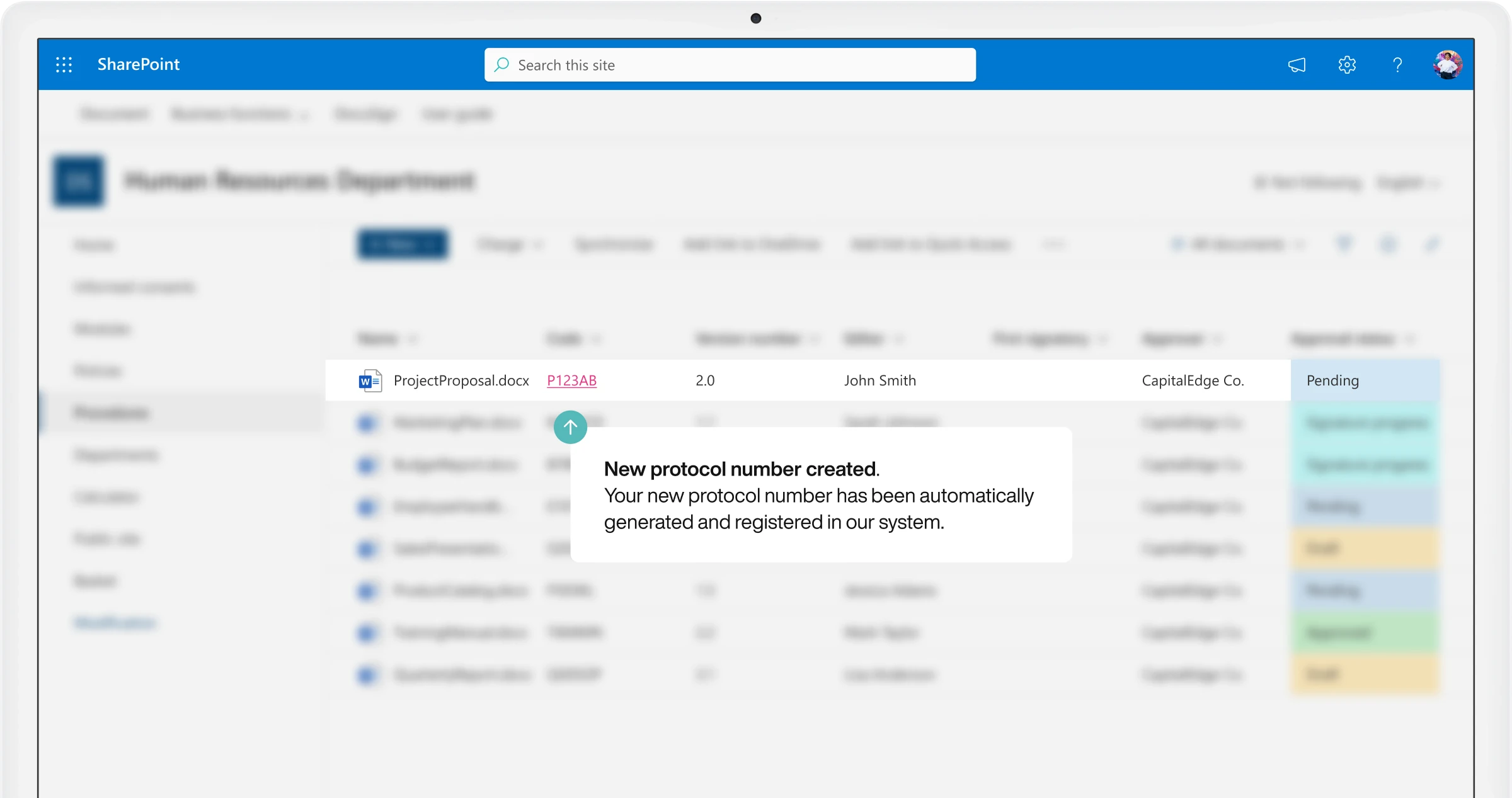
Automatically assign a unique protocol number to created documents.
Filing
Identification and traceability for company documents over time, reducing the risk of duplication and data loss.
Review
Leverage integration with Microsoft Office for document review in co-authoring mode.
Version history
Easily track and retrieve changes made to documents over time.
Resource Reservation
Booking calendar
View or cancel your bookings.
Booking management
Support your colleagues with their bookings.
Car and parking booking
Book your car and a spot in the company parking lot.
Desk booking
Book your workspace.
Filters
Quickly find the resources you need.
Material booking
Book company devices.
Quick booking
Access your SharePoint intranet and book with a single click.
Resource details
Configure company resources with customizable properties.
Resource types
Customize our component to manage and book your company's resources.
Room booking
Book your meeting room and invite colleagues to participate.
Document Acknowledgement
Distribute company procedures and track their consultation
Manage the acknowledgment of company documents with notification sending and tracking.
Monitor the receipt of corporate communications
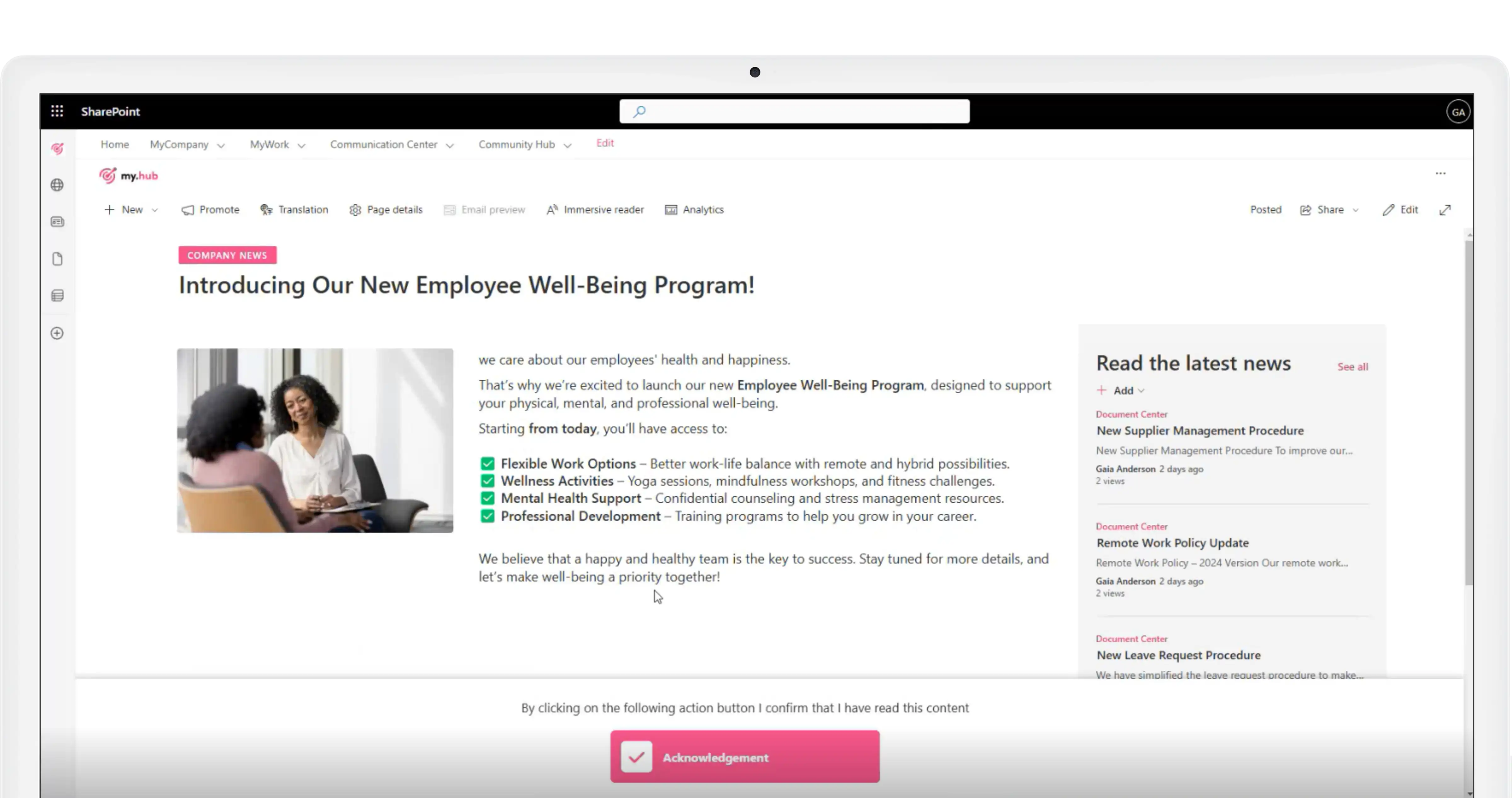
Document Acknowledgement is now available for posts published on the SharePoint intranet.
For productivity
Tools to assist colleagues in their daily activities.
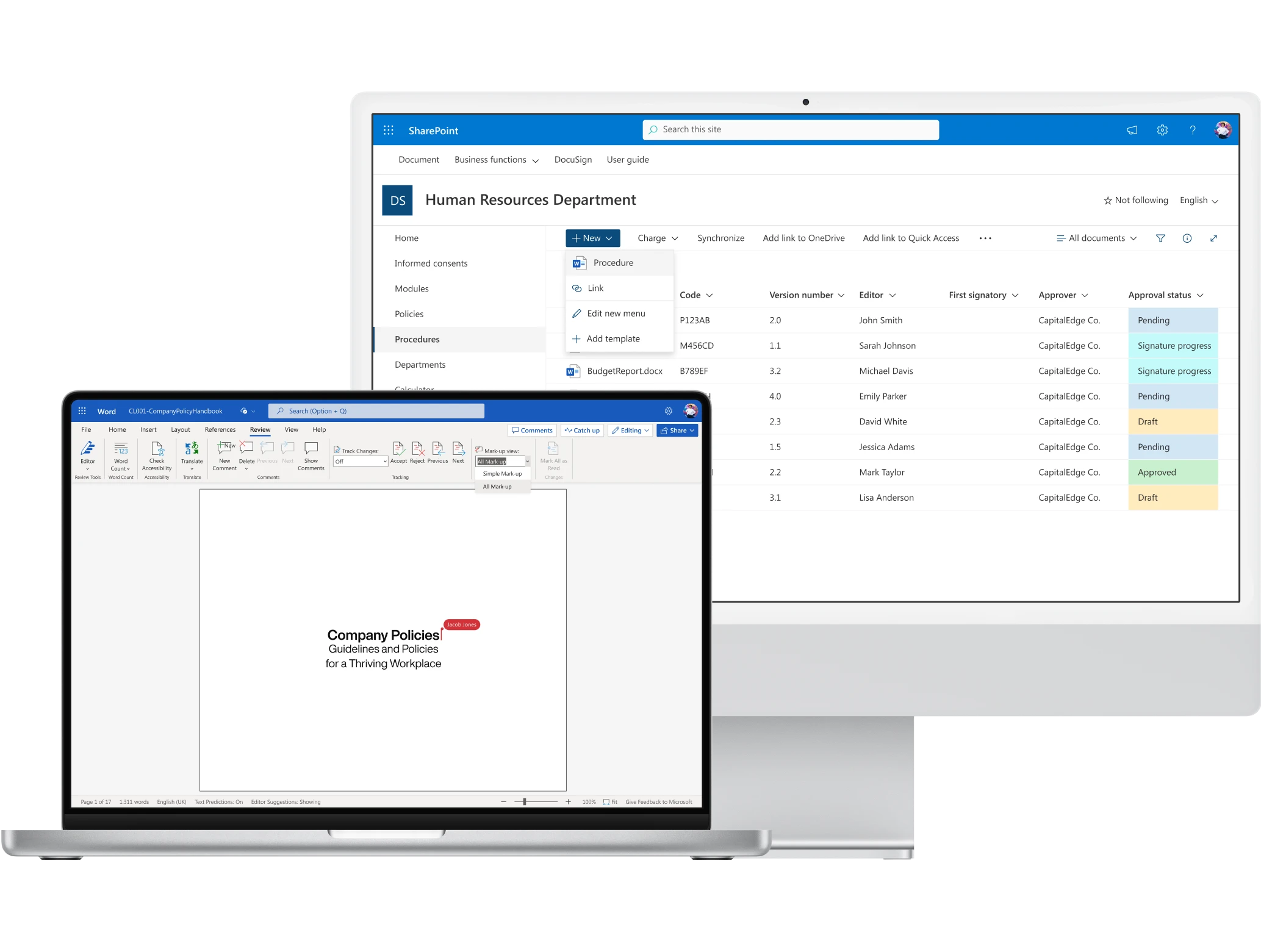
Approval
Our component integrates with DocuSign and Microsoft 365 to simplify the approval process.
Choose between electronic signature and email submission. Customize the approval process to your organization's needs with configurable workflows.
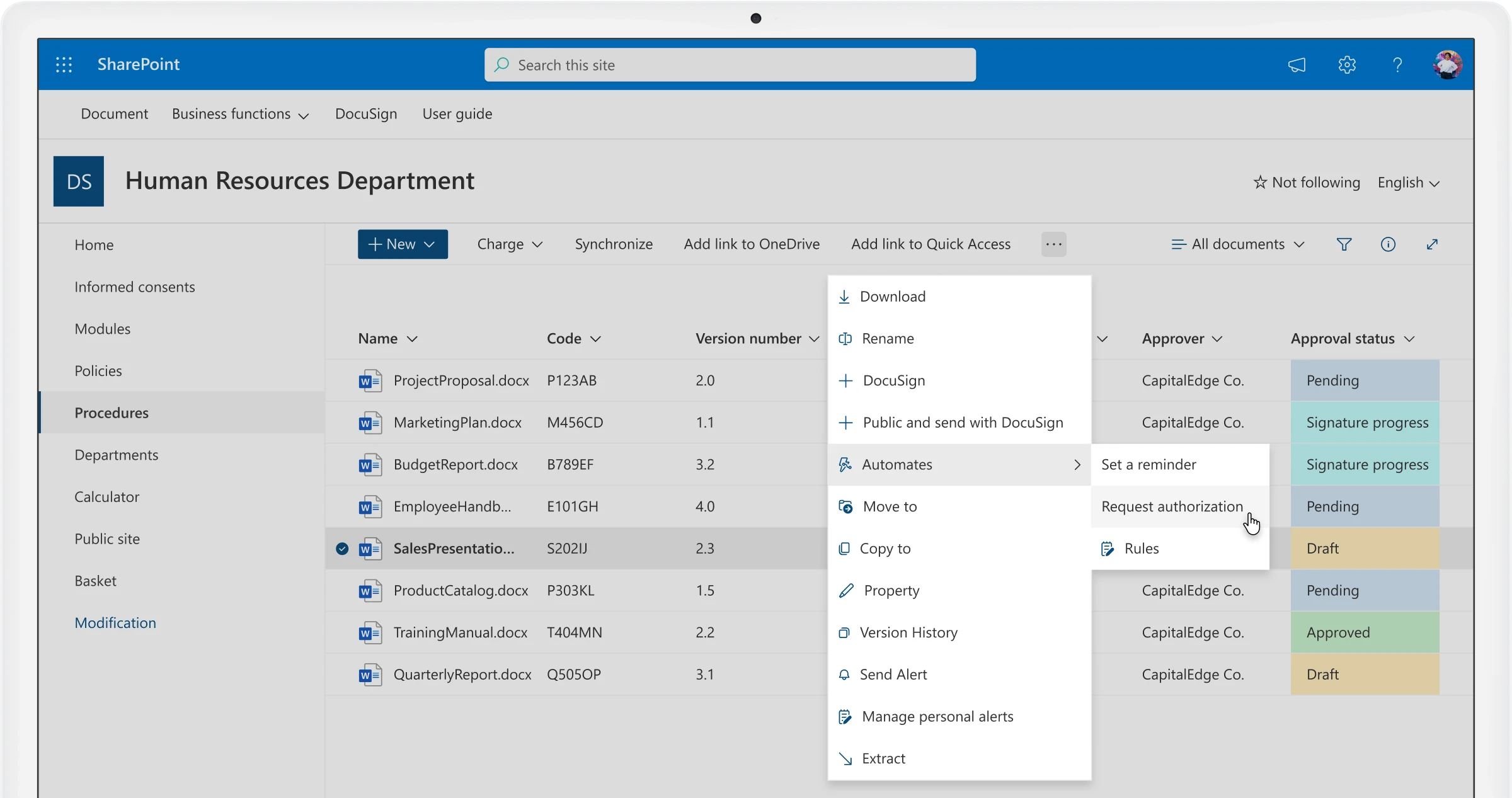
Creating from predefined templates
Save time and create consistent documents.
Use predefined templates and formats as a foundation to create your company documents, ensuring brand consistency and reducing drafting time.
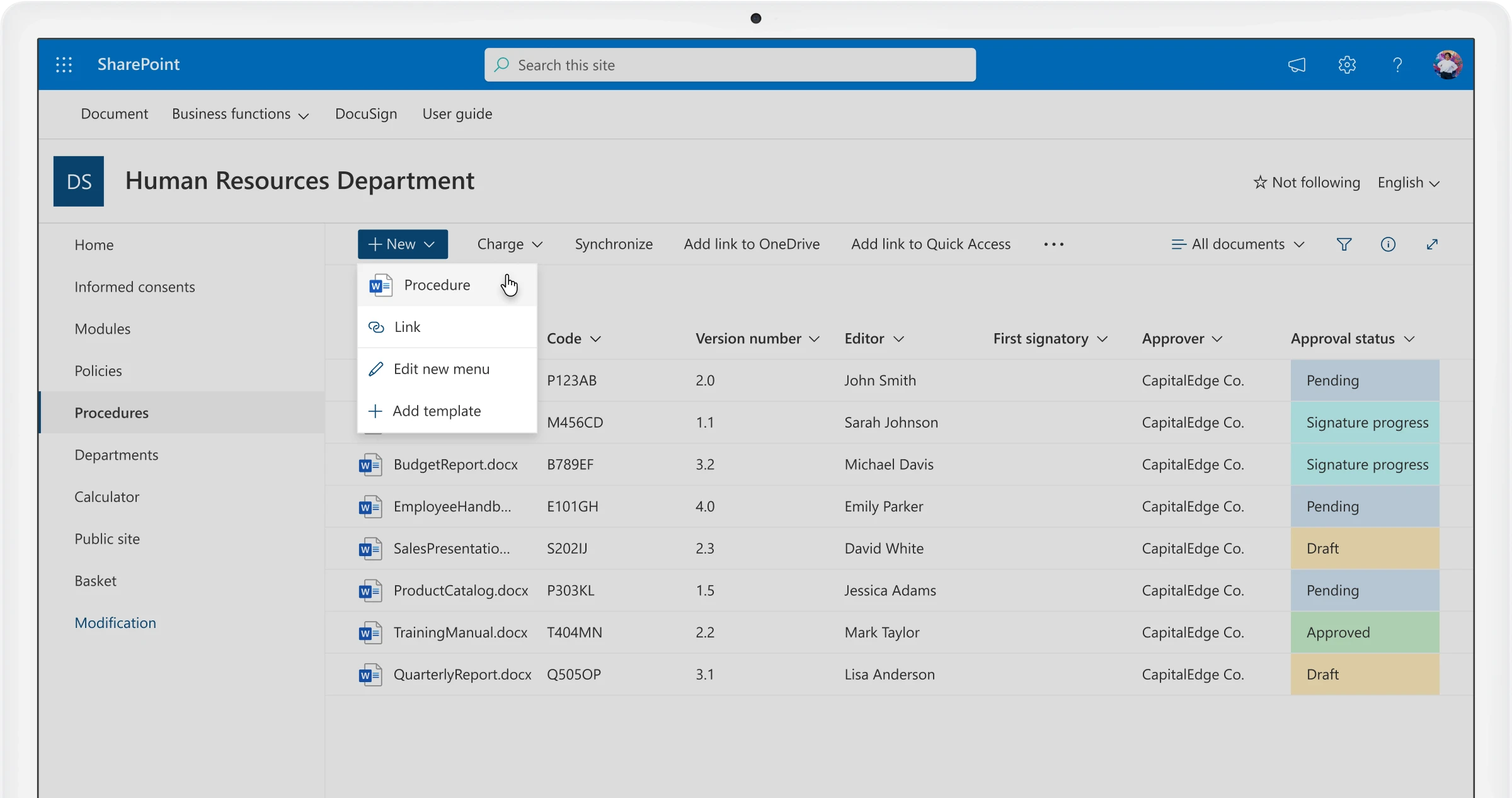
Distribution
Automatic email notifications.
Keep colleagues updated in real-time on new procedures published in the SharePoint intranet with automated distribution and notification workflows.
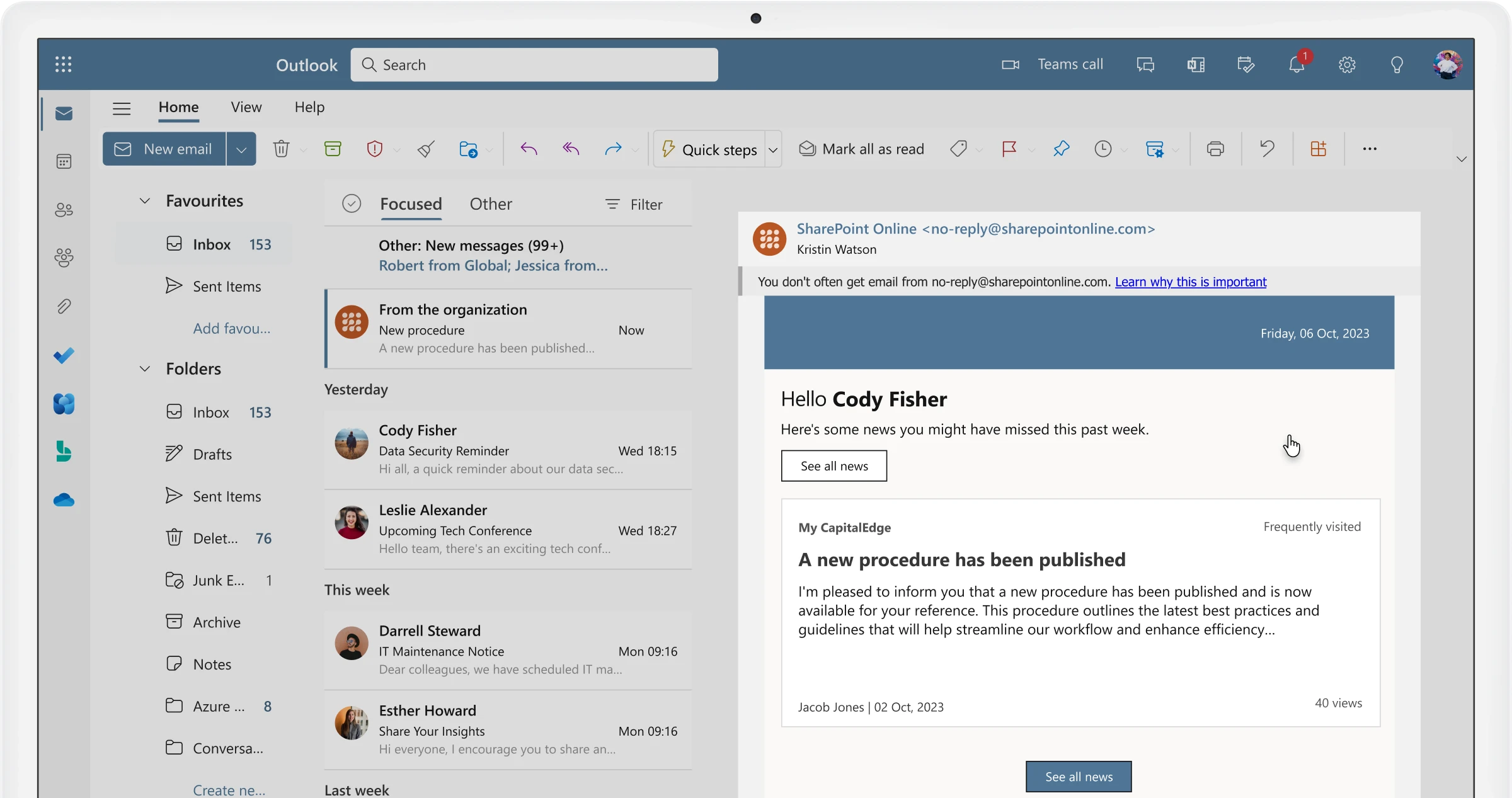
Document management for departments
Private area for collaborating on department documents.
Each department has access to a private workspace to manage its documents independently, with role-based access control and dedicated collaboration tools.
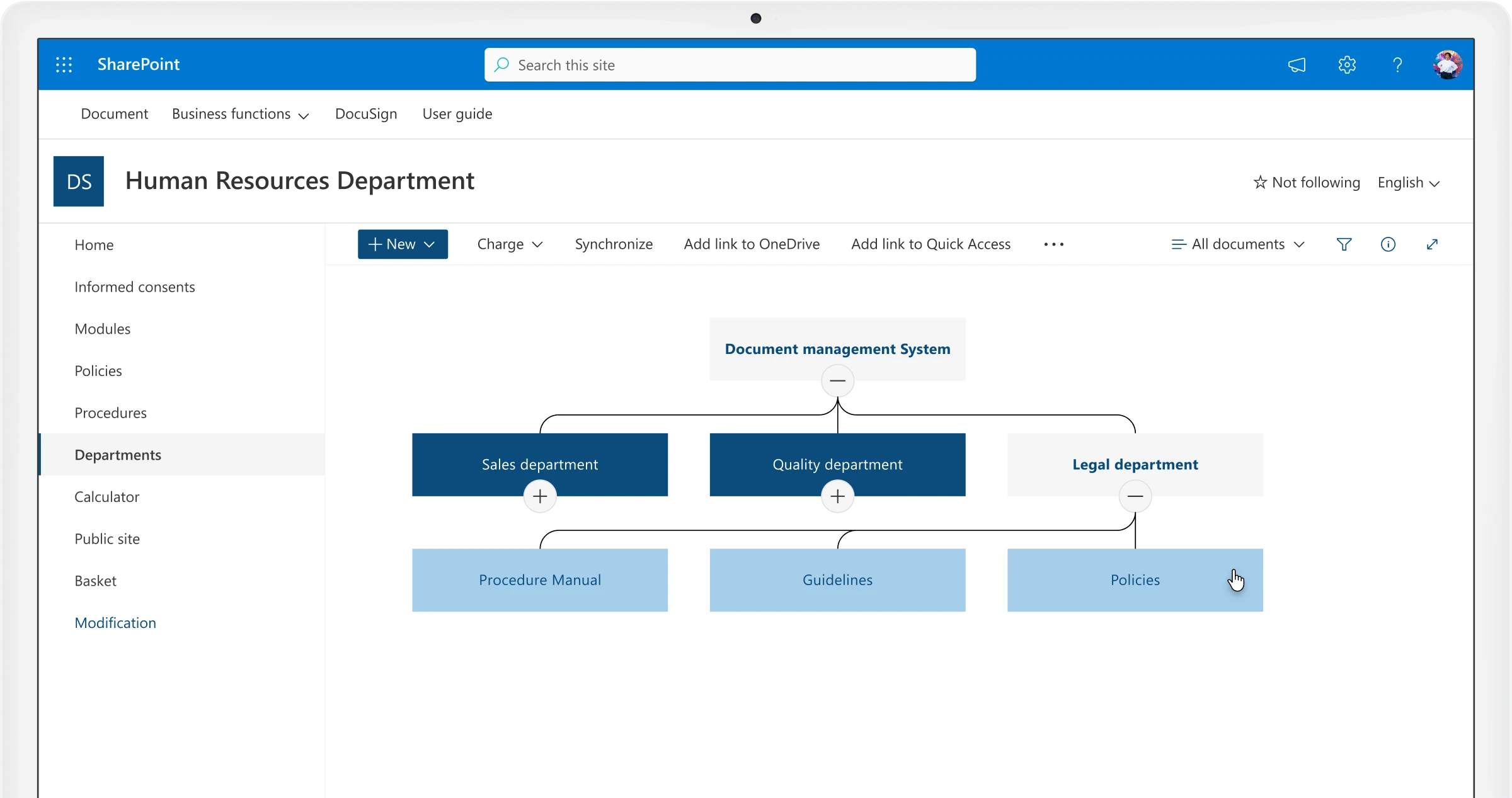
Electronic signature
Efficiency, traceability, and security.
Automatically assign a unique protocol number to created documents, ensuring traceability and legal compliance throughout the document lifecycle.
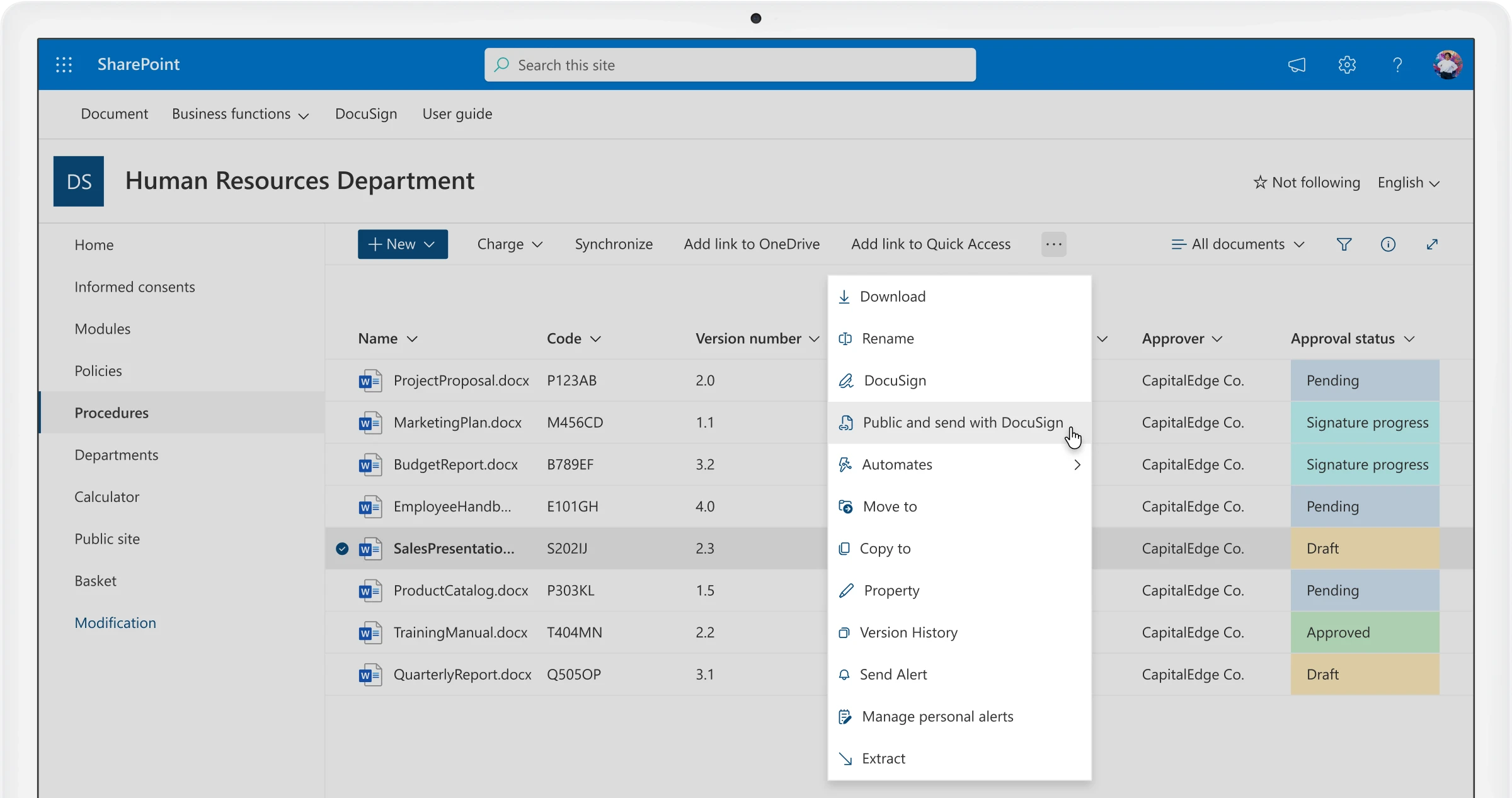
Filing
Identification and traceability.
Ensure identification and traceability for company documents over time, reducing the risk of duplication and data loss with a centralized filing system.
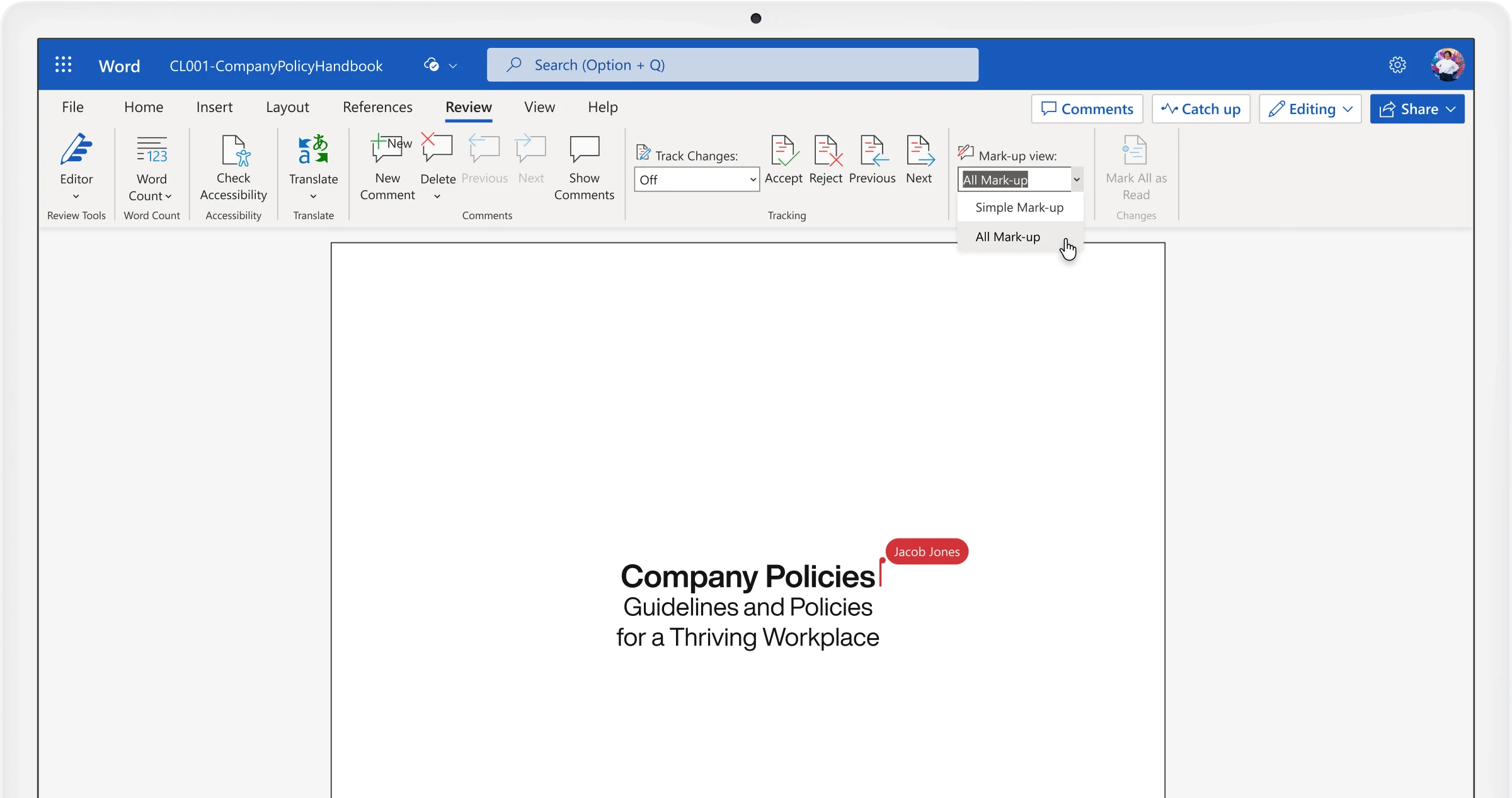
Review
Collaborate in real-time.
Leverage integration with Microsoft Office for document review in co-authoring mode, enabling multiple stakeholders to contribute simultaneously.
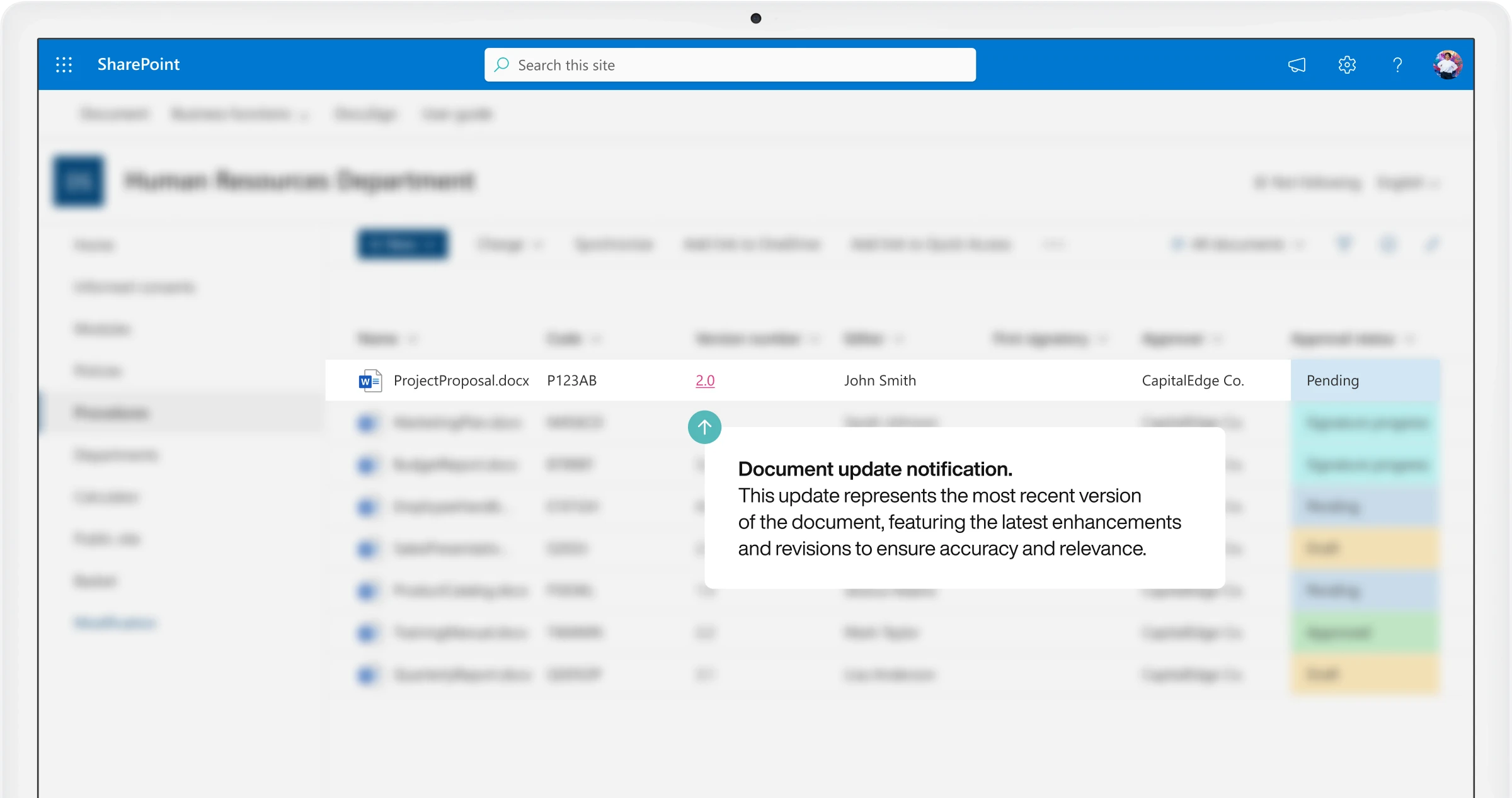
Version history
Restore previous procedure versions.
Easily track and retrieve changes made to documents over time, with the ability to compare versions and restore previous iterations when needed.
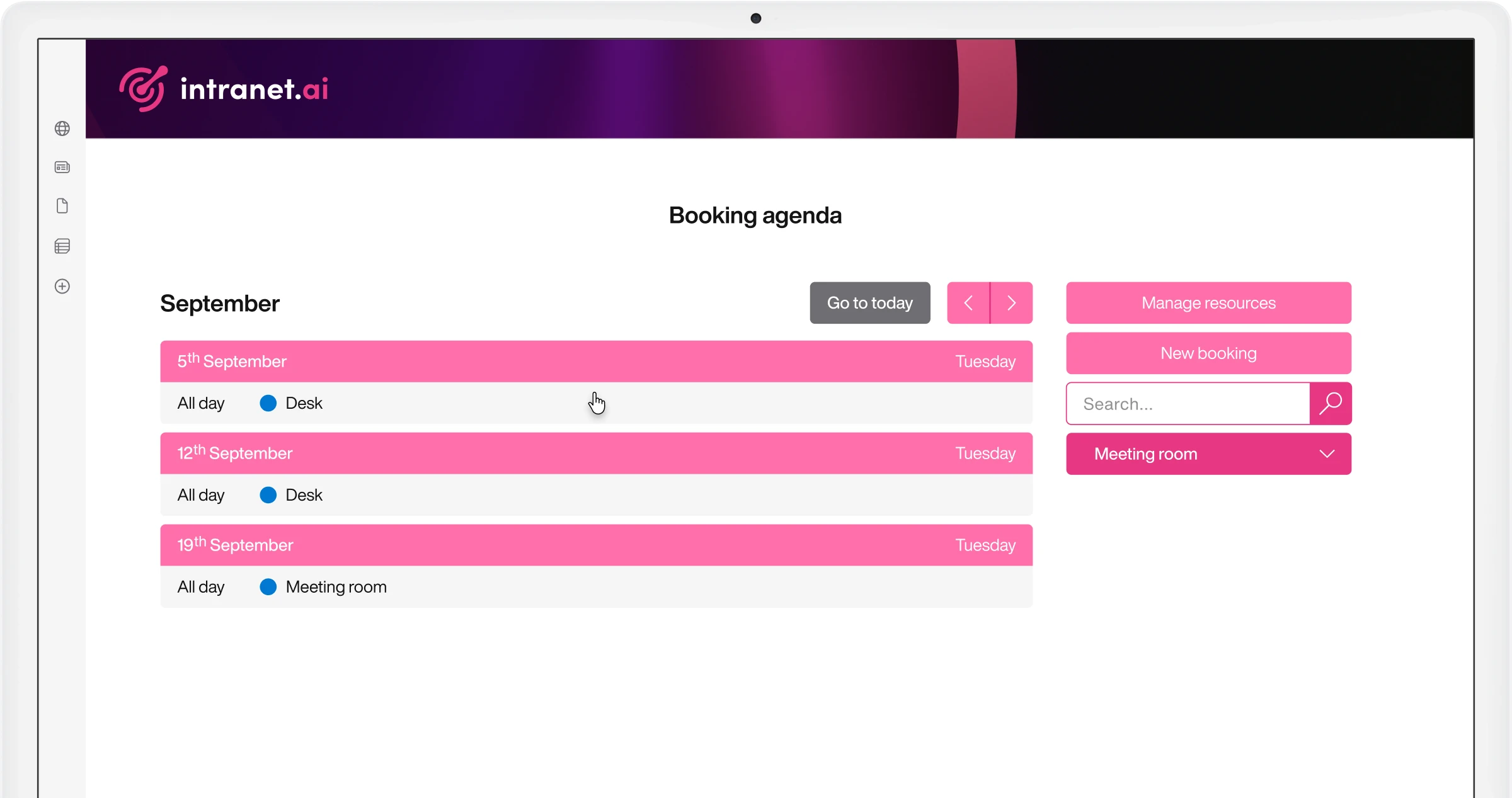
Booking calendar
View the list of booked resources.
Access a clear calendar view of all your bookings, with the ability to modify or cancel reservations directly from the SharePoint intranet.
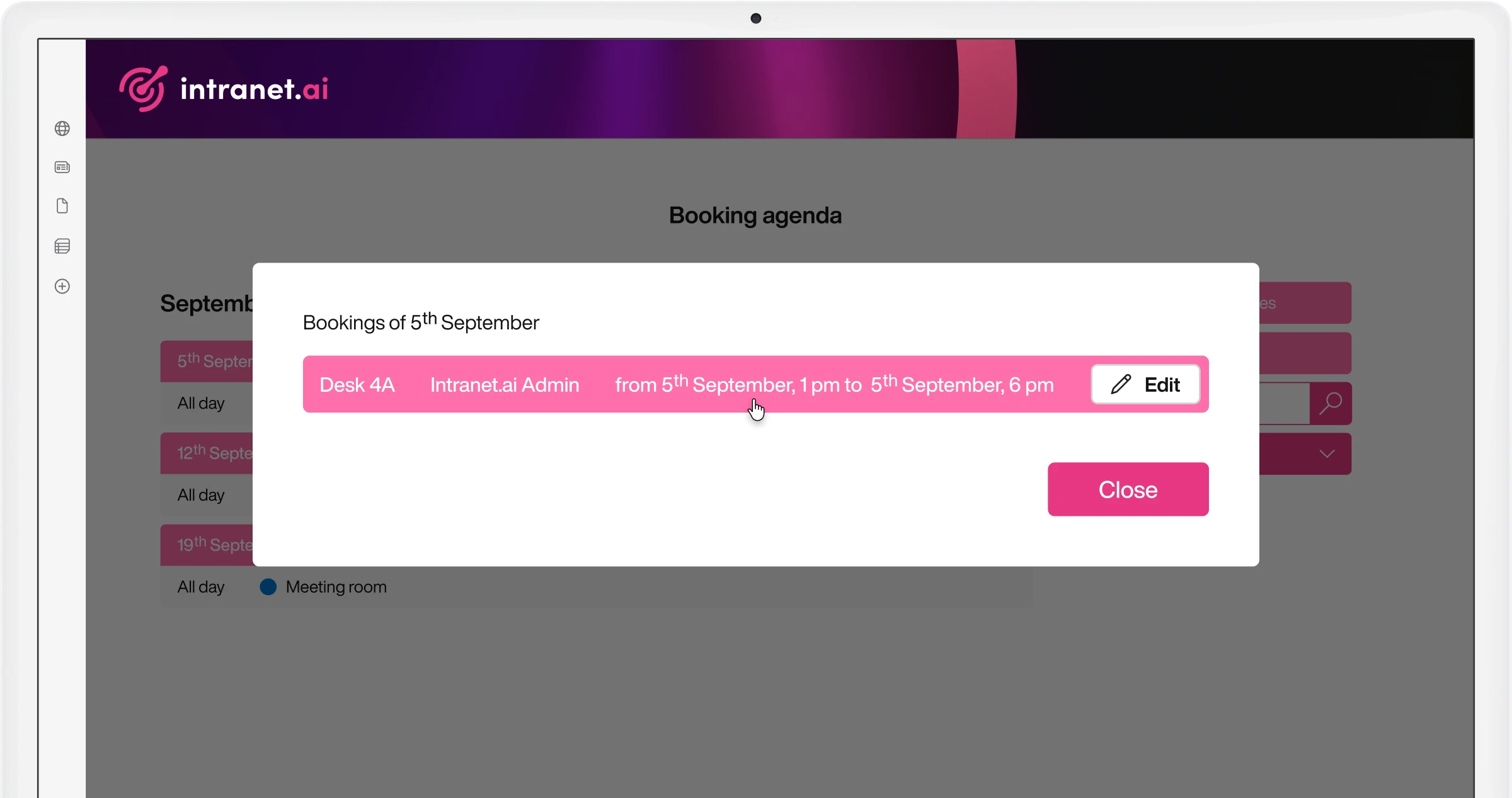
Booking management
An administrative role to manage your colleagues' bookings.
Administrators can view, modify, and manage all colleagues' bookings from a central dashboard, ensuring optimal resource utilization.
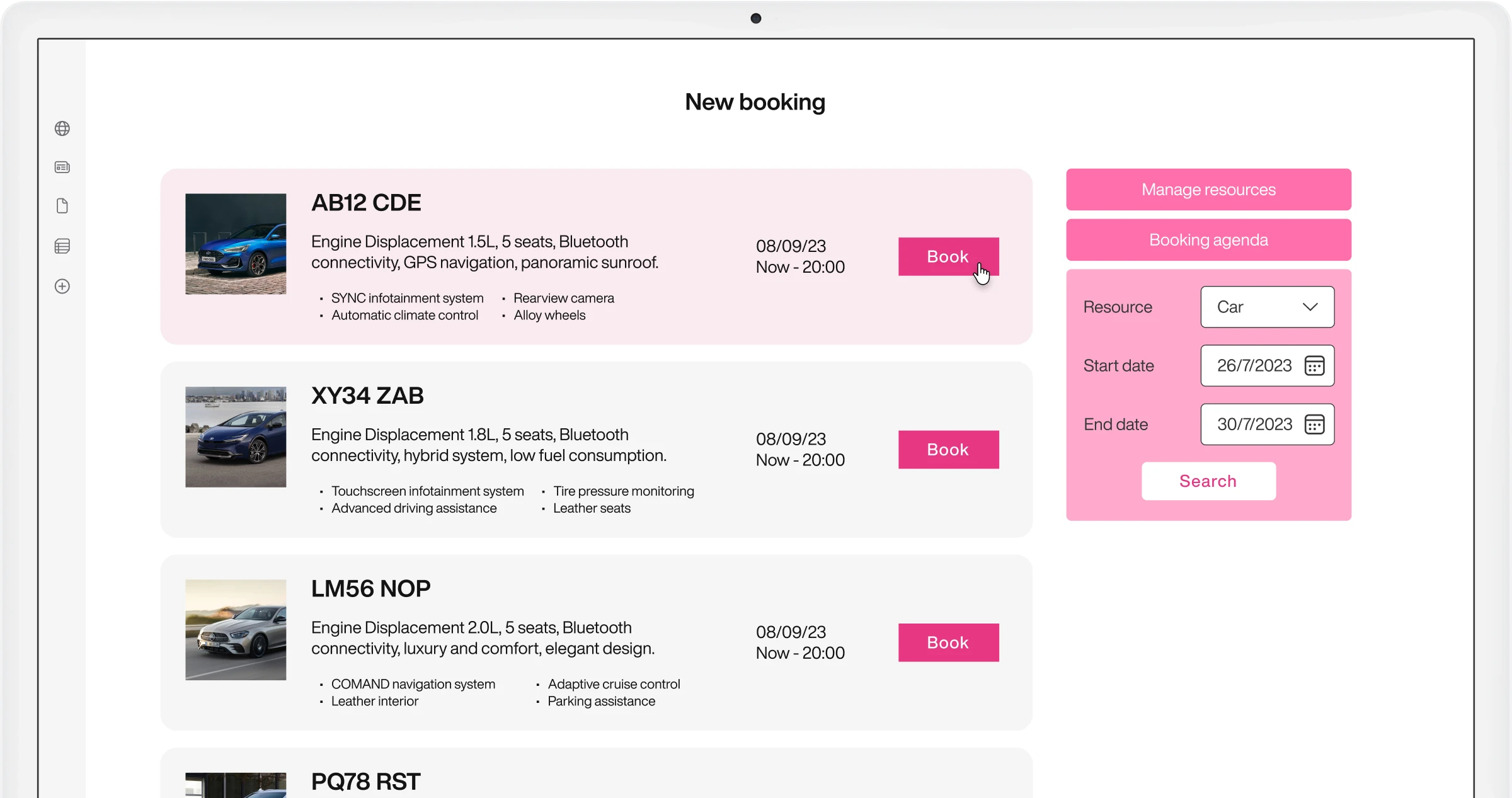
Car and parking booking
Organize your travels more easily.
Reserve company vehicles and parking spots directly from the intranet, with real-time availability and automated confirmation.
Desk booking
Navigate the office map to book your preferred desk.
Browse an interactive floor plan and book your preferred workspace in advance, supporting hybrid work models across your organization.
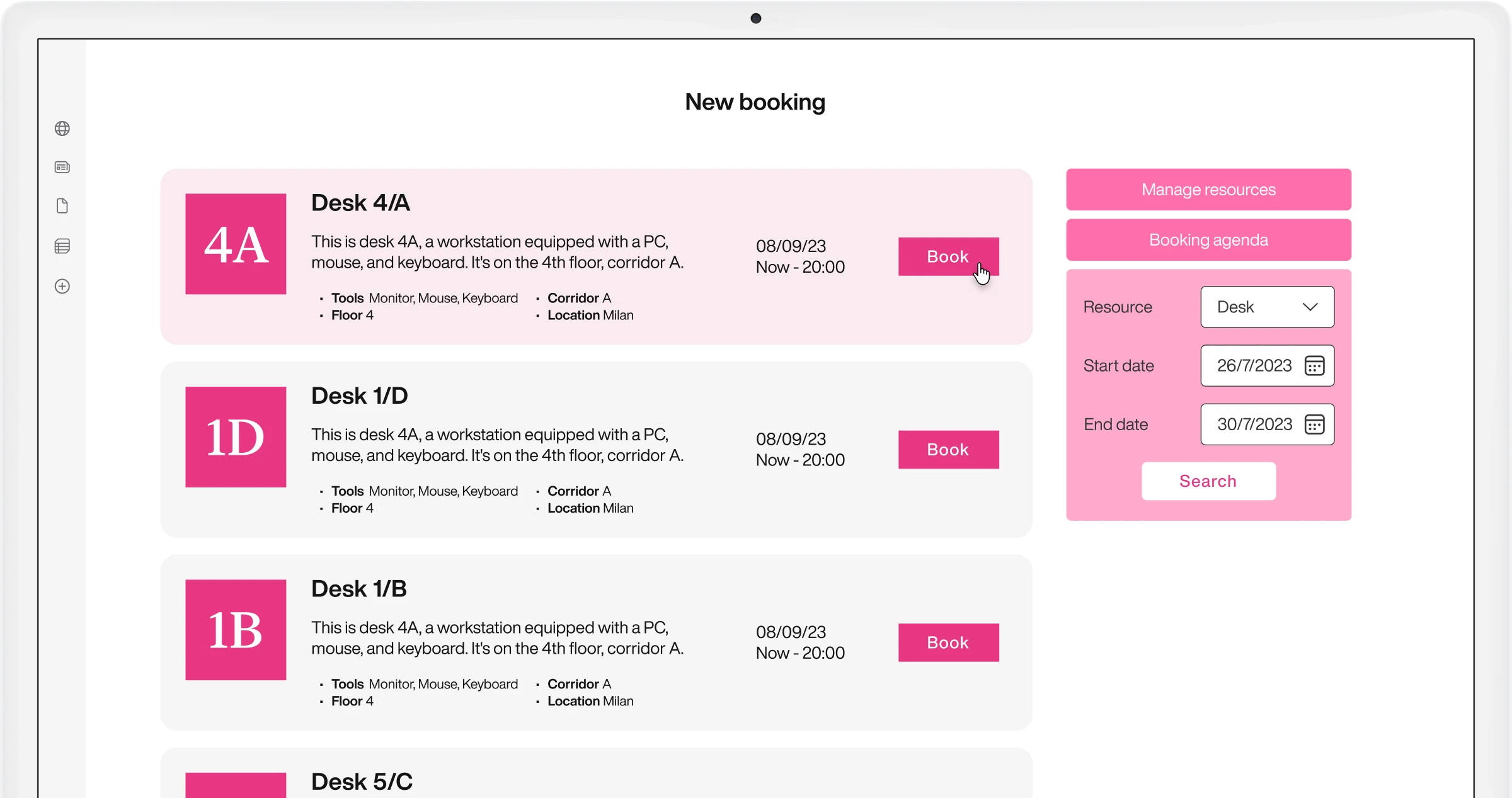
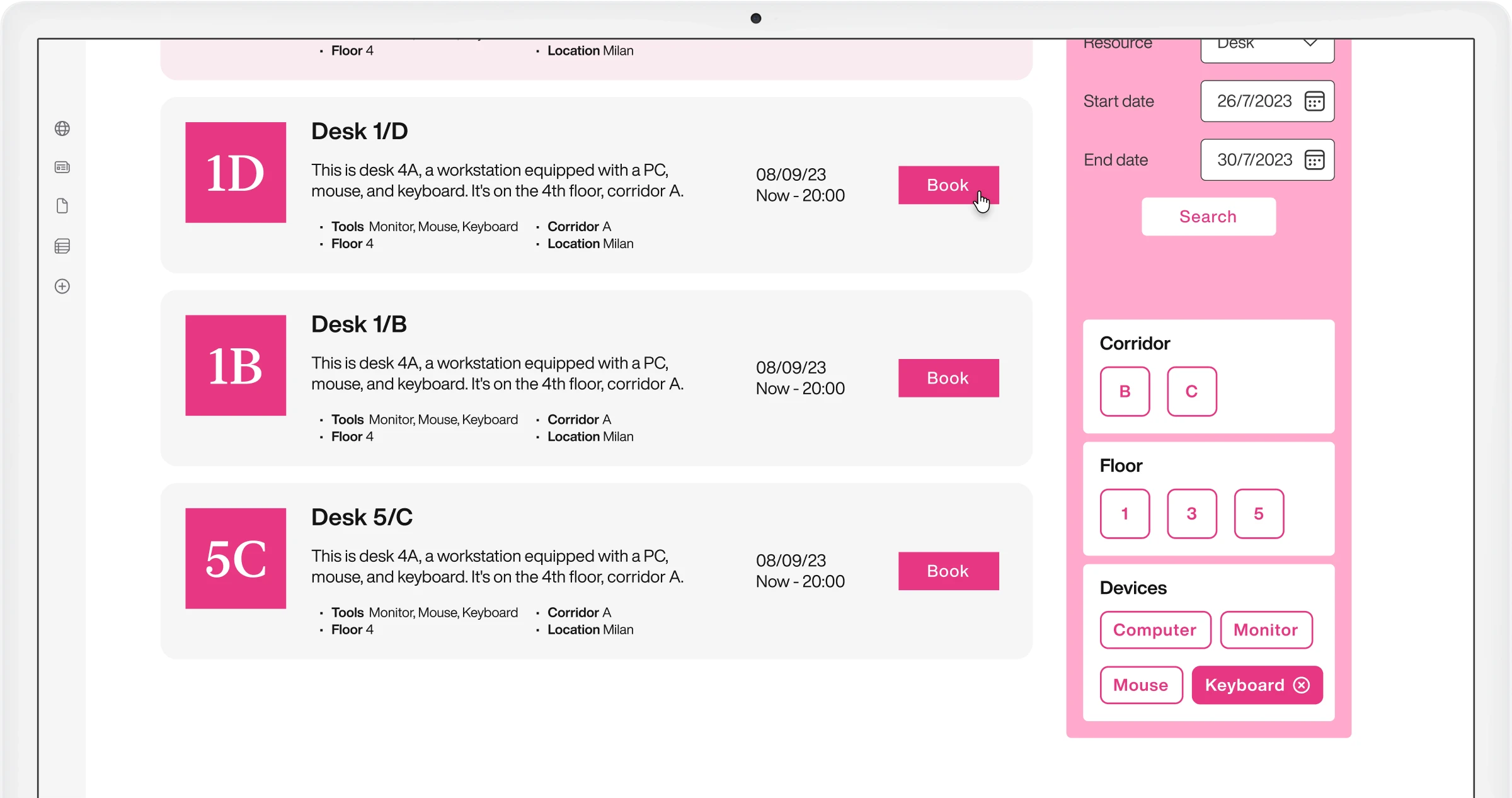
Filters
Use customizable properties to filter the list.
Apply custom filters based on resource properties like location, capacity, or equipment to quickly find and book exactly what you need.
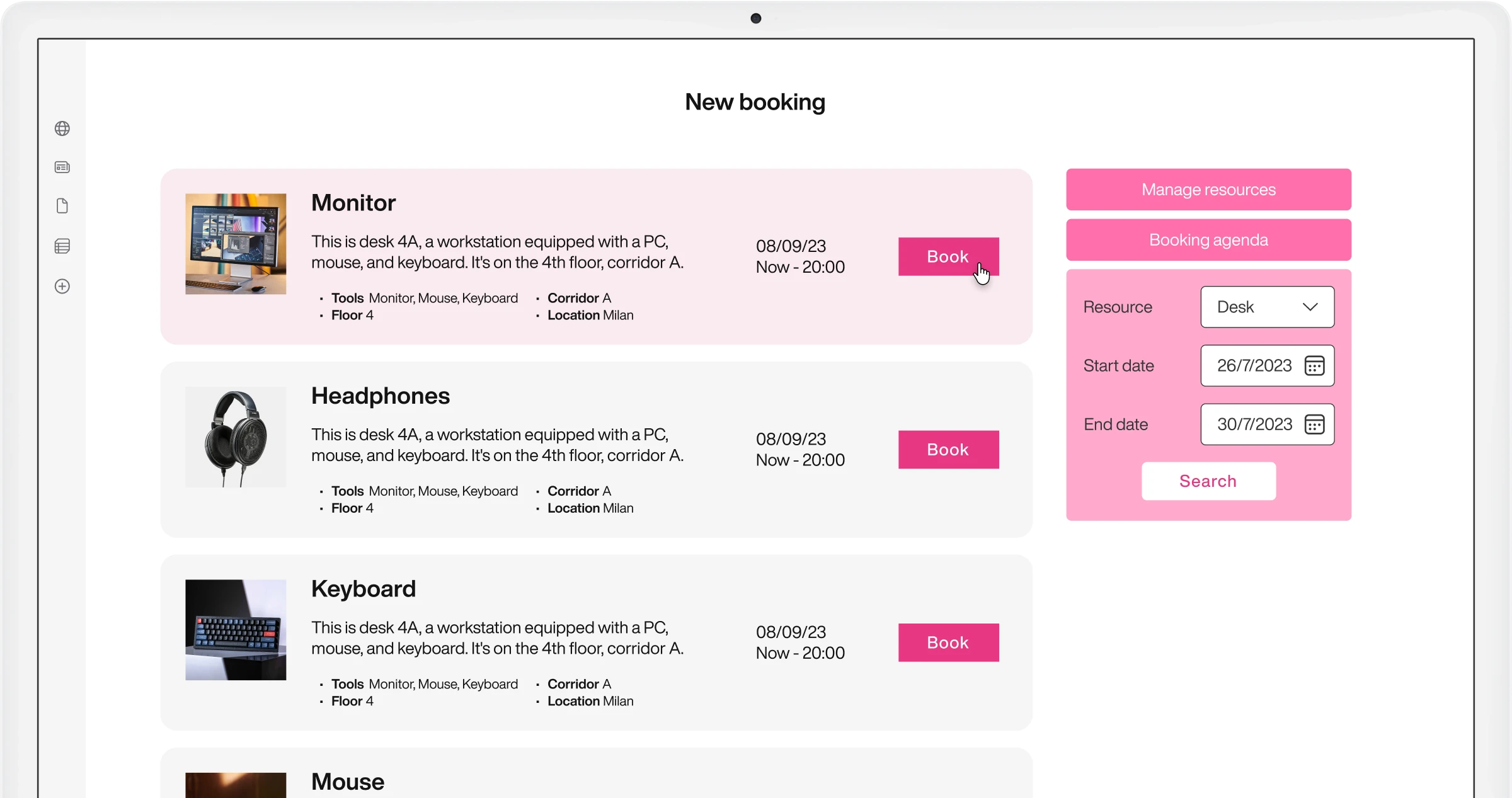
Material booking
Enhance your workspace or meeting room.
Reserve laptops, projectors, cameras, and other company equipment directly from the intranet with real-time availability and automated return reminders.
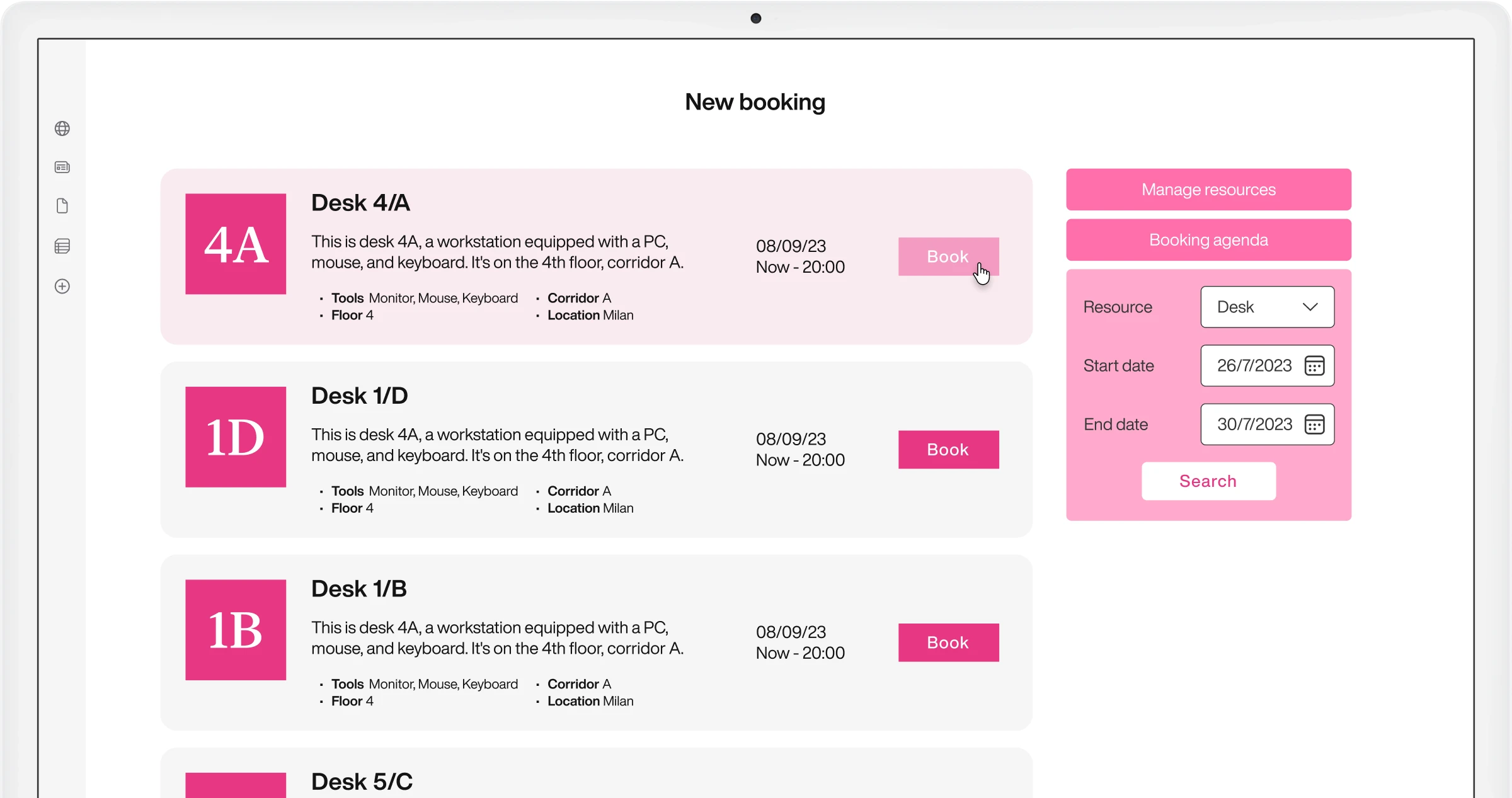
Quick booking
View, choose, and book company resources in one place.
A streamlined booking experience that lets you find and reserve any company resource in just a few clicks, directly from the intranet homepage.
Resource details
Define resource characteristics in the list.
Add detailed information to each resource — capacity, equipment, photos, and rules — so colleagues can choose the most suitable option for their needs.
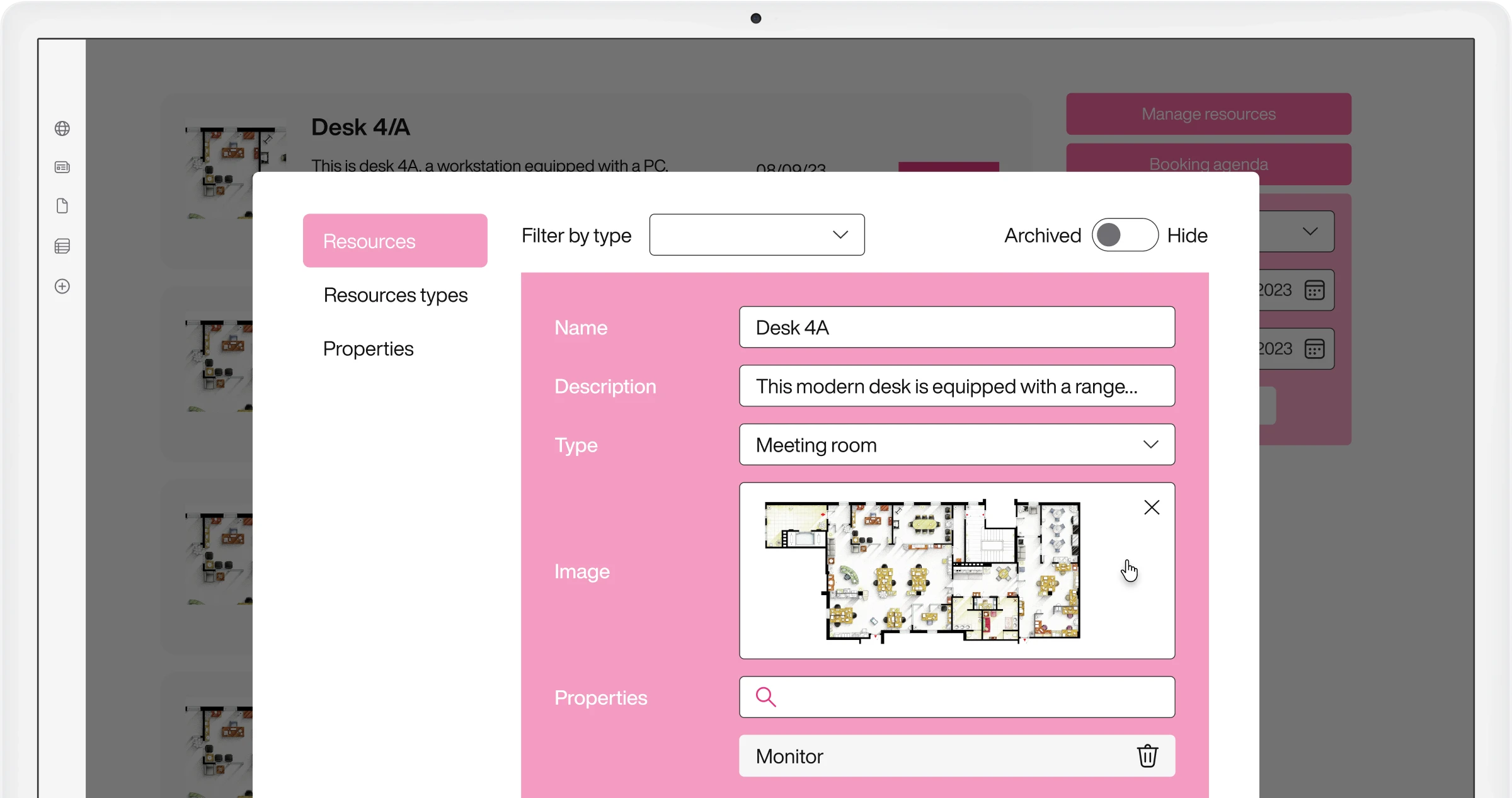
Resource types
Manage company resources and spaces.
Configure custom resource types to match your organization's specific assets, from meeting rooms and desks to vehicles, equipment, and shared spaces.
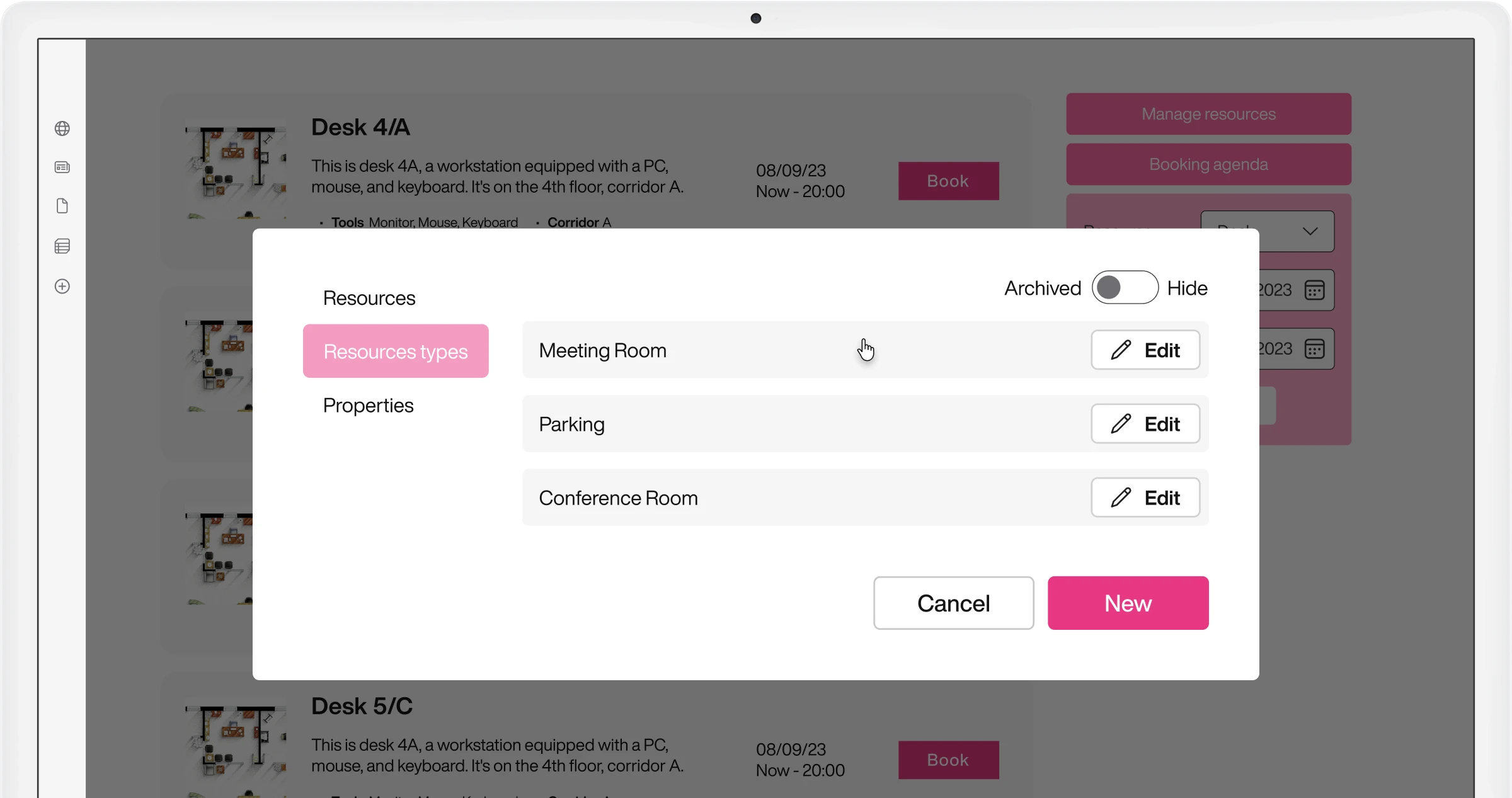
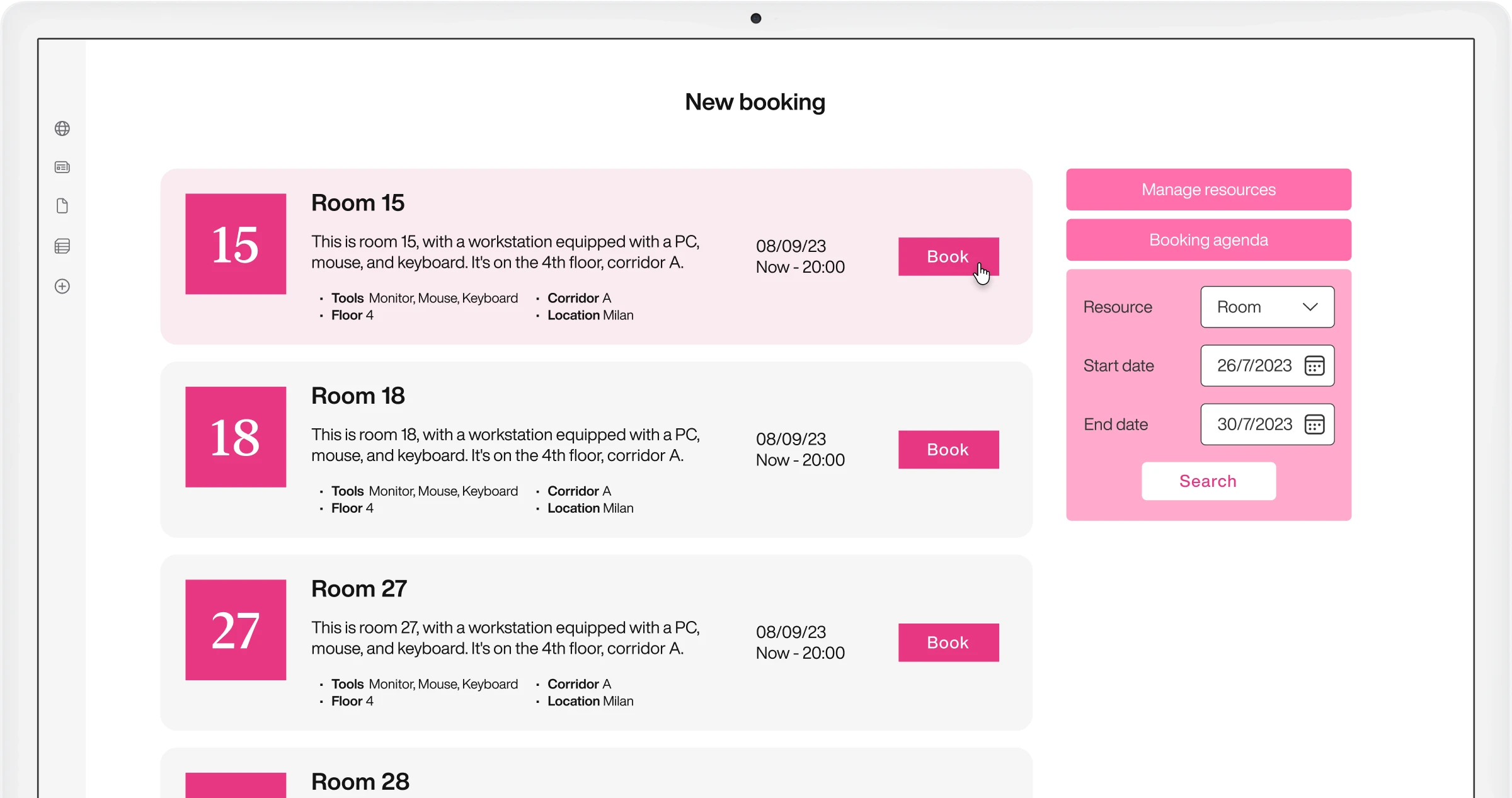
Room booking
Overcome Outlook issues for room bookings.
Book meeting rooms with real-time availability, invite participants, and sync with Outlook calendar — all from a single, intuitive interface.
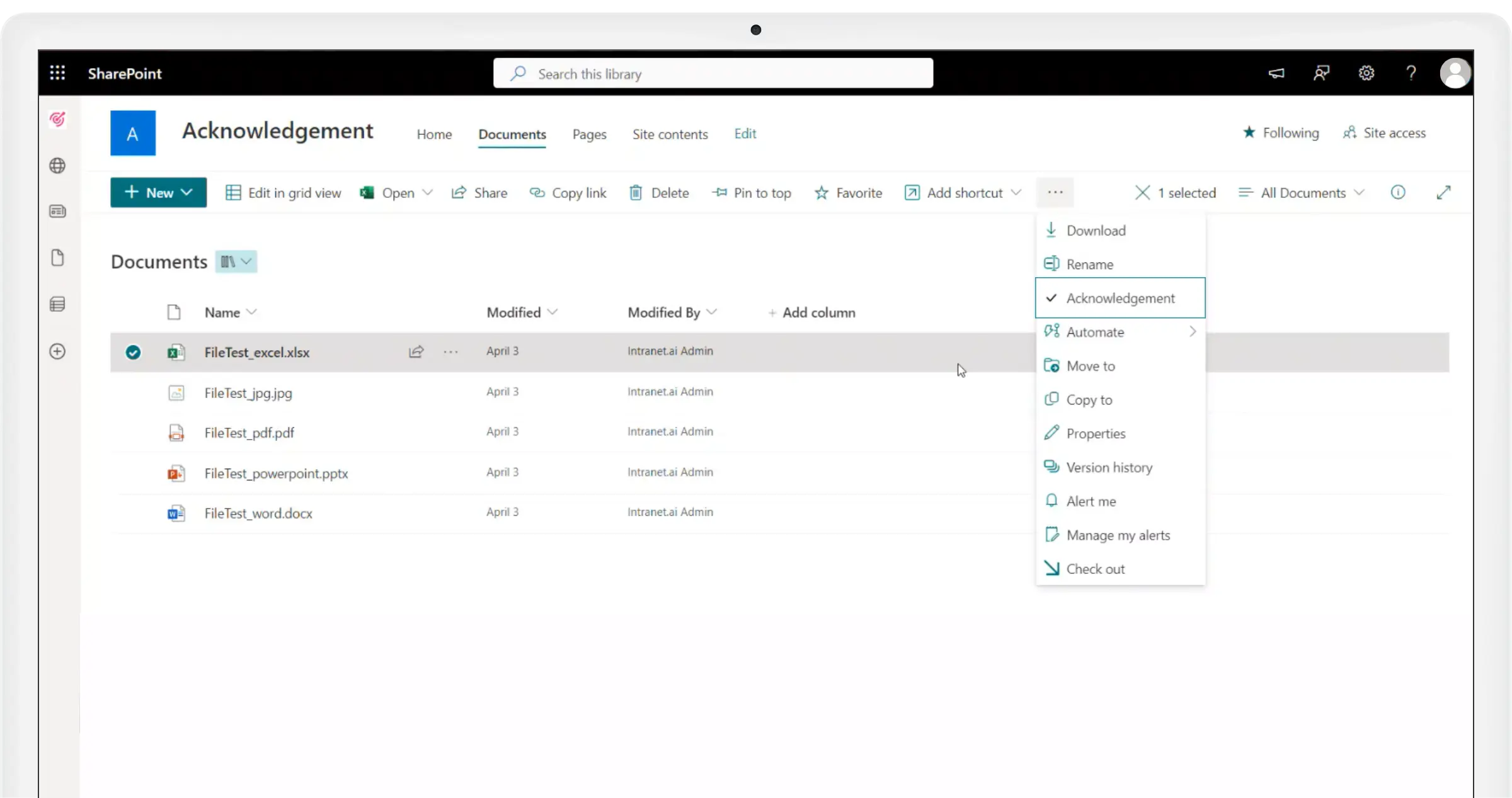
Distribute company procedures and track their consultation
Expand the functionality of SharePoint document libraries.
With the Acknowledgement command, distribute internal procedures to individual users, Microsoft 365 groups, and distribution lists. Provide colleagues with quick access to the necessary documents, with automated notification emails.
Monitor the receipt of corporate communications
Integration with SharePoint Online pages and news.
Enable Document Acknowledgement on intranet pages and specify the recipients of your communications to collect reading data in Power BI. As with documents, you can edit the acknowledgement options at any time.
The complete SharePoint intranet integrated with Microsoft 365, starting from 3,950 €/year.
intranet.ai is the solution to reduce costs and implementation times. Operational within 24 hours from purchase, with 5 days of consulting. 80+ apps for communication, training, and corporate knowledge sharing.