
For communication
The complete SharePoint intranet for internal communication
Discover all the tools to keep your colleagues informed and engaged.
The complete SharePoint intranet
for internal communication
Create a customized style, disseminate useful content, and promote initiatives.
SharePoint Intranet
Advanced Search
Quickly find the information and content you need from your SharePoint intranet.
Alerts and service communications
The component to highlight important communications on every intranet page.
Anniversaries
Highlight corporate anniversaries and colleagues' birthdays.
Back to Top
The graphic element that allows users to return to the top of the page they are reading on the intranet.
Bulletin Boards
Publish and share personal announcements on your SharePoint intranet.
Company Apps
The public area to suggest useful applications and content to users for their work.
Company Documents
Gather corporate documents in a single space on your SharePoint intranet.
Company Locations
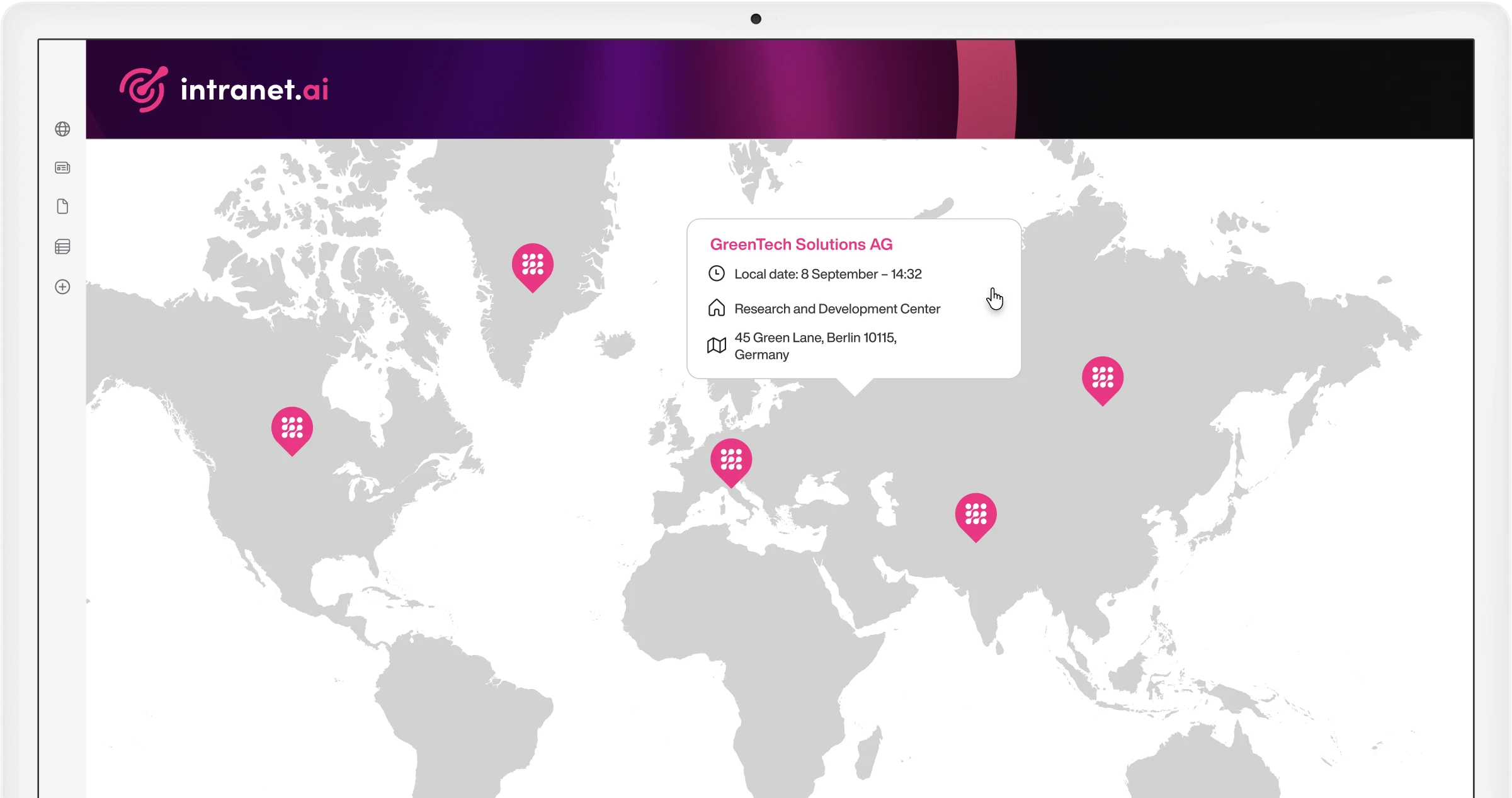
The dynamic map to learn about corporate locations.
Content Translation
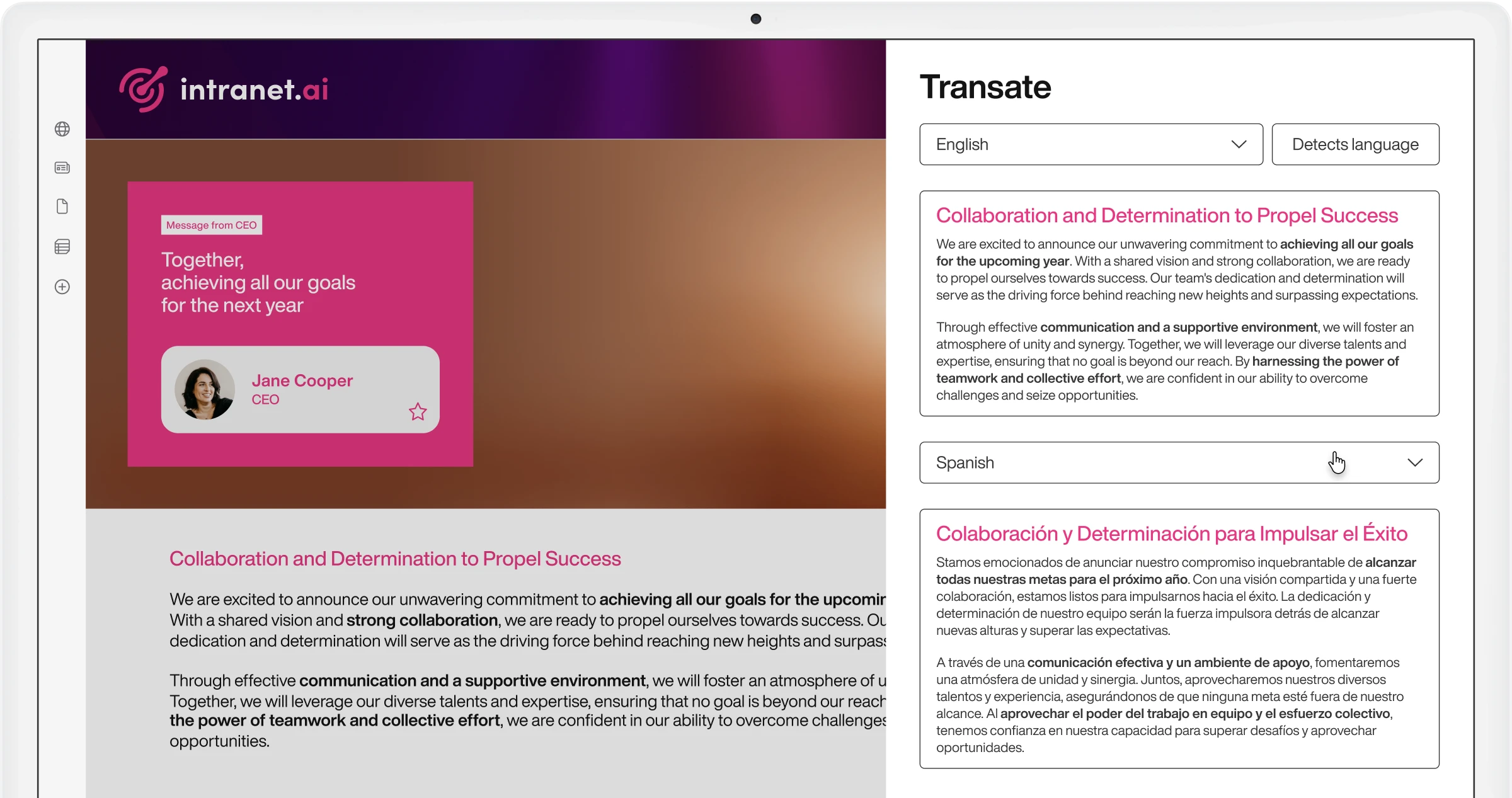
Intelligent support for translating content on your intranet.
Departments
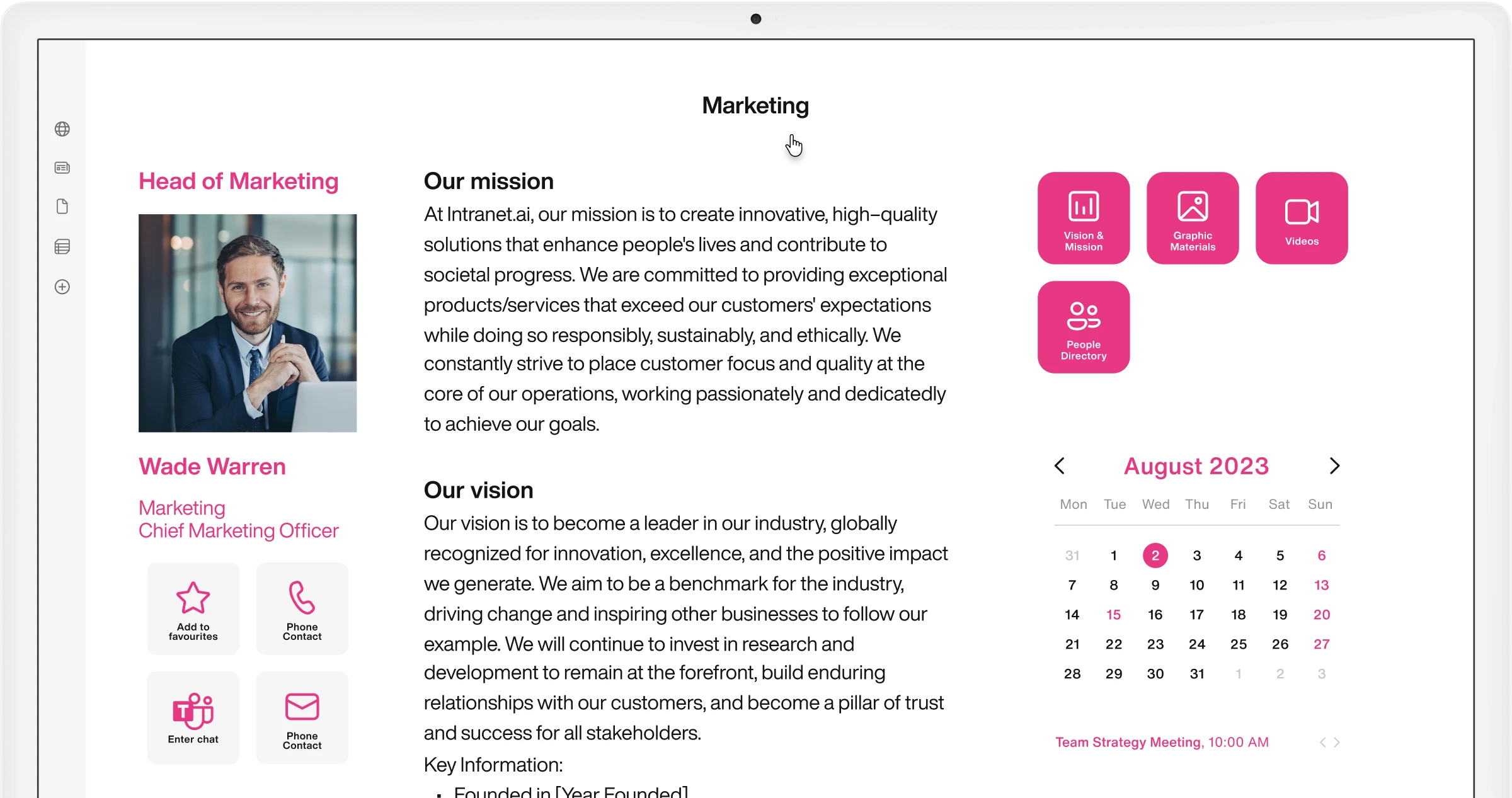
Sites to help departments make themselves known and manage their communication.
Disclaimer
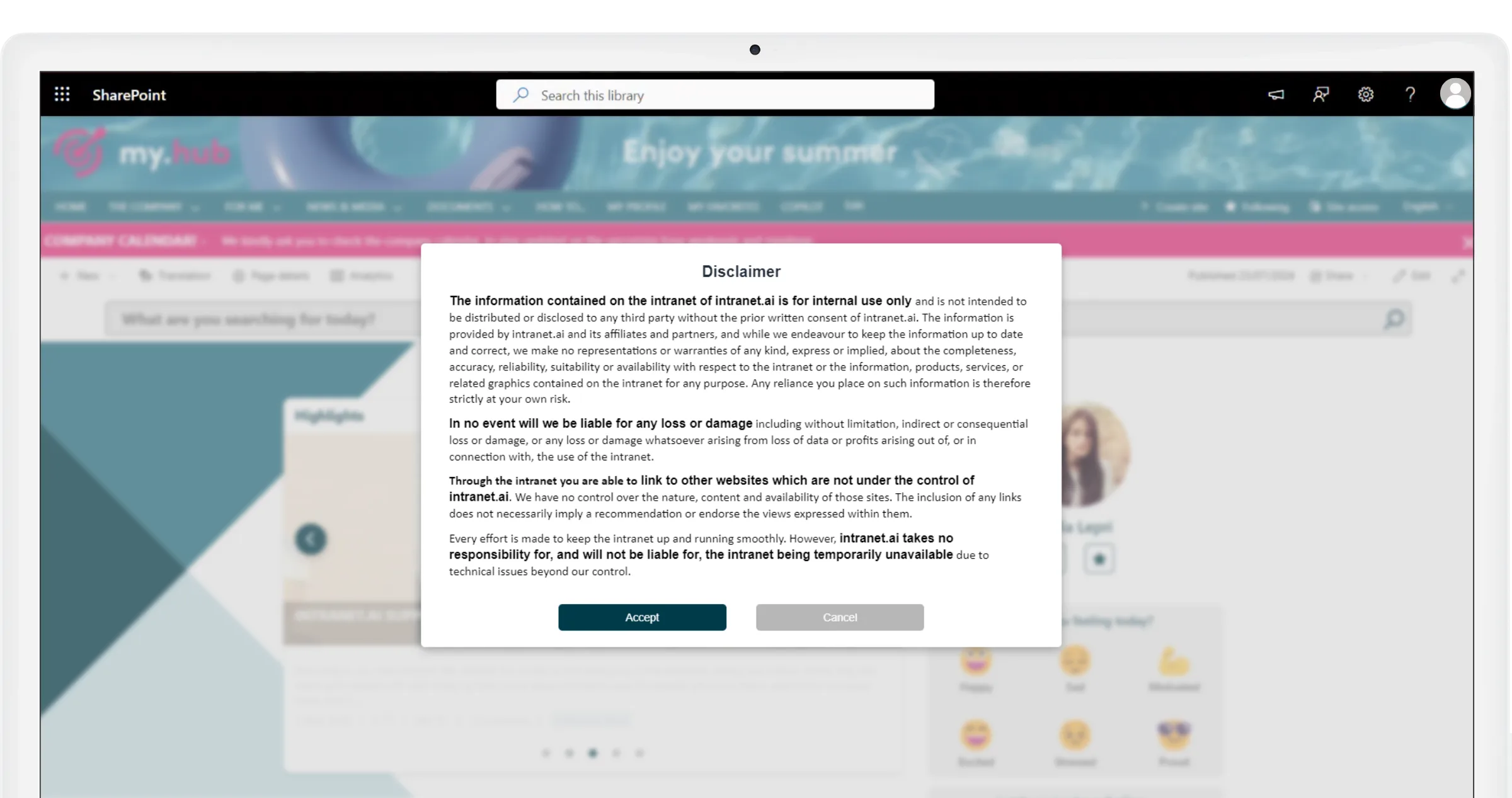
The component for obtaining and recording users' informed consent in the intranet.
Discussion and project groups
Enhance the productivity of corporate teams.
Engagement Board
The web part that simplifies the exchange of ideas in the SharePoint Online intranet.
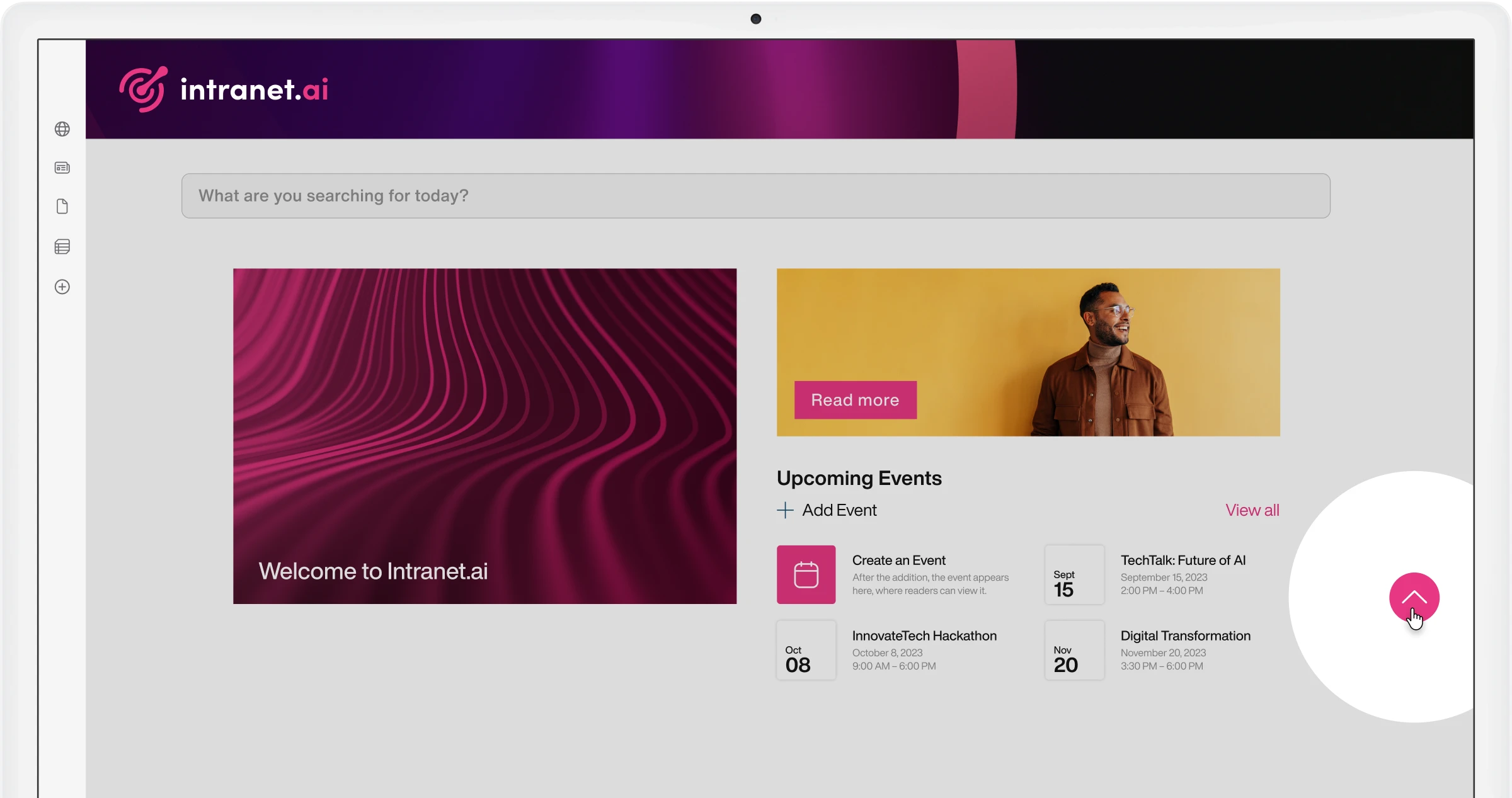
Event Calendar
The shared calendar to organize and promote company events on the intranet.
FAQs
Gather information and content to meet daily business needs.
Graphic Buttons
Interactive graphics that provide quick access to corporate resources.
Graphic Dividers
Separate content on pages of your SharePoint intranet with customizable graphics.
Image Slider
The web part that promotes intranet resources and pages with an image carousel.
Informative Buttons
Spark your colleagues' curiosity with dynamic buttons you can add to every intranet page.
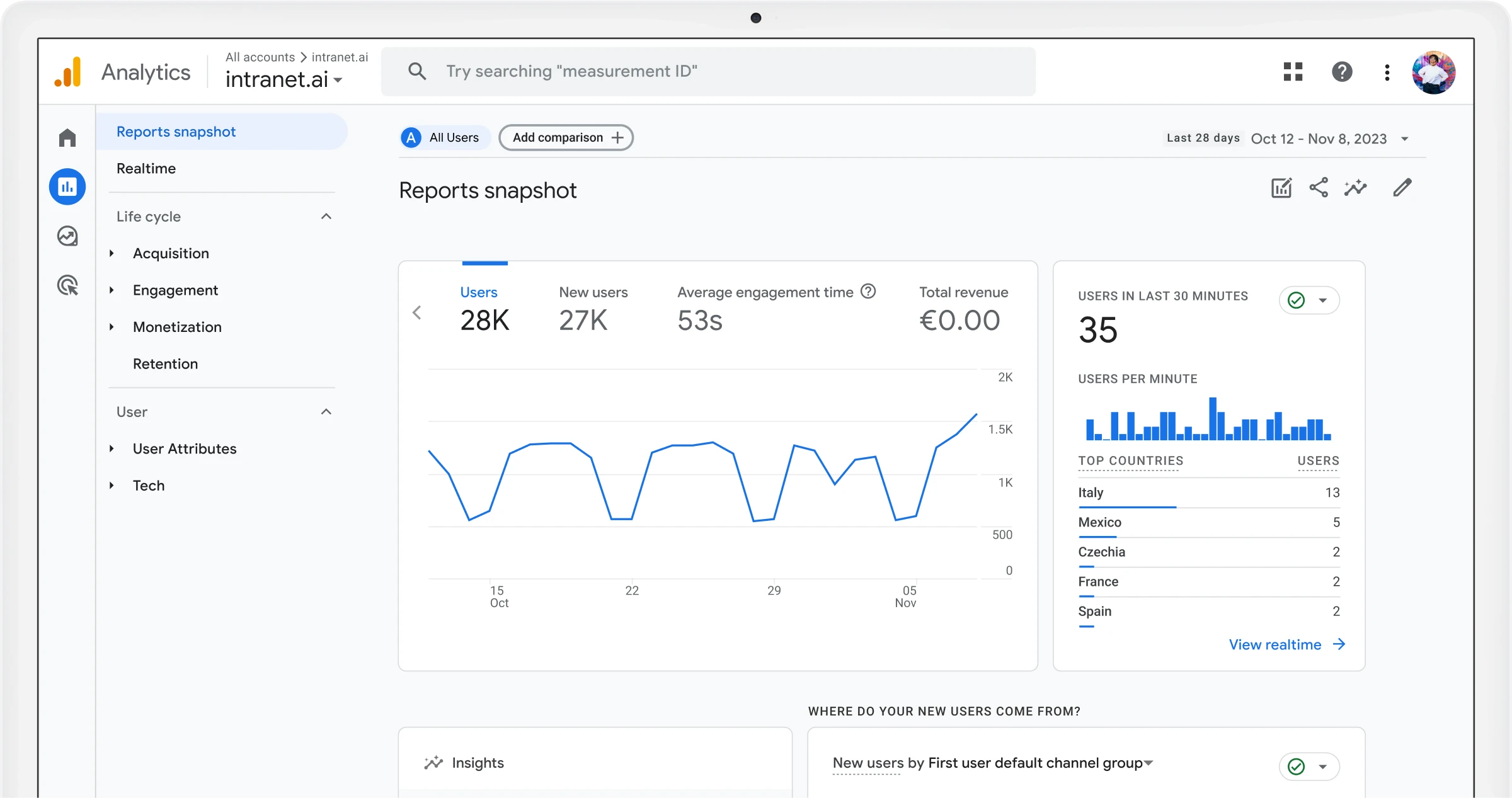
Integration with Google Analytics
Use Google Analytics reports to analyze usage data of your SharePoint intranet.
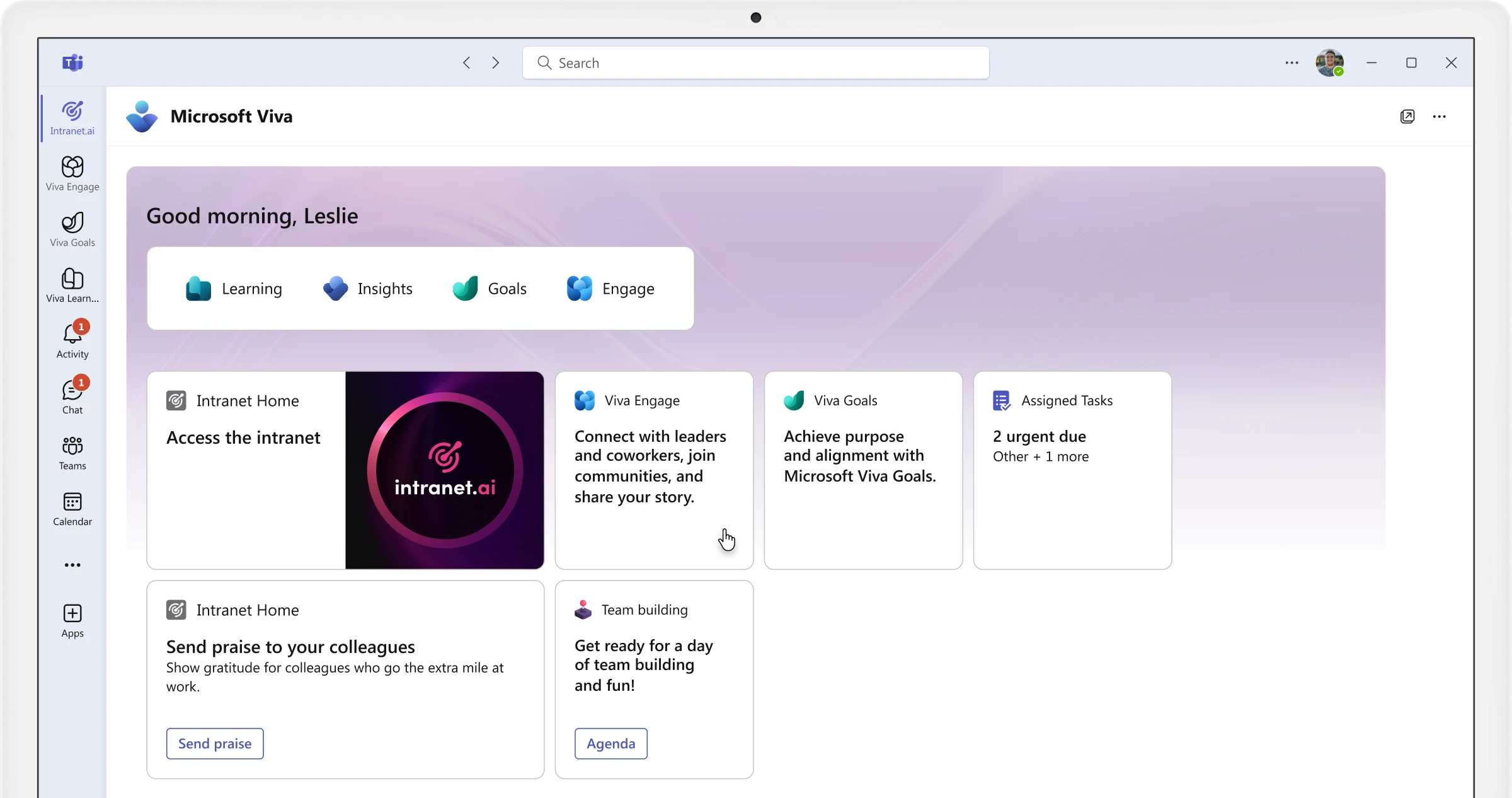
Integration with Microsoft Viva
Use Microsoft Viva to promote resources and corporate news in the SharePoint intranet.
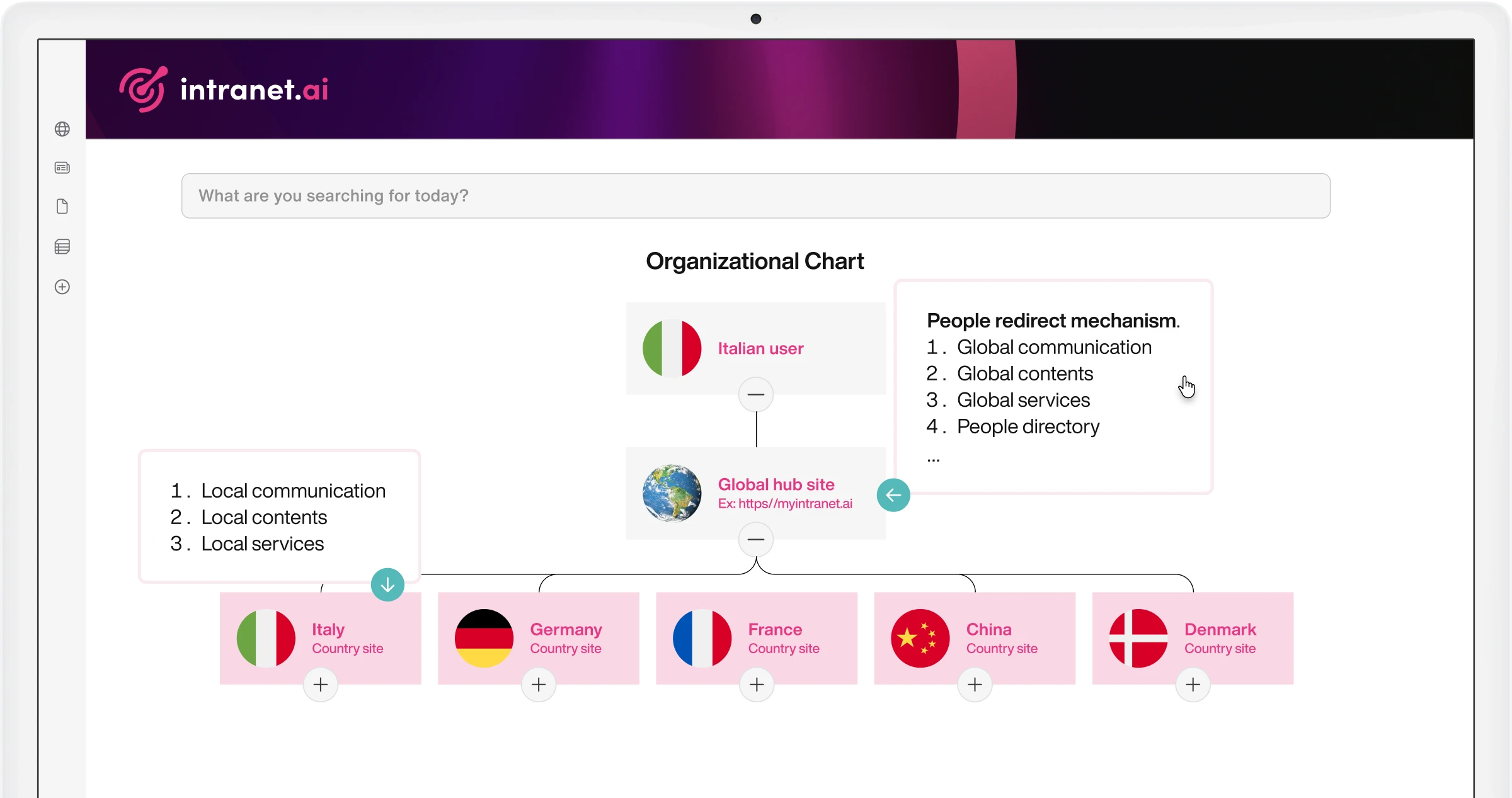
Intranet Redirect
Redirect users to the intranet portal with relevant content by country or company.
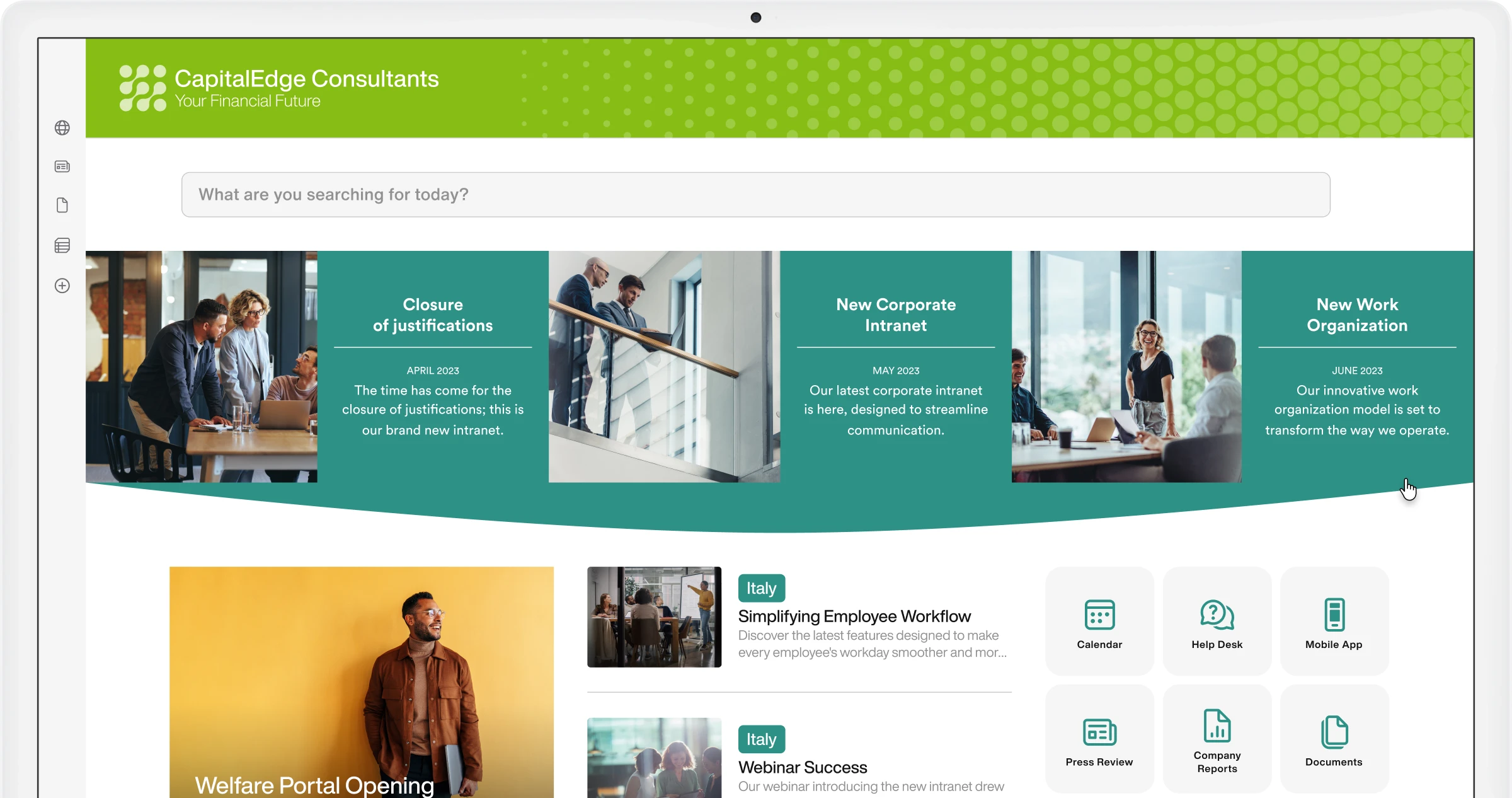
Intranet Themes
The feature that integrates our components with SharePoint site themes.
Intranet Tour
The dynamic guide to show users the features of their SharePoint intranet.
Job Posting
The intranet area dedicated to the HR department.
Key Initiatives
Modern layout to highlight your company's key initiatives.
Leadership Team
Present leaders in the company, the board, or department heads.
Mood
The component that helps you build a people-centered corporate culture.
My Apps
The private area where you can gather apps and useful links for easy access.
My Favorites
Bring your Favorites together on a single page on the SharePoint intranet.
My Profile
The personal profile to make yourself known in the company based on your skills.
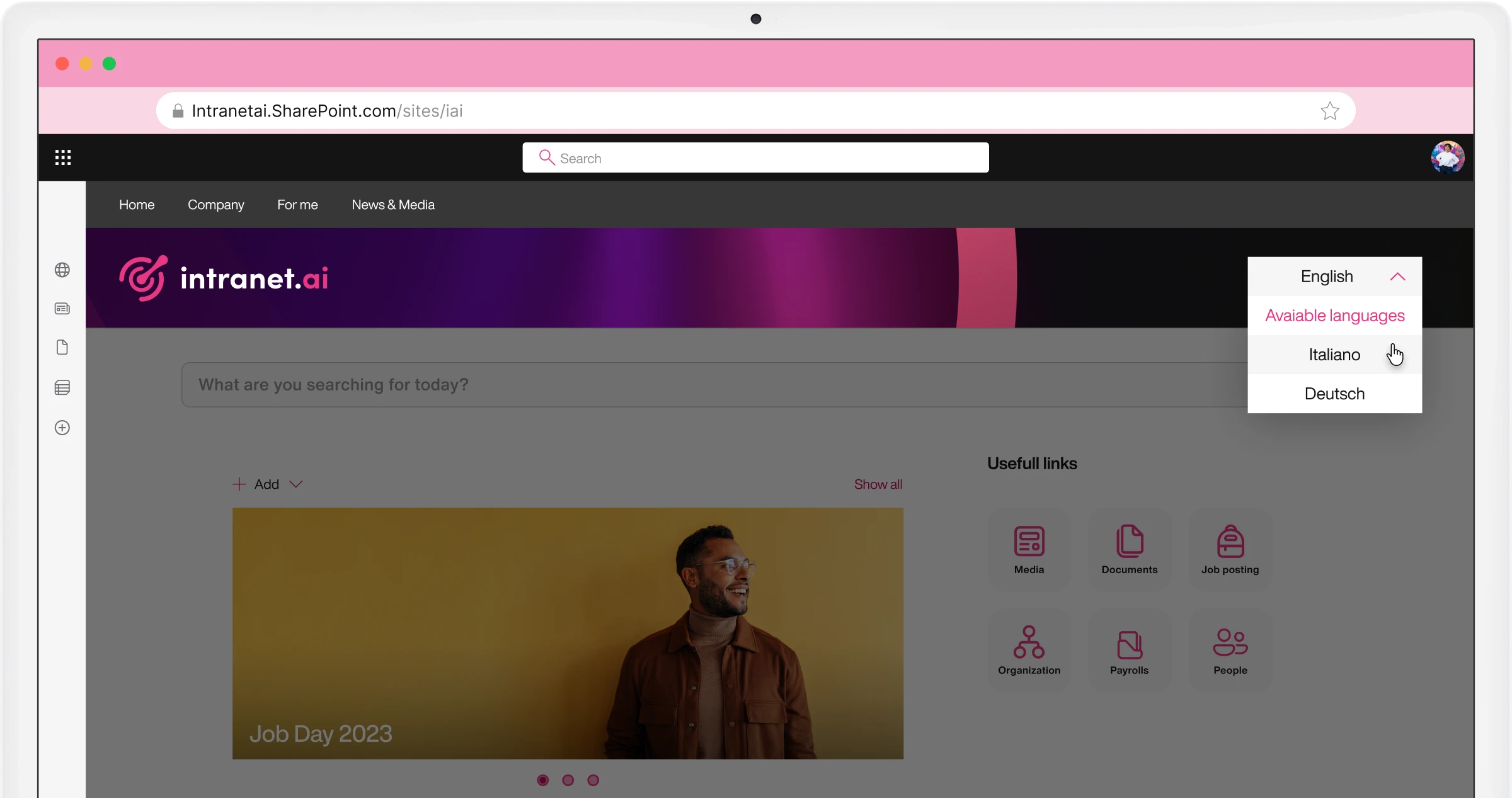
Multilanguage Intranet
Provide users with geo-localized content in their preferred language.
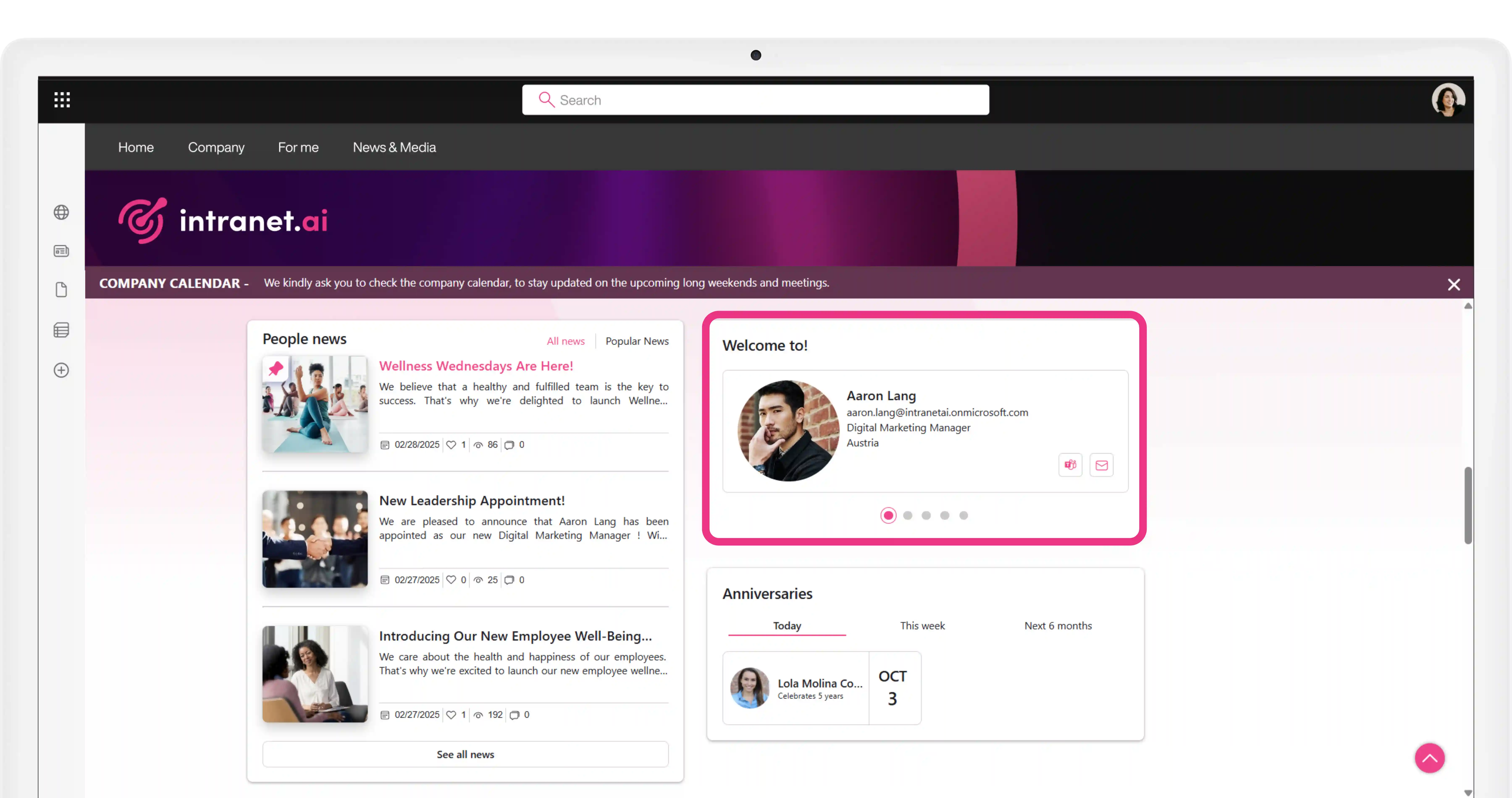
New Employees
The web part that gives visibility to those who have just joined the company.
News and communications
A set of web parts for publishing corporate news with customized layouts, tags, and categories.
News Archive
Centralize the management of corporate news published on the SharePoint intranet.
Organizational Chart
The intelligent organizational chart integrated with the People Directory.
Page Alert
Highlight temporary communications without disrupting intranet navigation.
People Directory
The intelligent directory for your SharePoint intranet, integrated with Microsoft 365.
Podcasts
Create and share custom audio content that is easy to consume and enjoyable to follow.
Pop-up
Communication campaigns that launch on initial access to the SharePoint intranet.
Quotes
Spread advice, tips, and values on your SharePoint intranet.
RSS Feed
Keep colleagues updated with news from industry blogs, websites, and digital magazines.
Sections with Custom Background
Create backgrounds that align with the corporate brand for your SharePoint intranet pages.
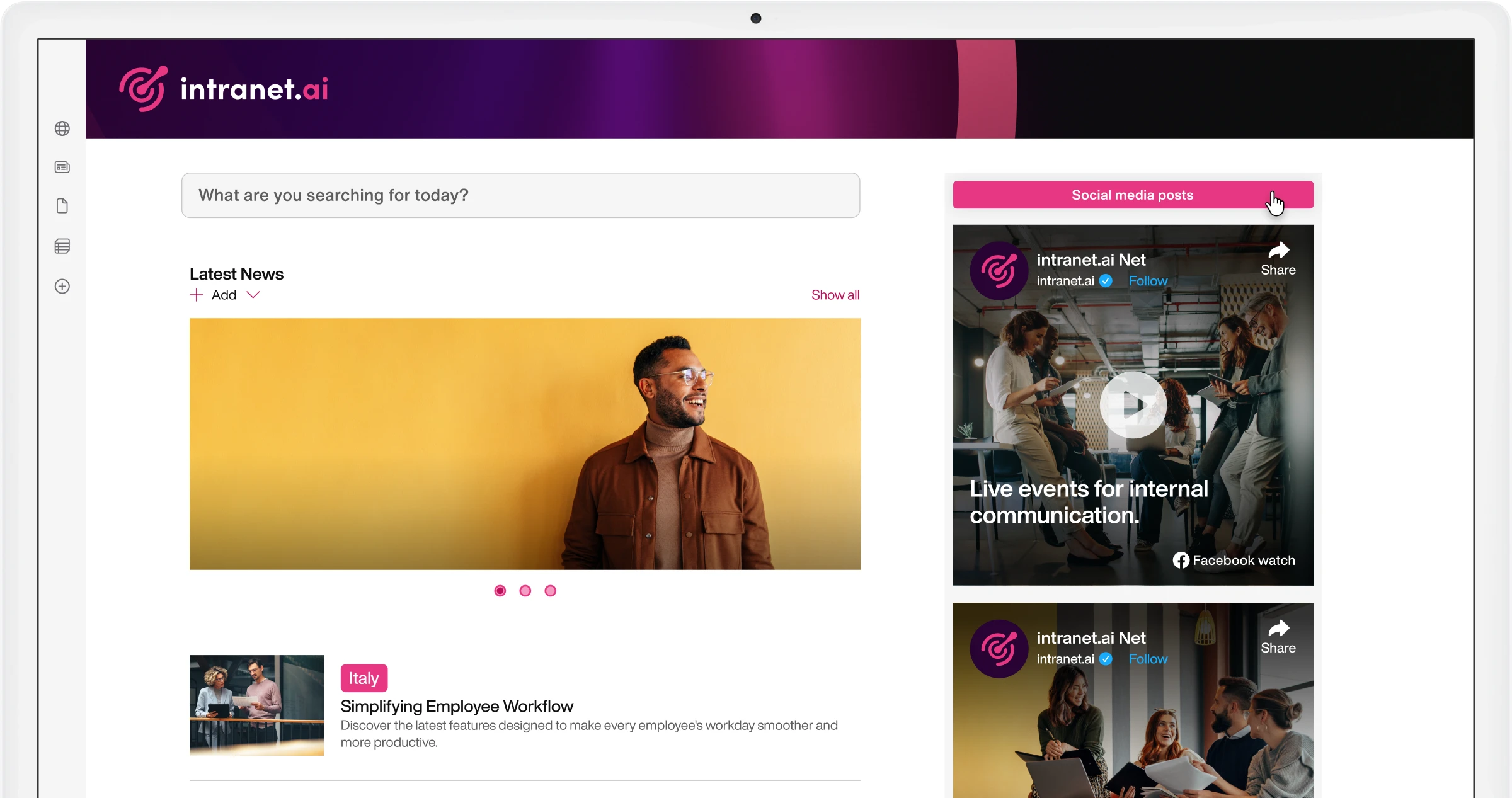
Social Media Posts
Share posts published in your company's LinkedIn, Instagram, and X channels on the intranet.
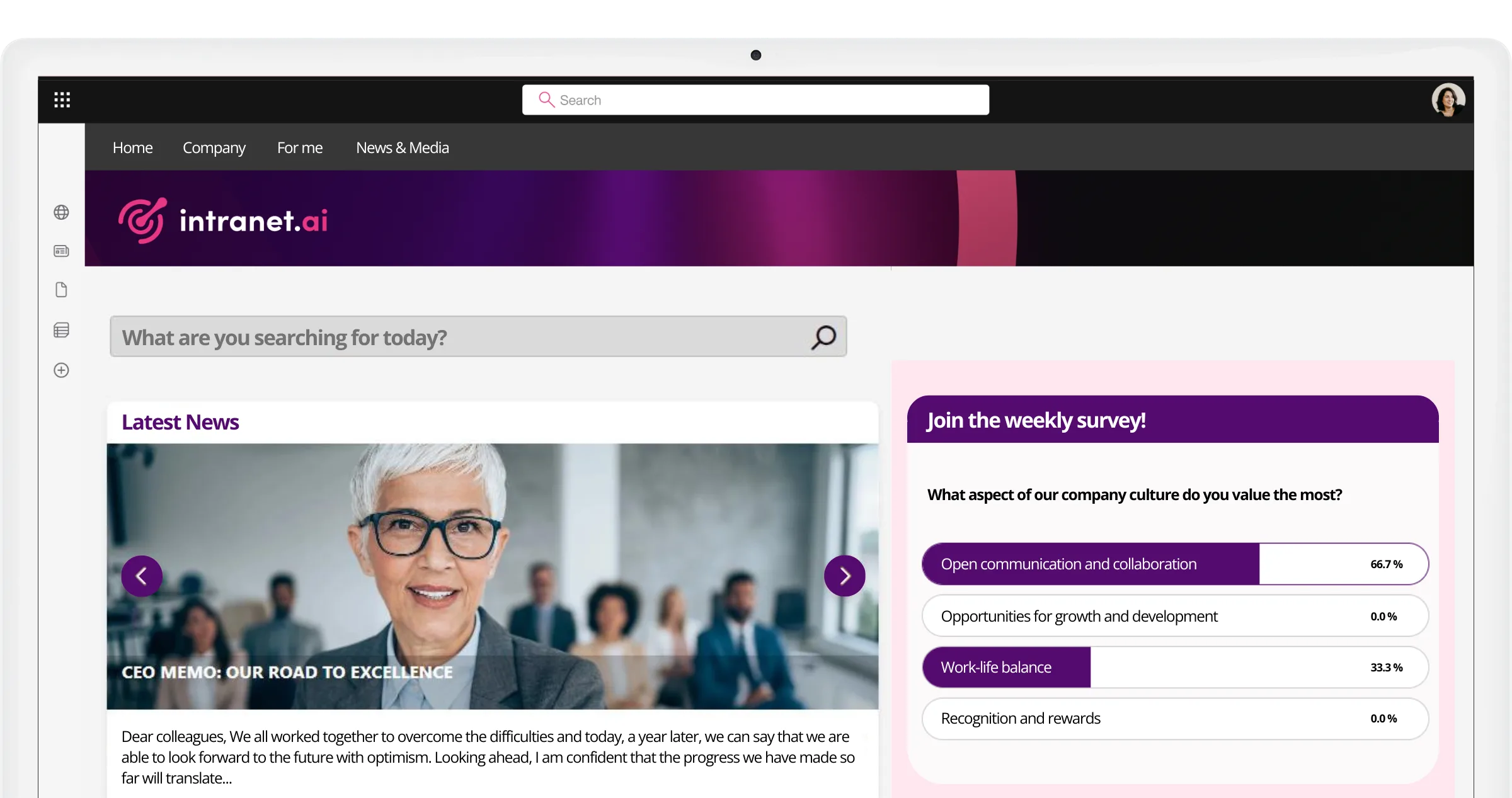
Surveys
The component to make the intranet more interactive, increasing daily visits.
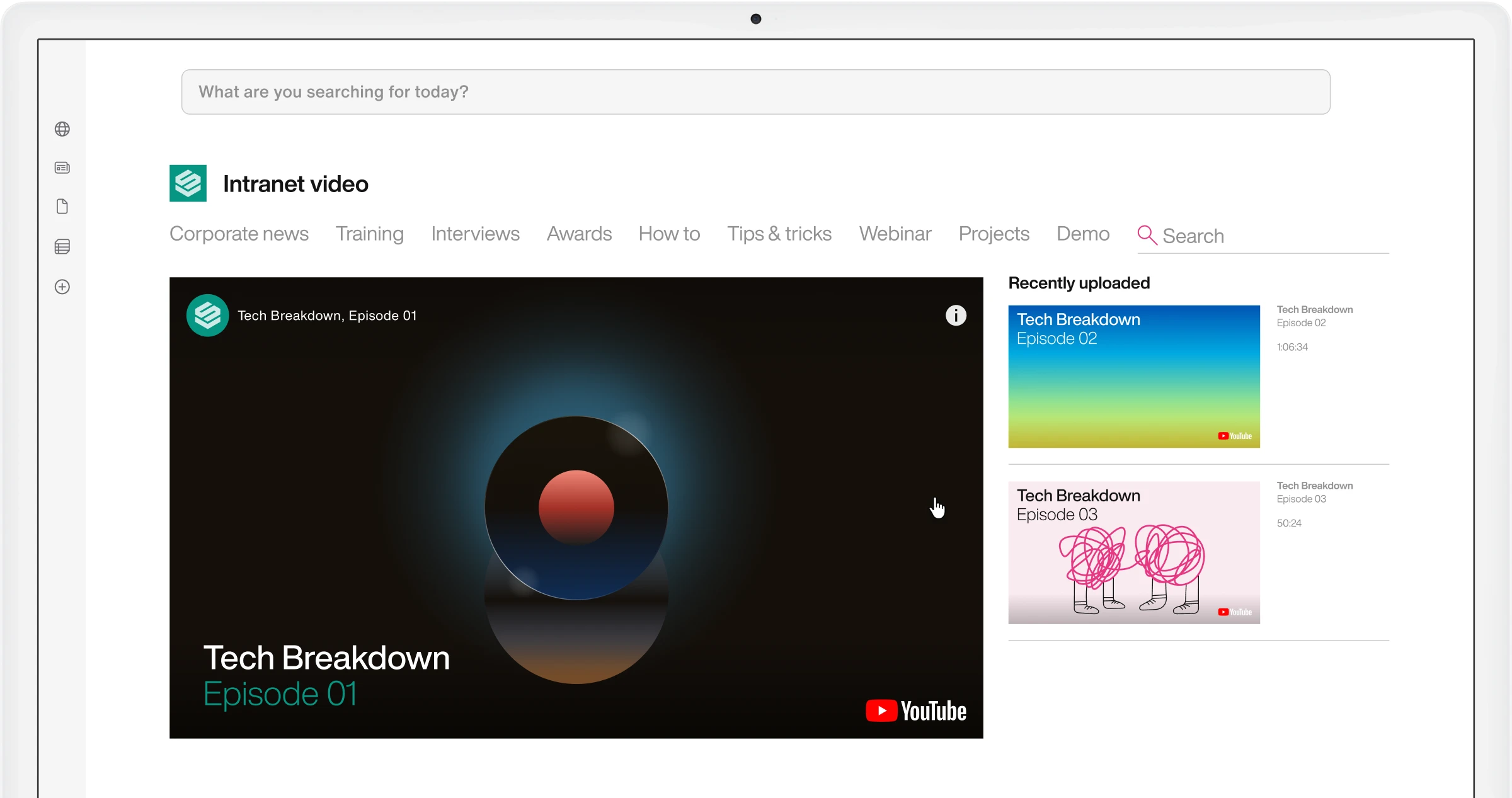
Videos
Increase engagement with corporate video clips for the SharePoint intranet.
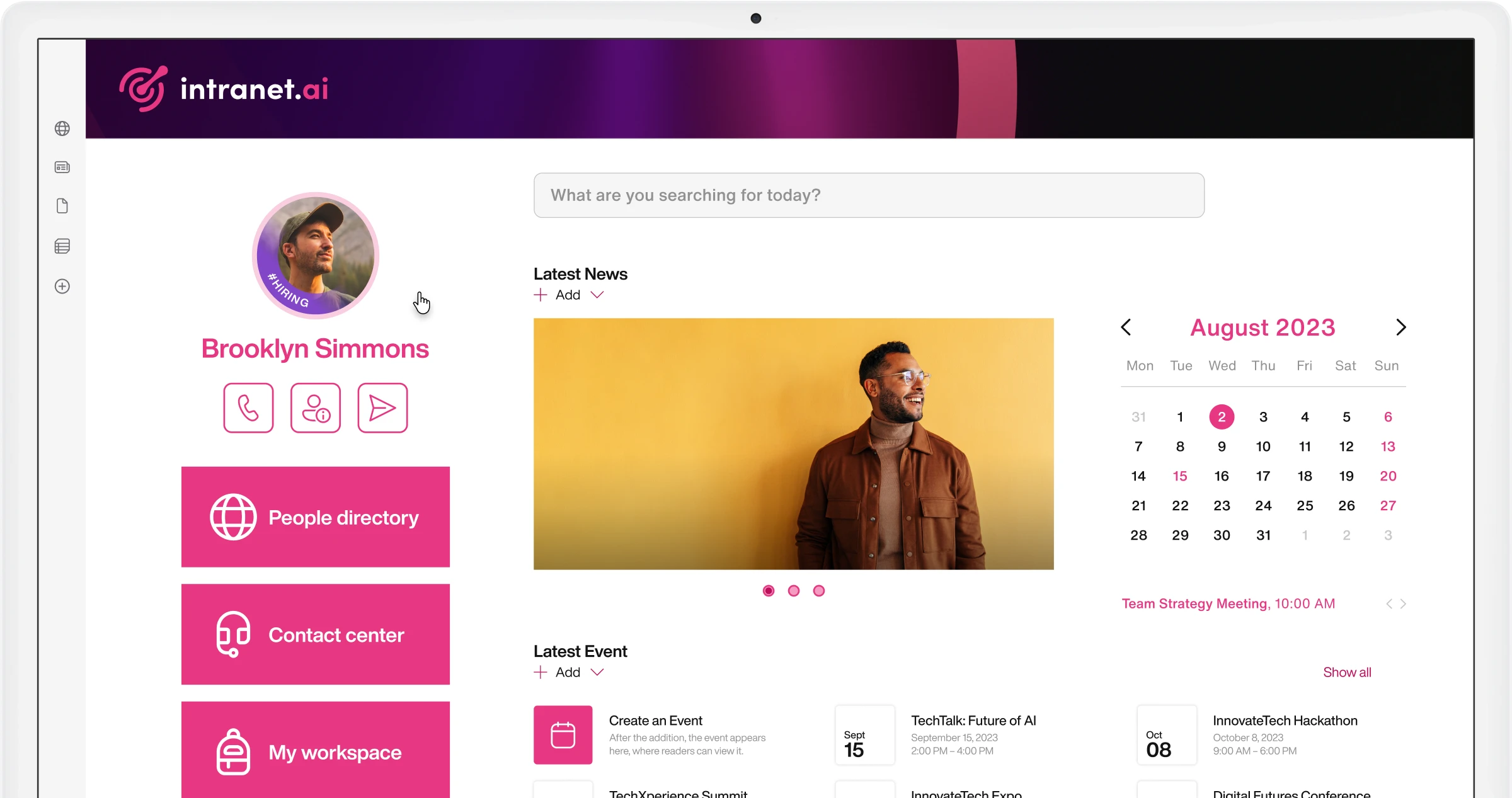
Welcome Box
Welcome users to the intranet, providing quick access to useful resources and the latest news.
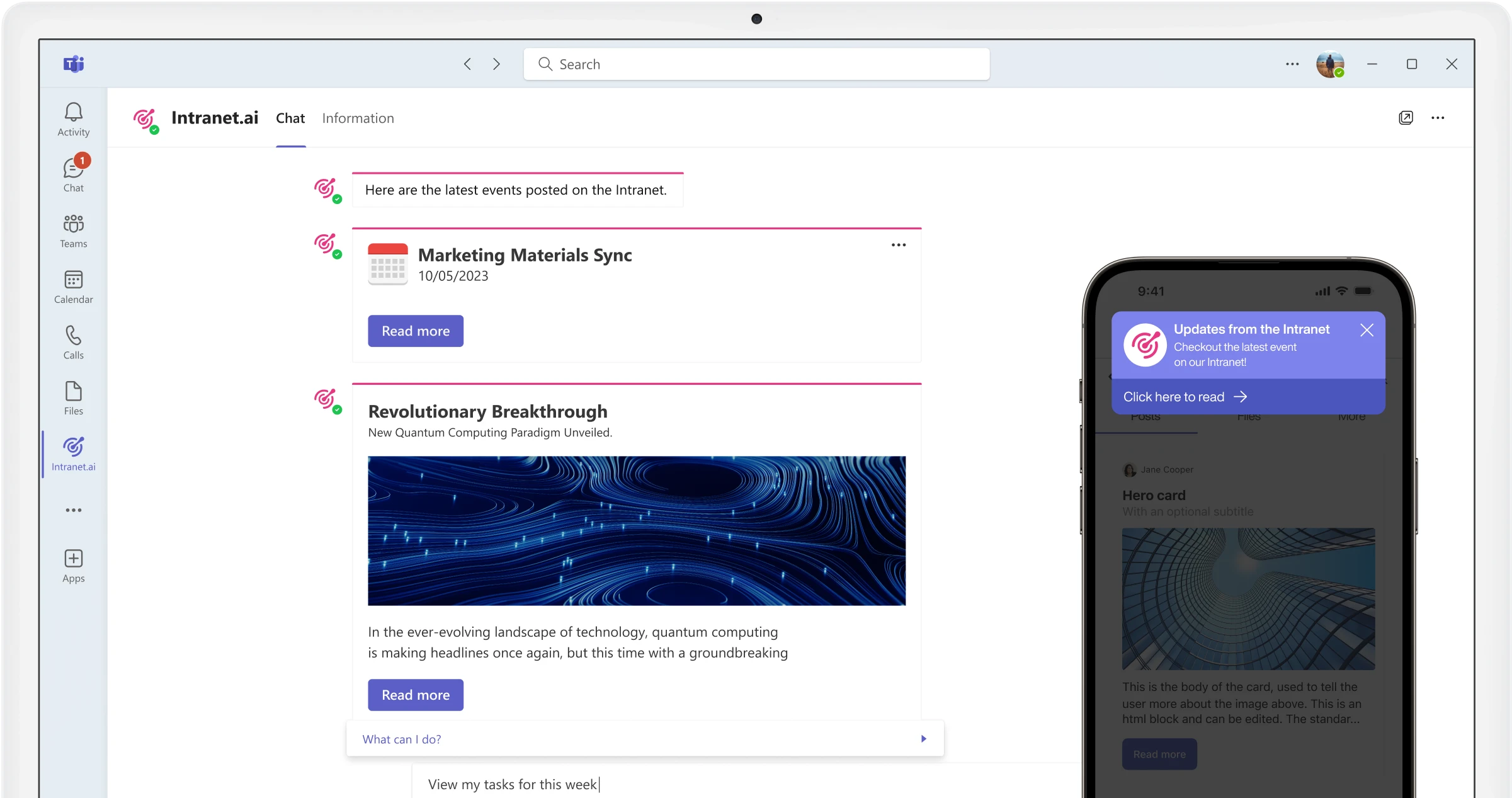
Teams Push Notifications
Notifications via Microsoft Teams
Promote the publication of new content on the intranet with our push notification system for Microsoft Teams.
Intranet Analytics
Analysis by job family
Size data based on corporate demographic properties.
Create custom reports
Compare data from the SharePoint intranet with Power BI dynamic reports.
Integration with various data sources
Integrate data from Microsoft 365 products and third-party sources into a single report.
Search analysis
Obtain precise data on what and how users search within the SharePoint intranet.
Unique users and views
Analyze visits to your SharePoint intranet.
User actions
Get precise data on the actions users take within the SharePoint intranet.
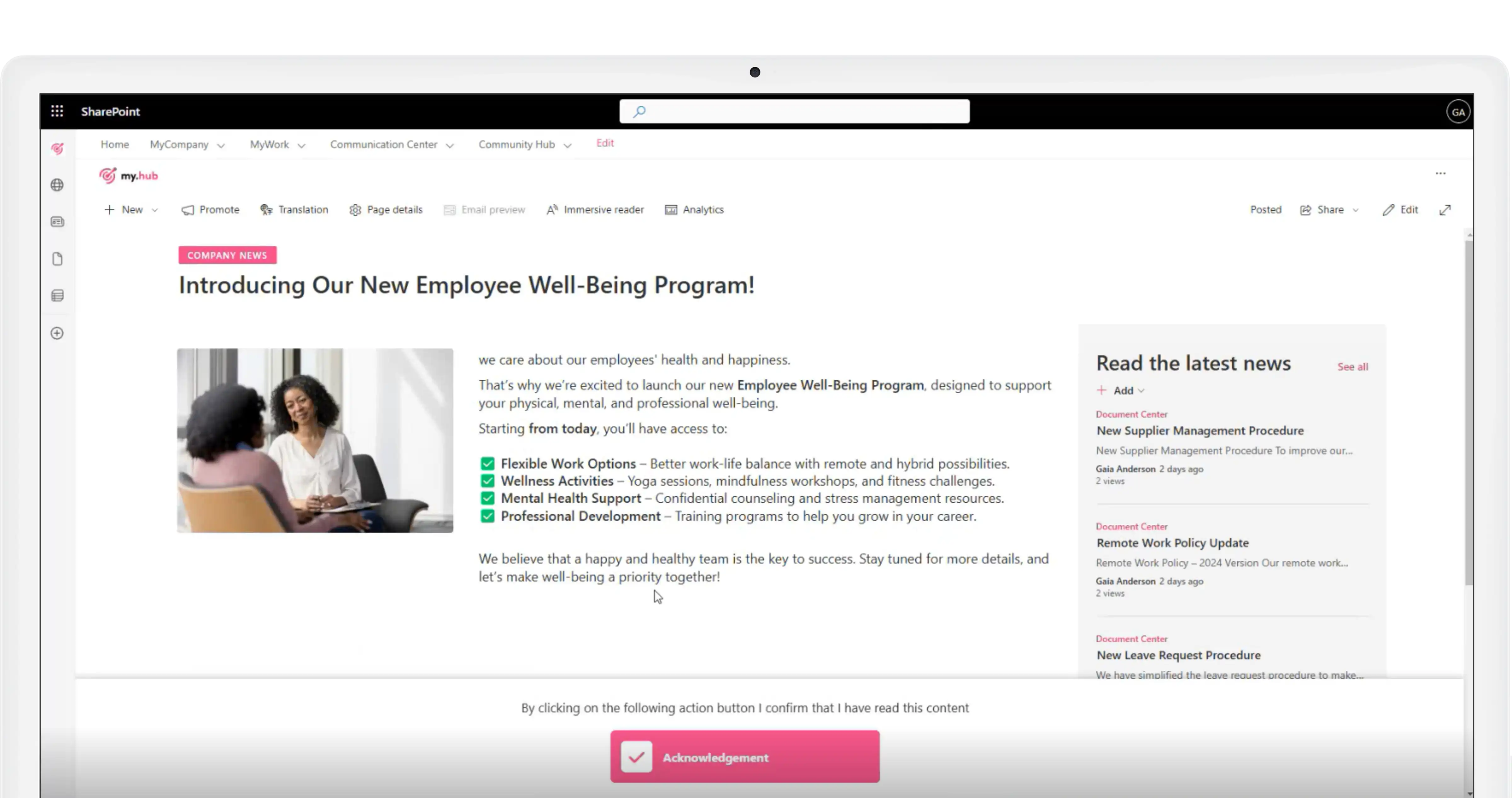
Document Acknowledgement
Distribute company procedures and track their consultation
Manage the acknowledgment of company documents with notification sending and tracking.
Monitor the receipt of corporate communications
Document Acknowledgement is now available for posts published on the SharePoint intranet.
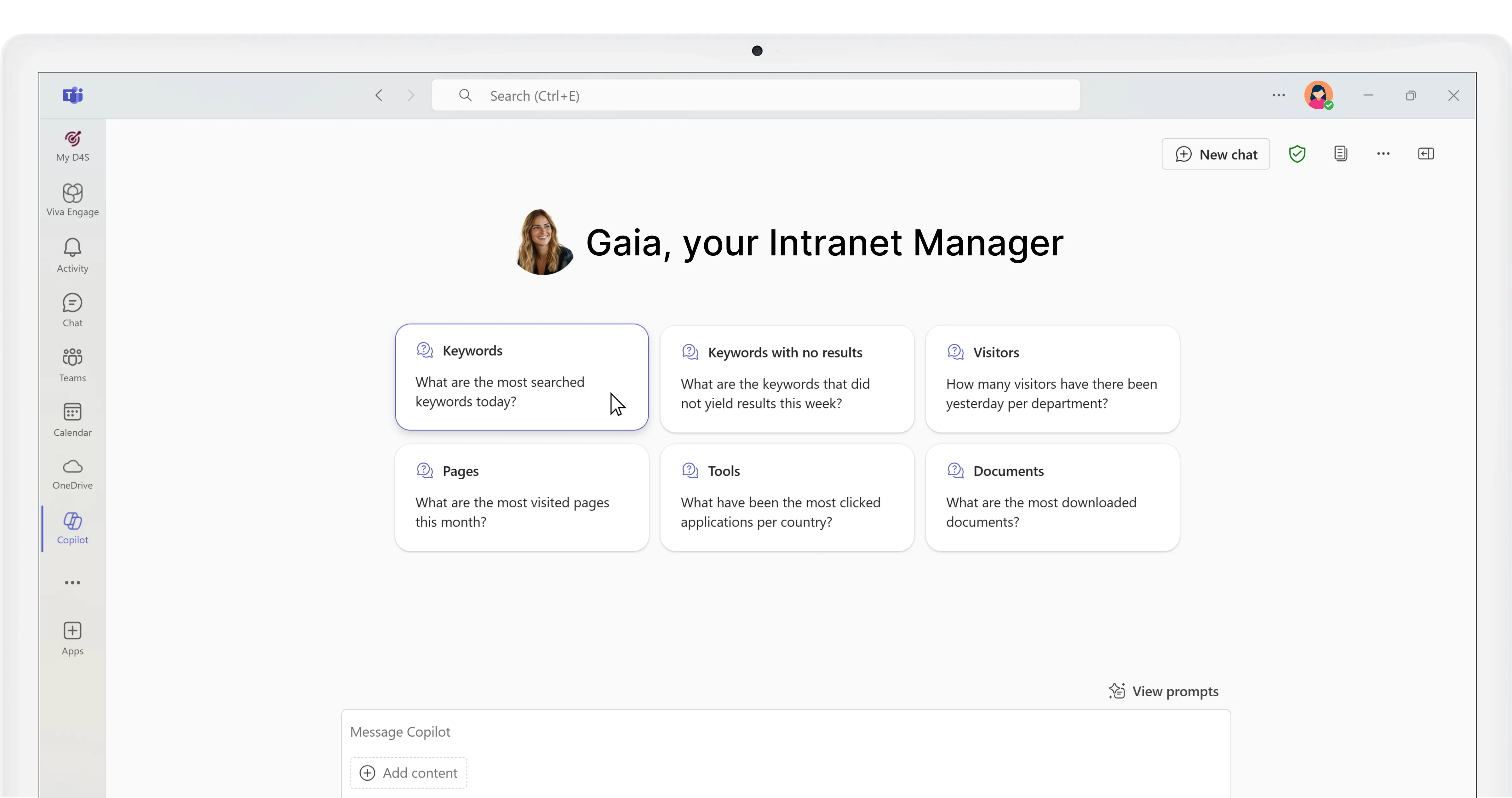
Gaia, your Intranet Manager
Manage your intranet with ease
Our extension for Microsoft Copilot suggests how to improve your SharePoint intranet based on analytics data.
SharePoint Intranet
Complete, ready to use, and integrated with Microsoft 365.
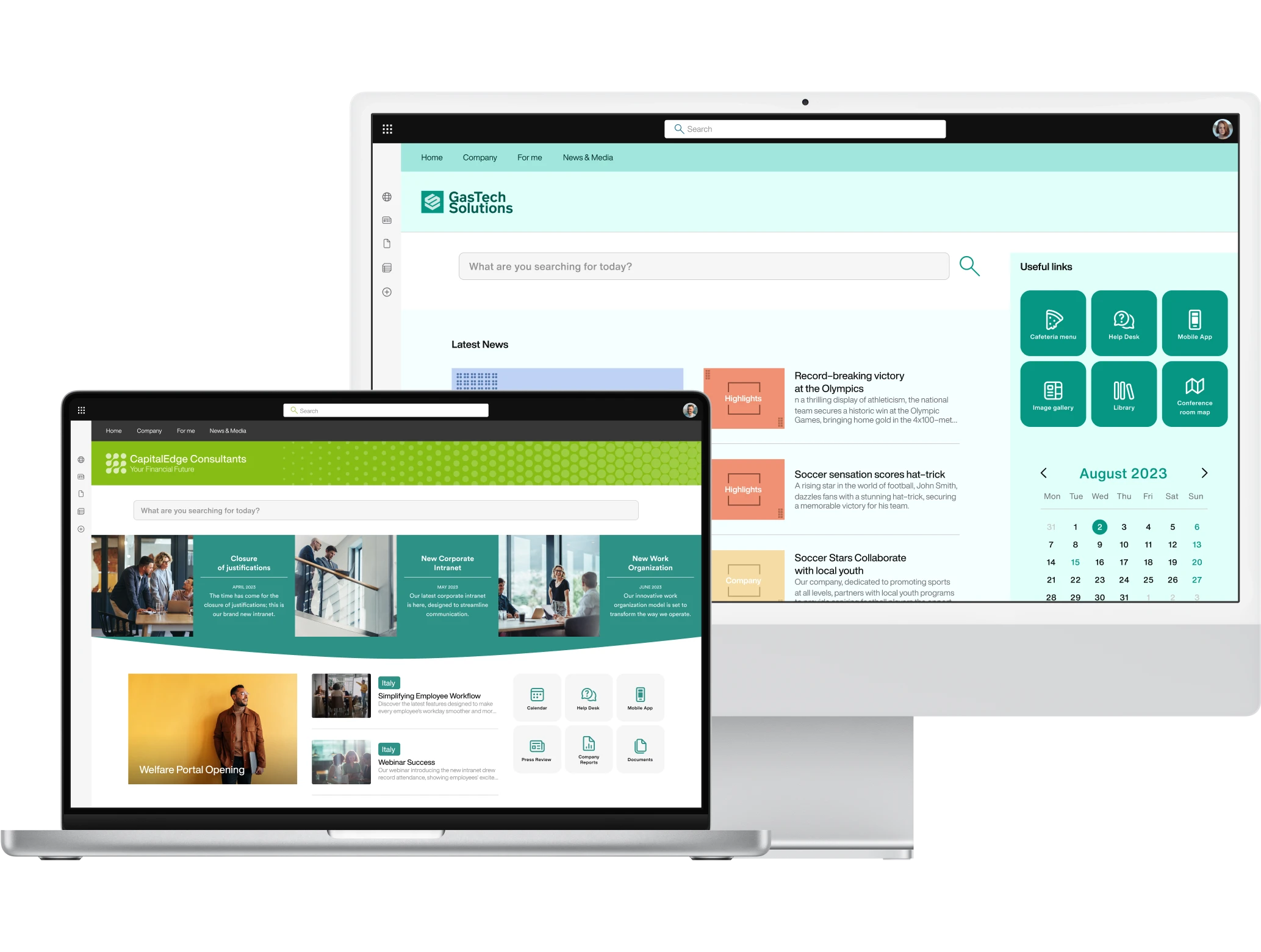
Advanced Search
Save time on searches and improve information exchange in the company.
Our component helps users of the corporate digital workplace find documents, contacts, communications, and services published on the SharePoint intranet or shared in the integrated Microsoft 365 environment.
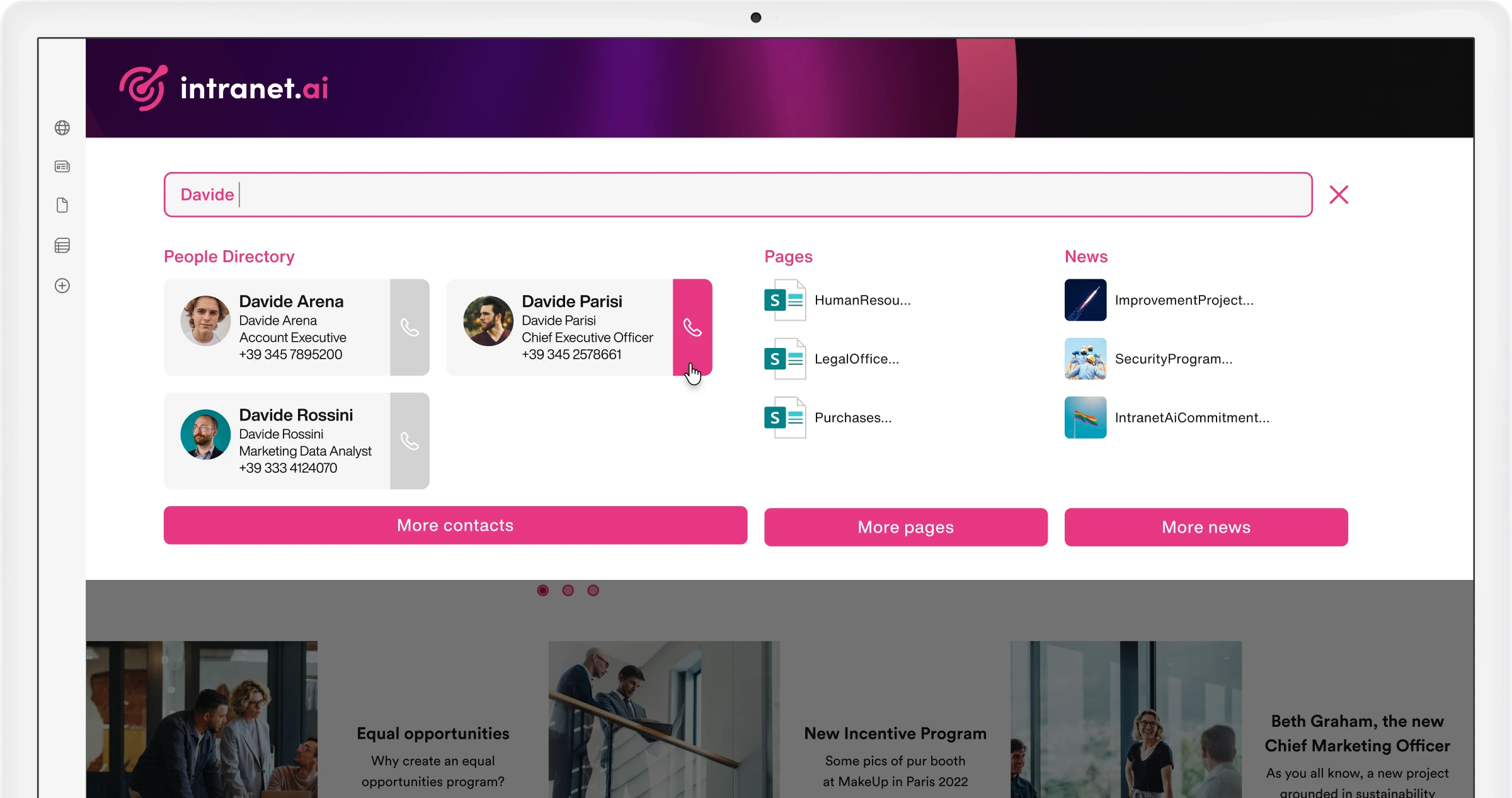
Alerts and service communications
Create customized banners that accompany users during navigation.
Ensure that colleagues do not miss any news. Inform them about closures or upcoming initiatives with dynamic banners integrated with our push notifications for Microsoft Teams.
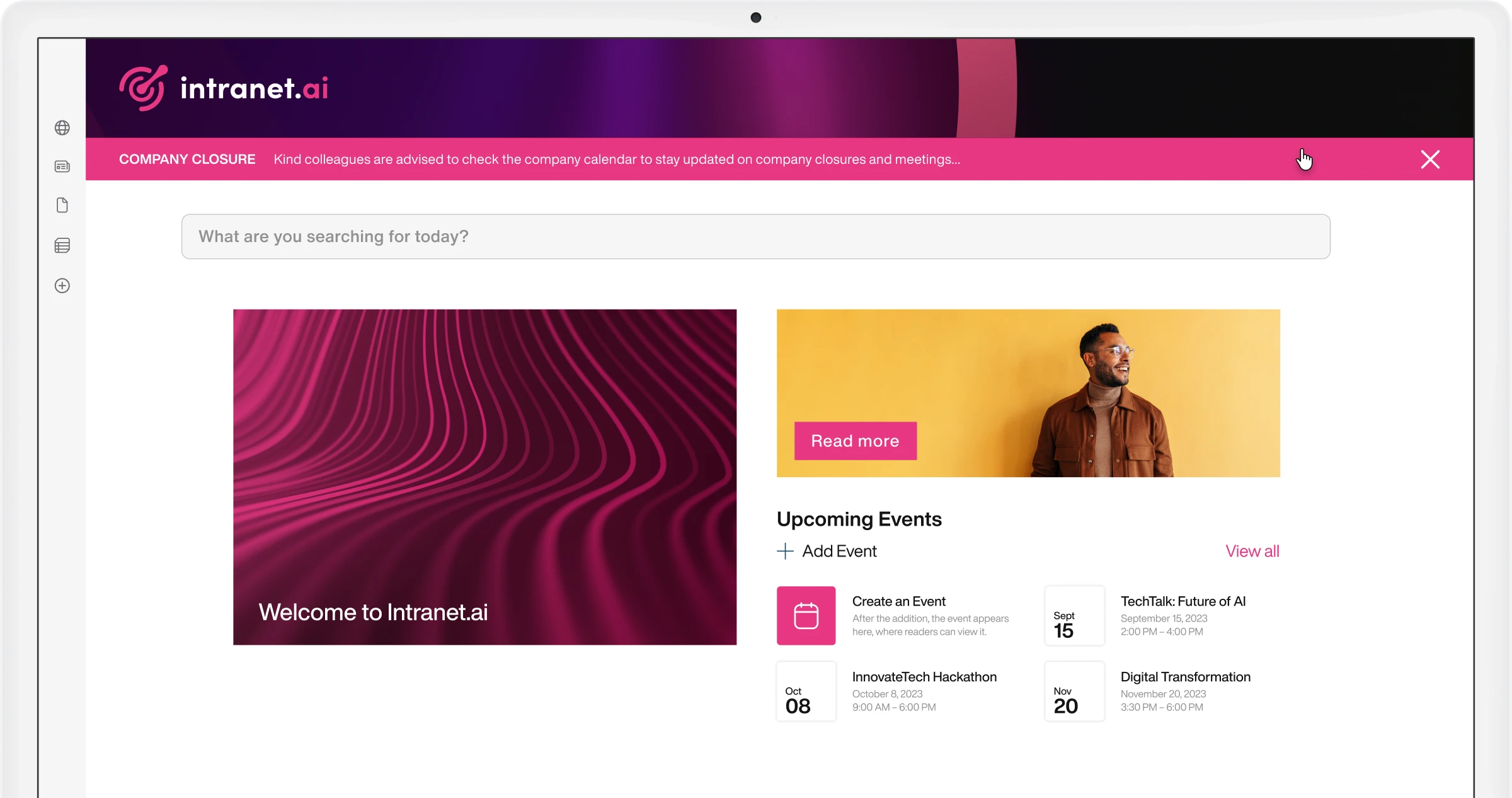
Anniversaries
Strengthen the corporate community.
Our component offers a new experience to get to know colleagues and your company. Create a calendar of special events, such as birthdays of the month. Click on custom icons to access personal profiles.
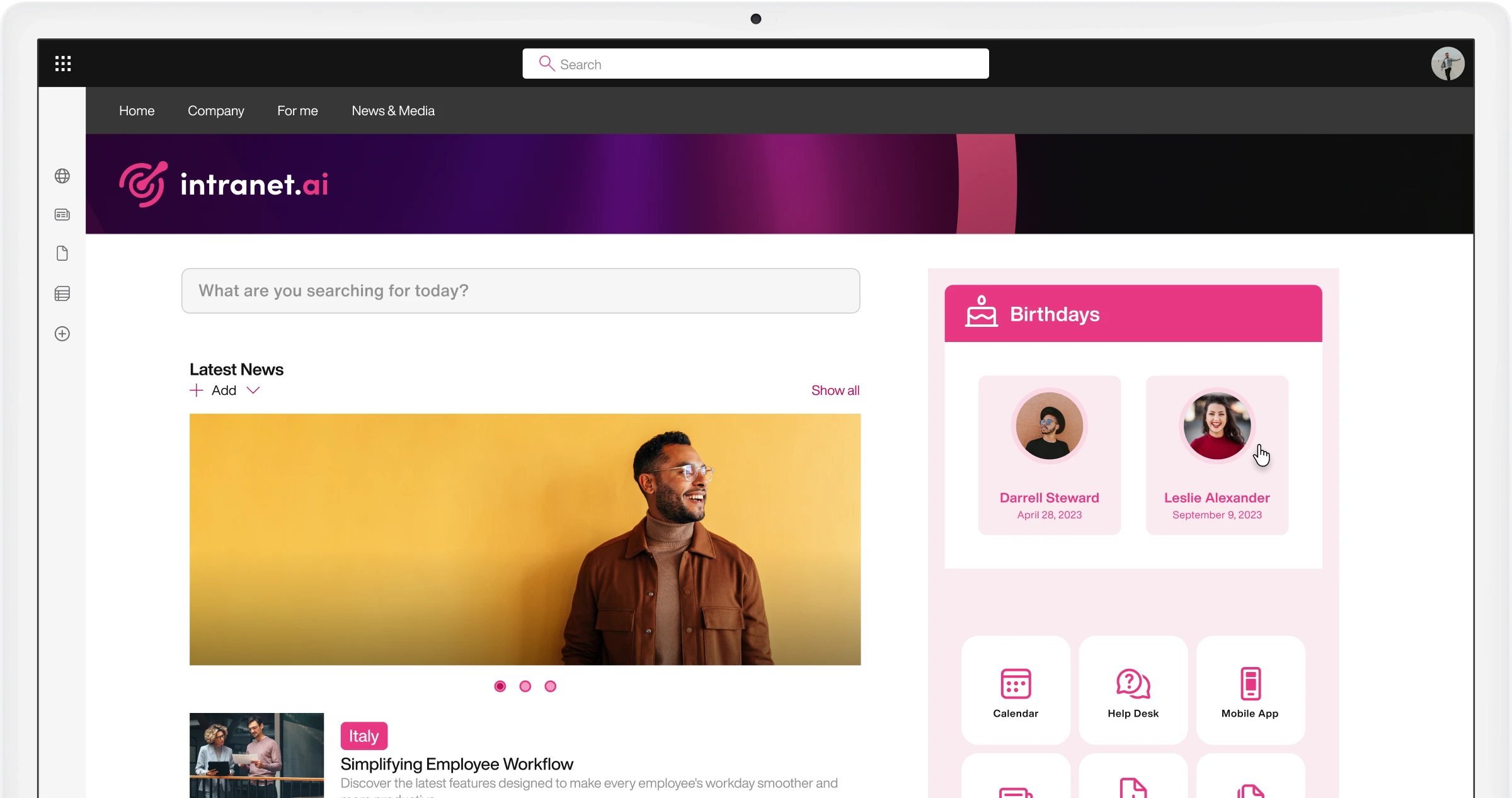
Back to Top
Improve the usability of your SharePoint intranet.
Our component guides users through the intranet, helping them explore news, updates, resources, and corporate initiatives smoothly. After reading, a single click is all it takes to return to the top of the page.
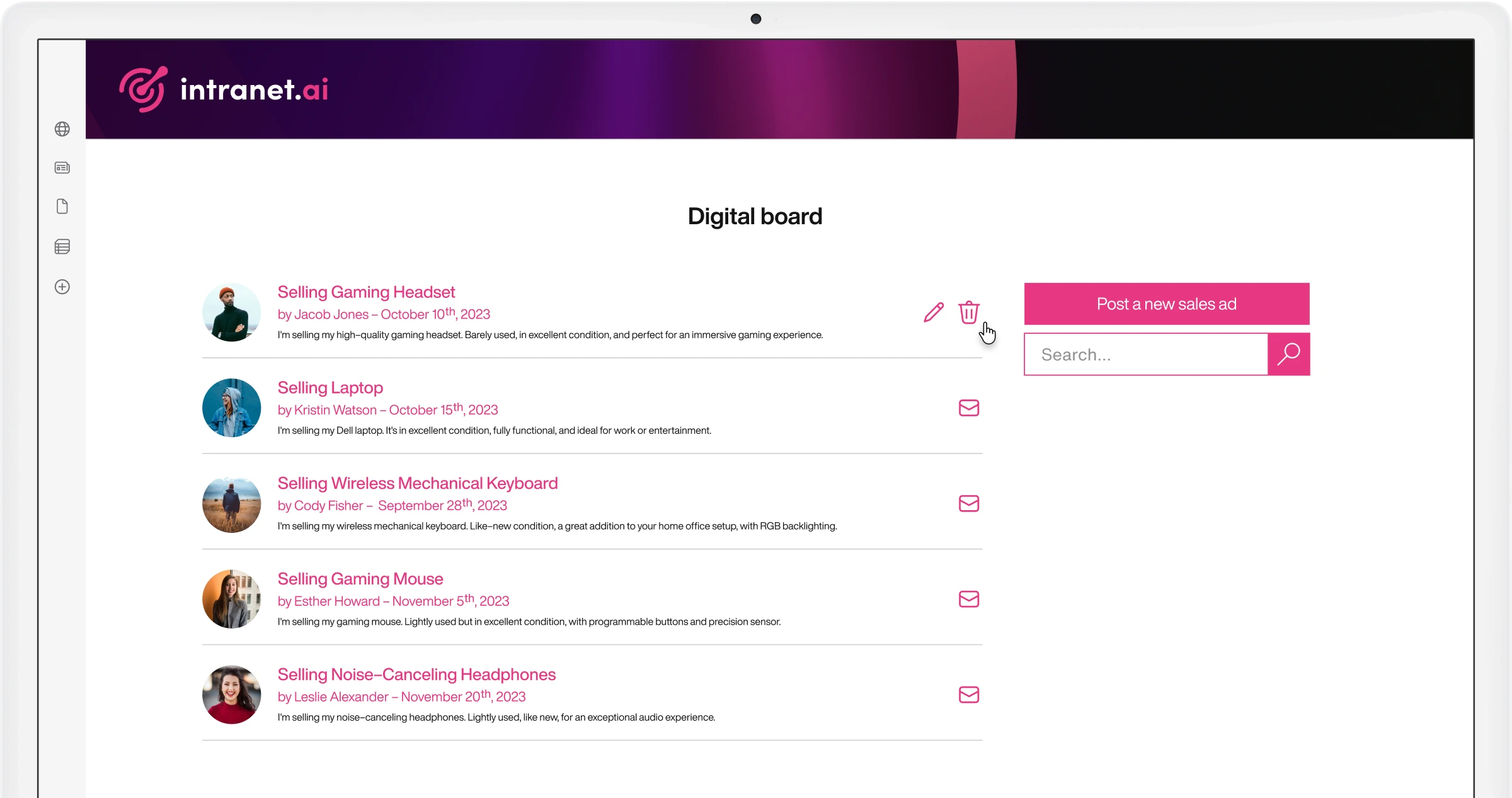
Bulletin Boards
Promote communication and knowledge sharing among colleagues.
Our component helps strengthen the corporate community with spontaneity by offering a space where users can post personal announcements and respond to colleagues' offers for buying and selling items.
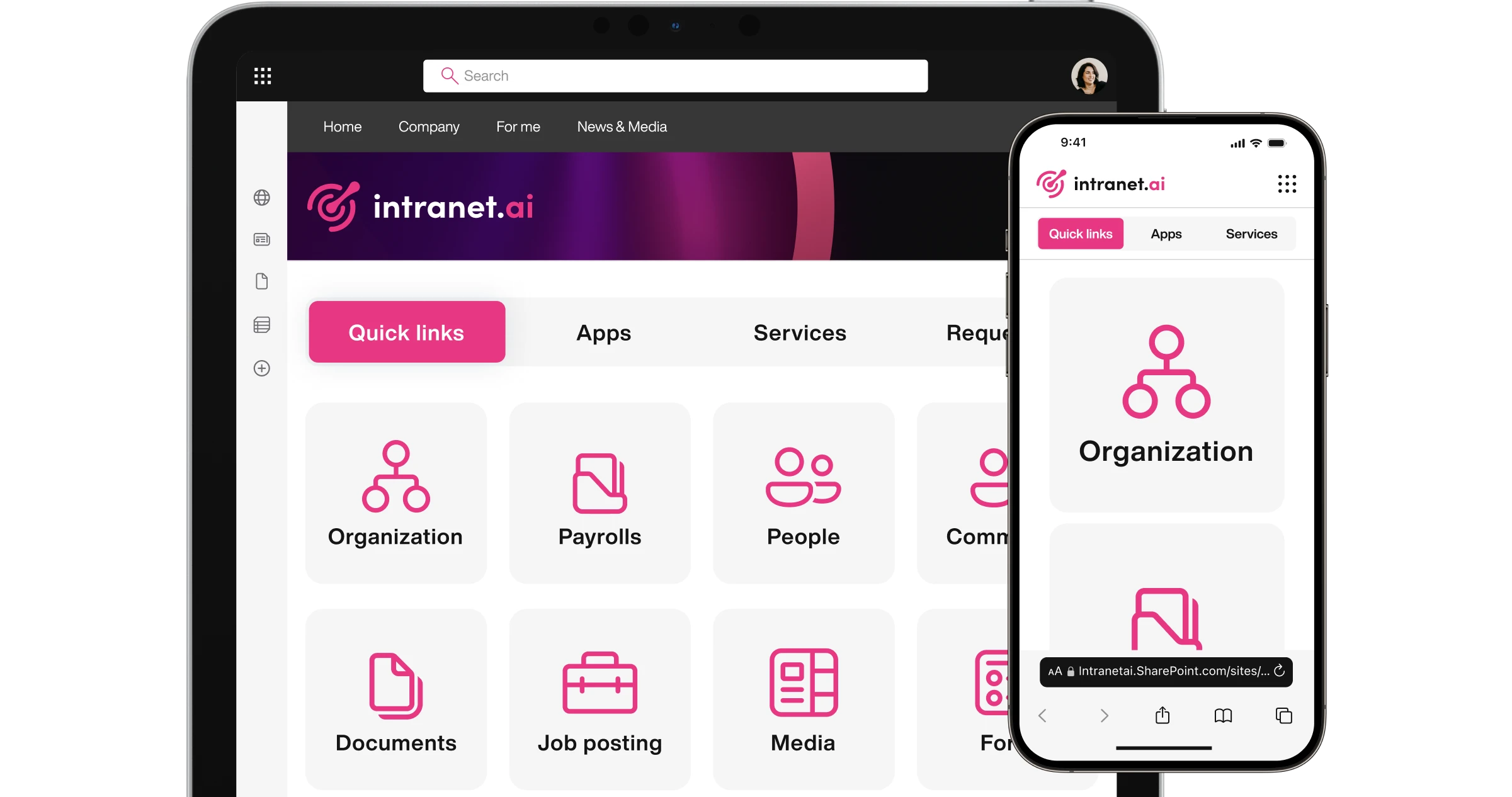
Company Apps
Quick access to corporate apps on the SharePoint intranet.
Bring together apps and resources recommended by the company on the intranet's homepage. As Editor, you can independently manage links, tags, categories, and access.
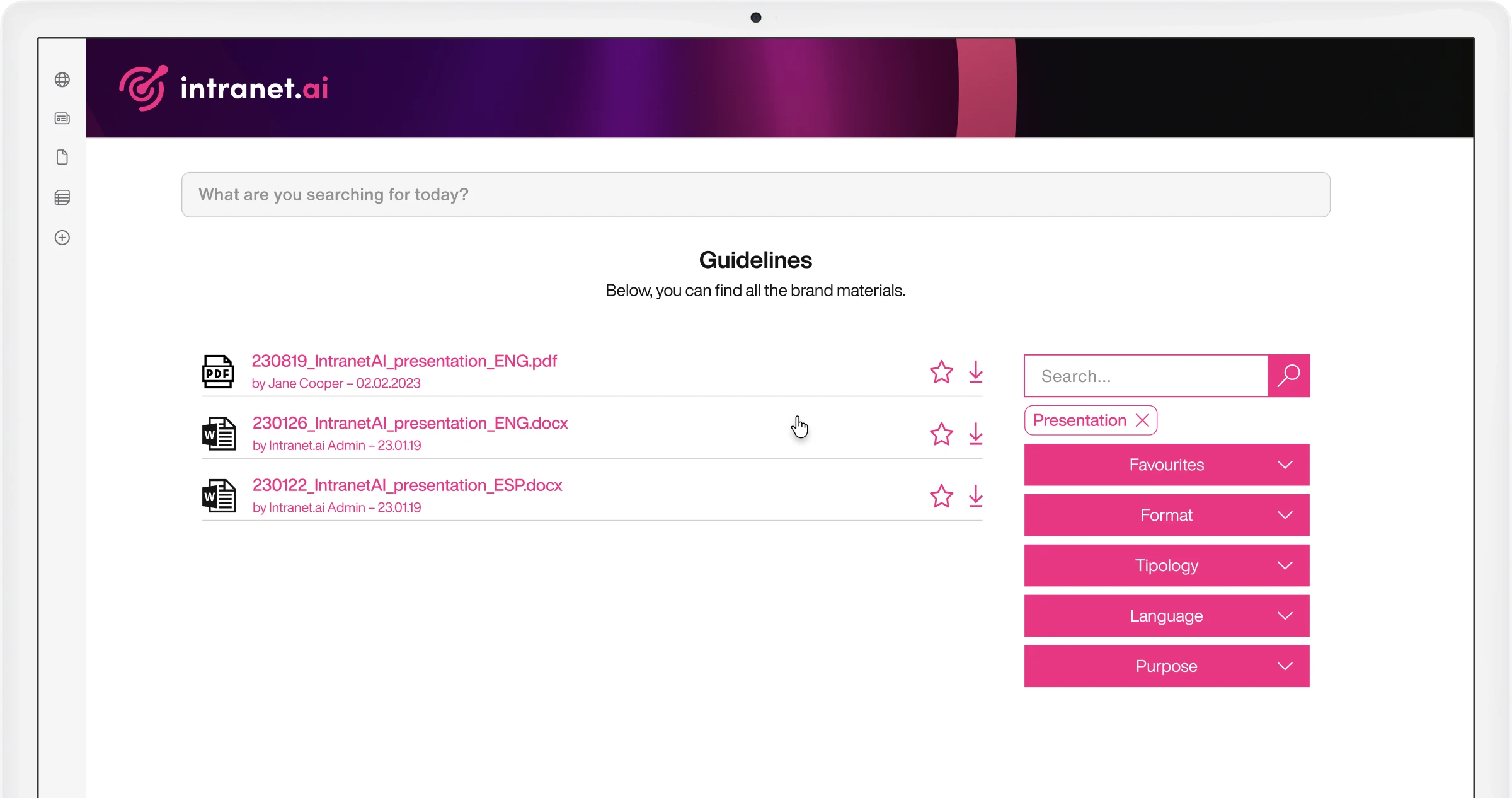
Company Documents
Create a shared archive that is easy to browse.
Easily retrieve the documents you need. Our component integrates with SharePoint Online to index the contents of stored documents, making them accessible from any intranet page.
Company Locations
Coordinate activities with colleagues from other locations.
Share information about distributed locations and their local working hours. Customize information cards with logos and corporate palettes. Include features, key contacts, and directions to locations.
Content Translation
Translate corporate communications into 100+ languages with our AI.
Translate SharePoint intranet pages, maintaining text formatting and creating versions that can be indexed by search. Users can automatically access content in their preferred language.
Departments
Give each department its space on the SharePoint intranet.
Create a dedicated area for corporate departments. Each department can highlight news, services, and key contacts useful for colleagues.
Disclaimer
Publish legal notices on the intranet and track colleagues' acknowledgments.
With our web part, you can highlight legal notes, policies, and terms of use for the SharePoint intranet through personalized pop-ups that follow users during navigation until the confirmation of reading.
Discussion and project groups
Create pre-configured Teams groups with your collaboration preferences.
Provide corporate teams with access to a private Teams group, a conversation area, a space to share project files, a Planner Task Board to manage and coordinate tasks, and an area to save meeting notes.
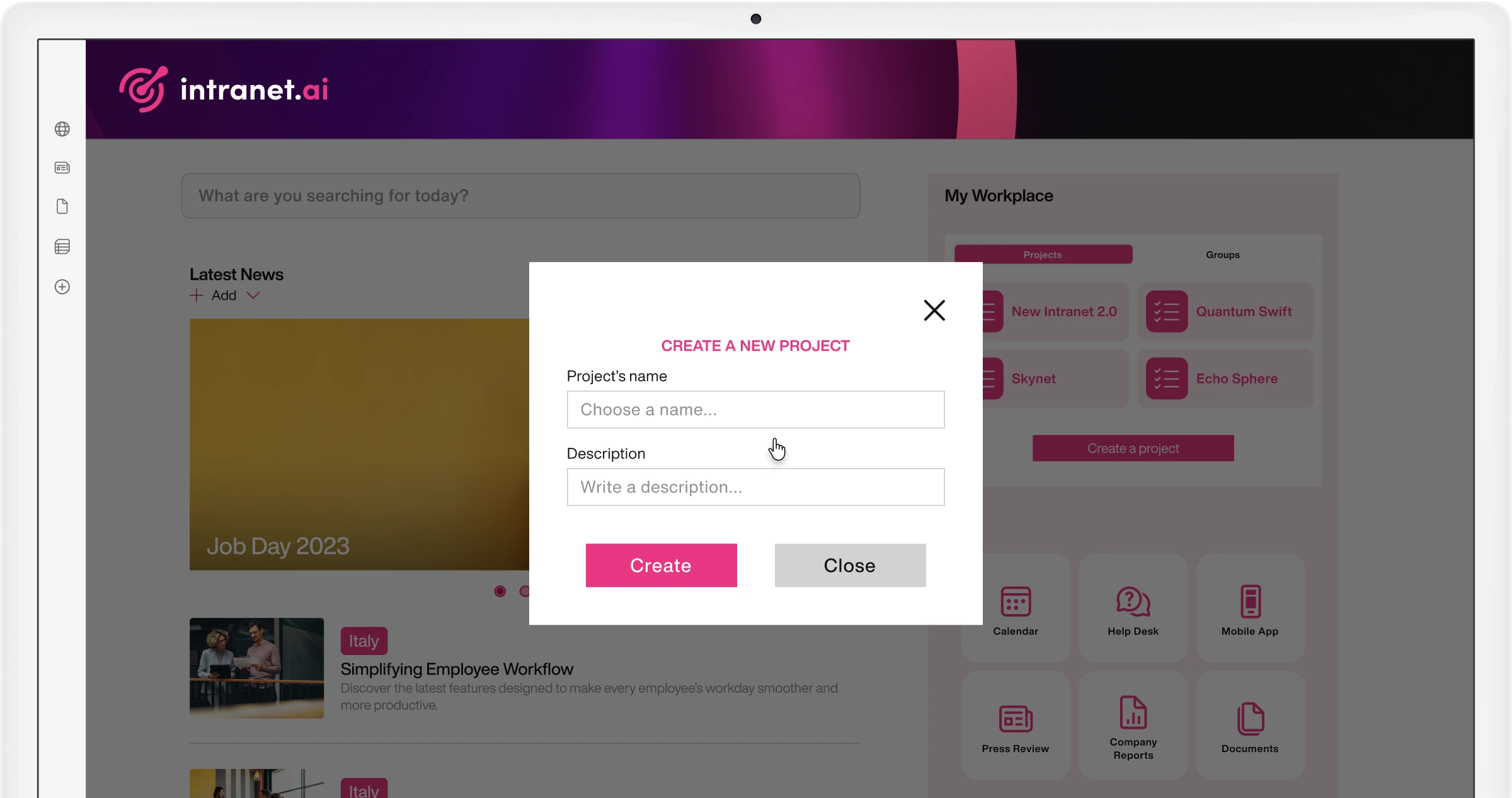
Engagement Board
Foster dialogue and collect ideas from your colleagues.
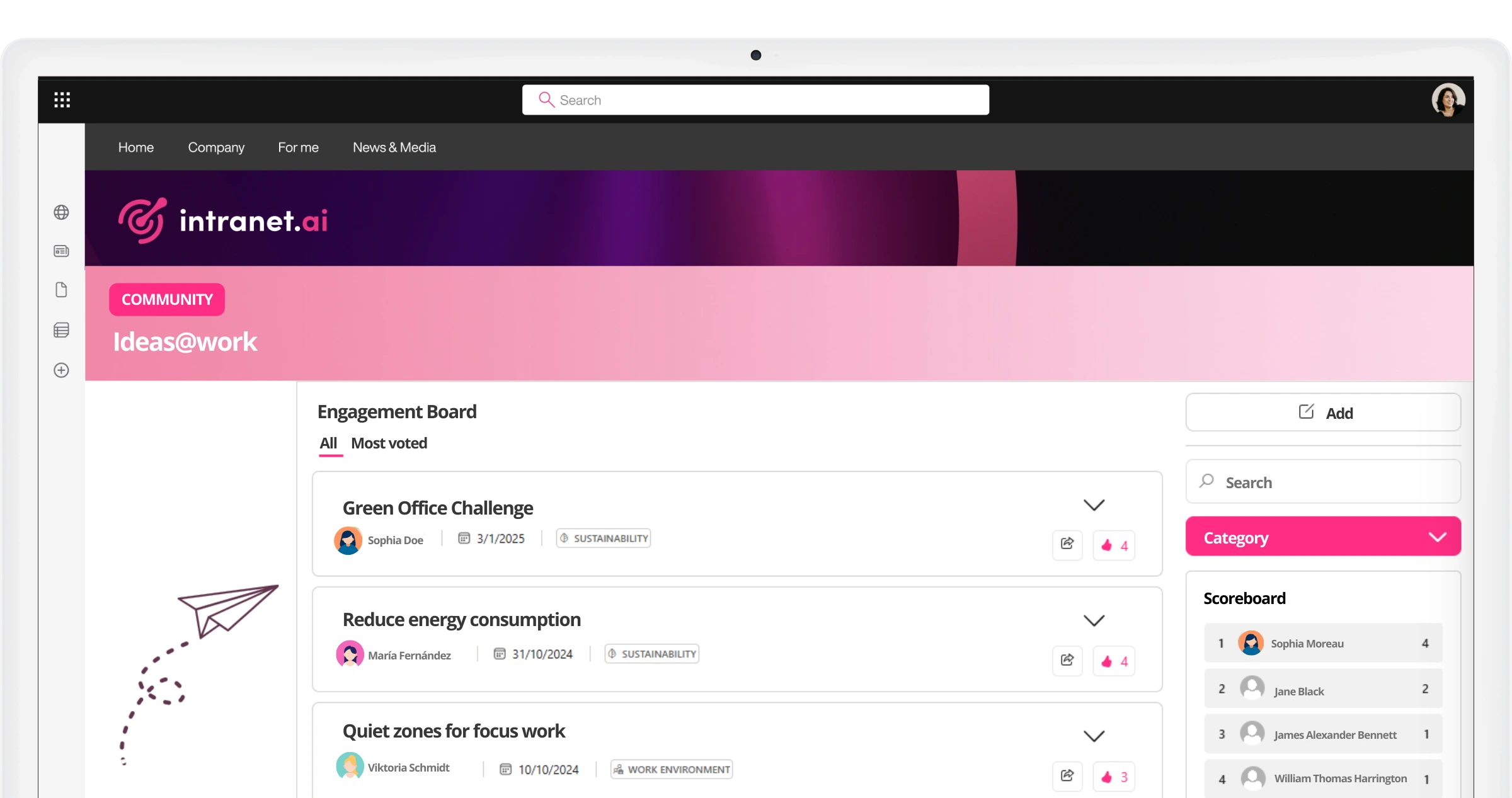
Event Calendar
Keep the corporate audience aligned.
Share closure dates, initiatives, meetings, deadlines, and training opportunities with colleagues. Send real-time updates with our push notifications for Microsoft Teams.
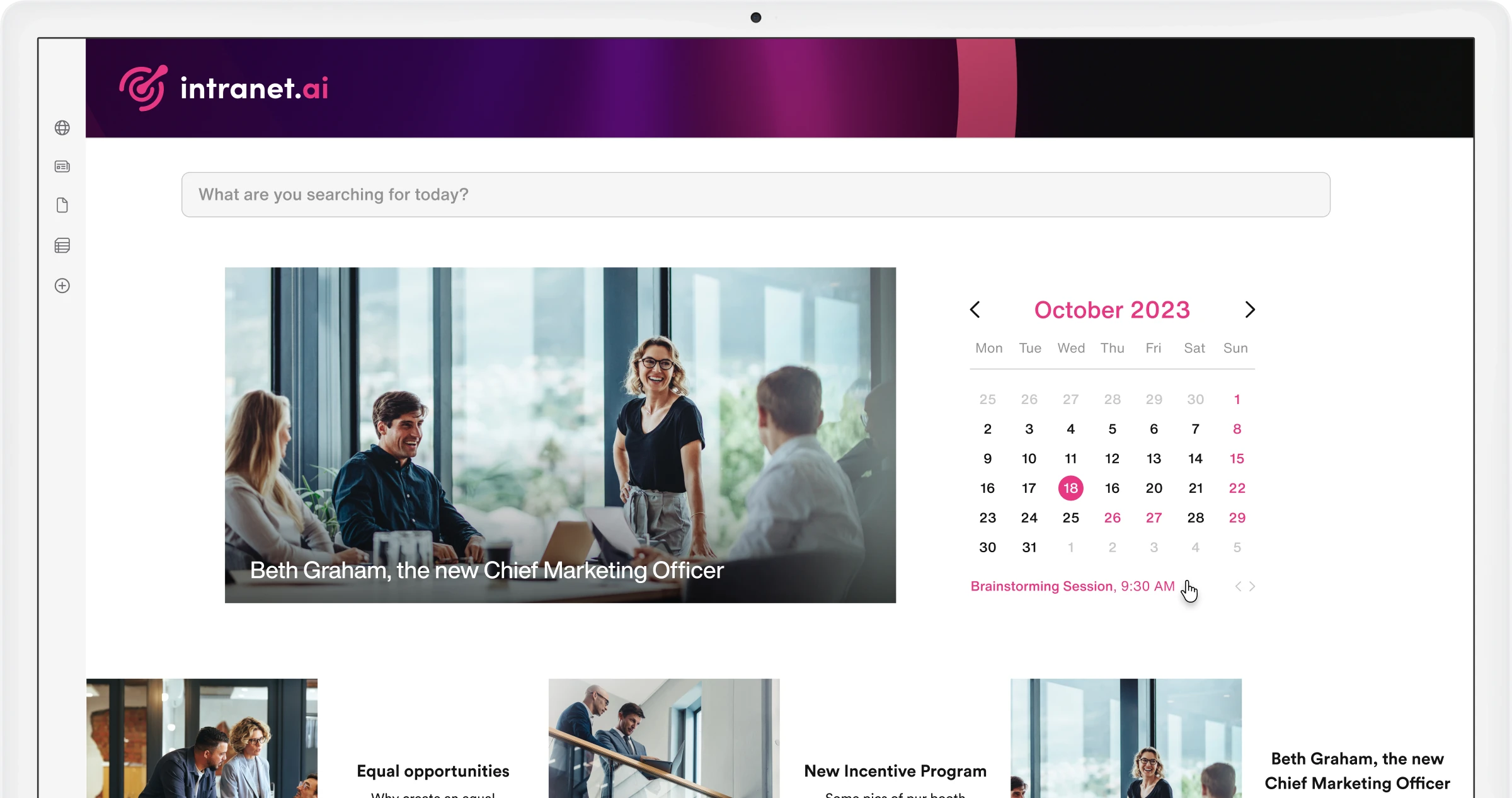
FAQs
Simplify information retrieval in the intranet.
Create a dedicated section for colleagues' frequently asked questions. Navigate through informative tabs, quickly find the answer you're looking for using free-text search or customized filters.
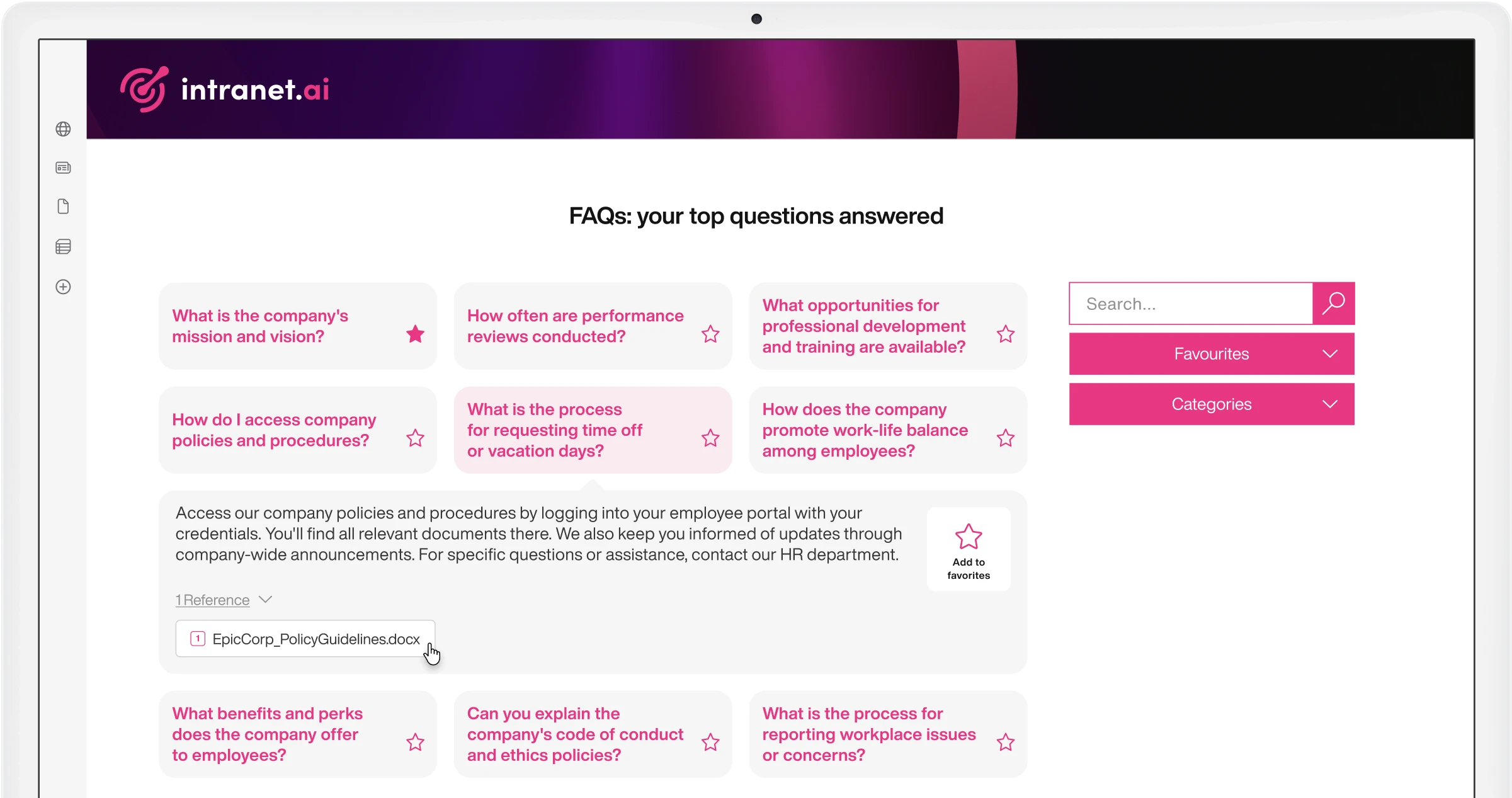
Graphic Buttons
Simplify information sharing in the intranet.
Our component extends the customization capabilities of SharePoint, with dynamic buttons that can be inserted into the intranet to enhance the corporate brand and provide colleagues with quick access to resources.
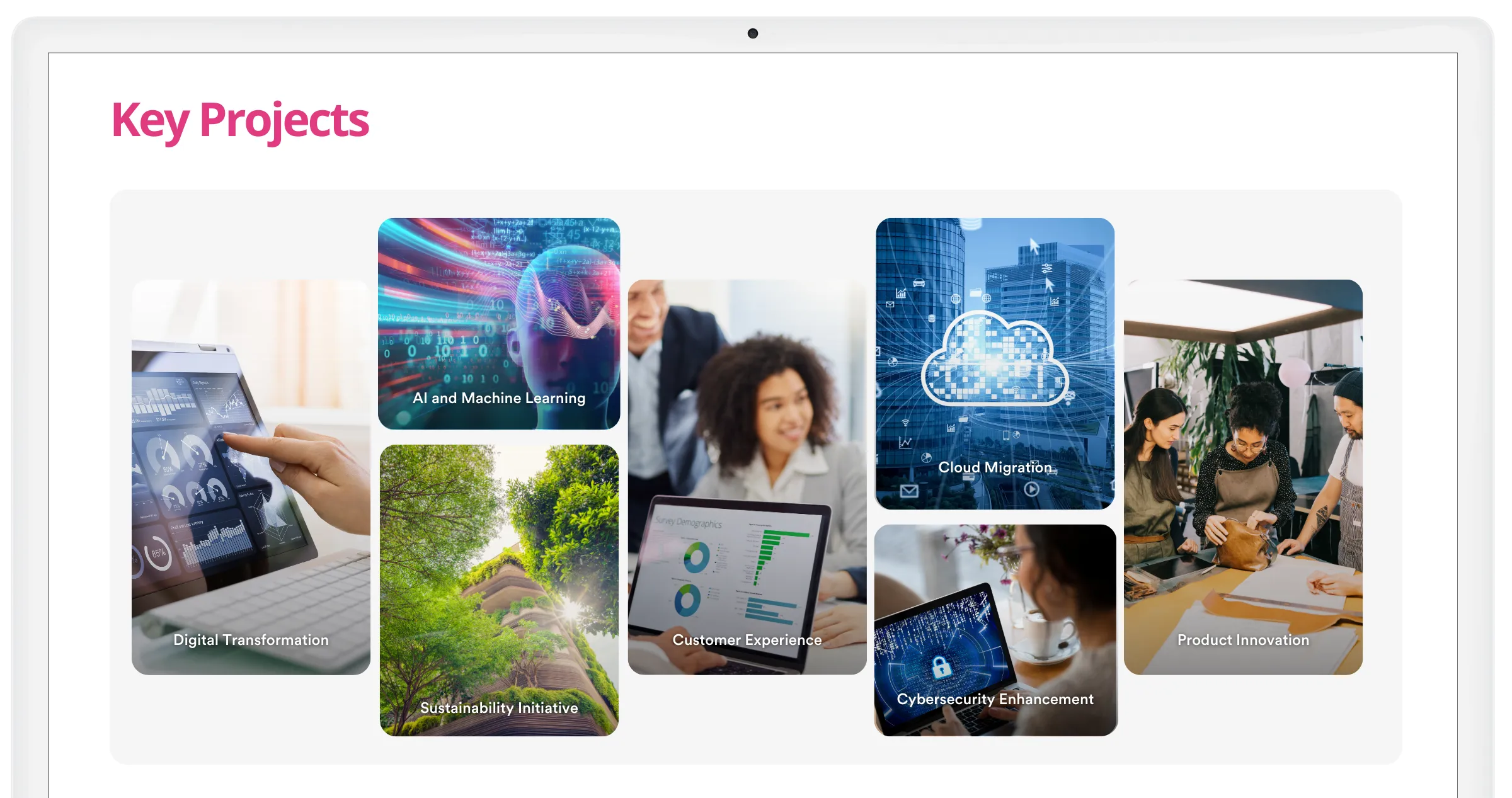
Graphic Dividers
Customize the sections of your content pages.
Our component helps you differentiate intranet content by extending the shape and color of sections on a page. This way, you can simplify user navigation and guide them through different thematic areas.
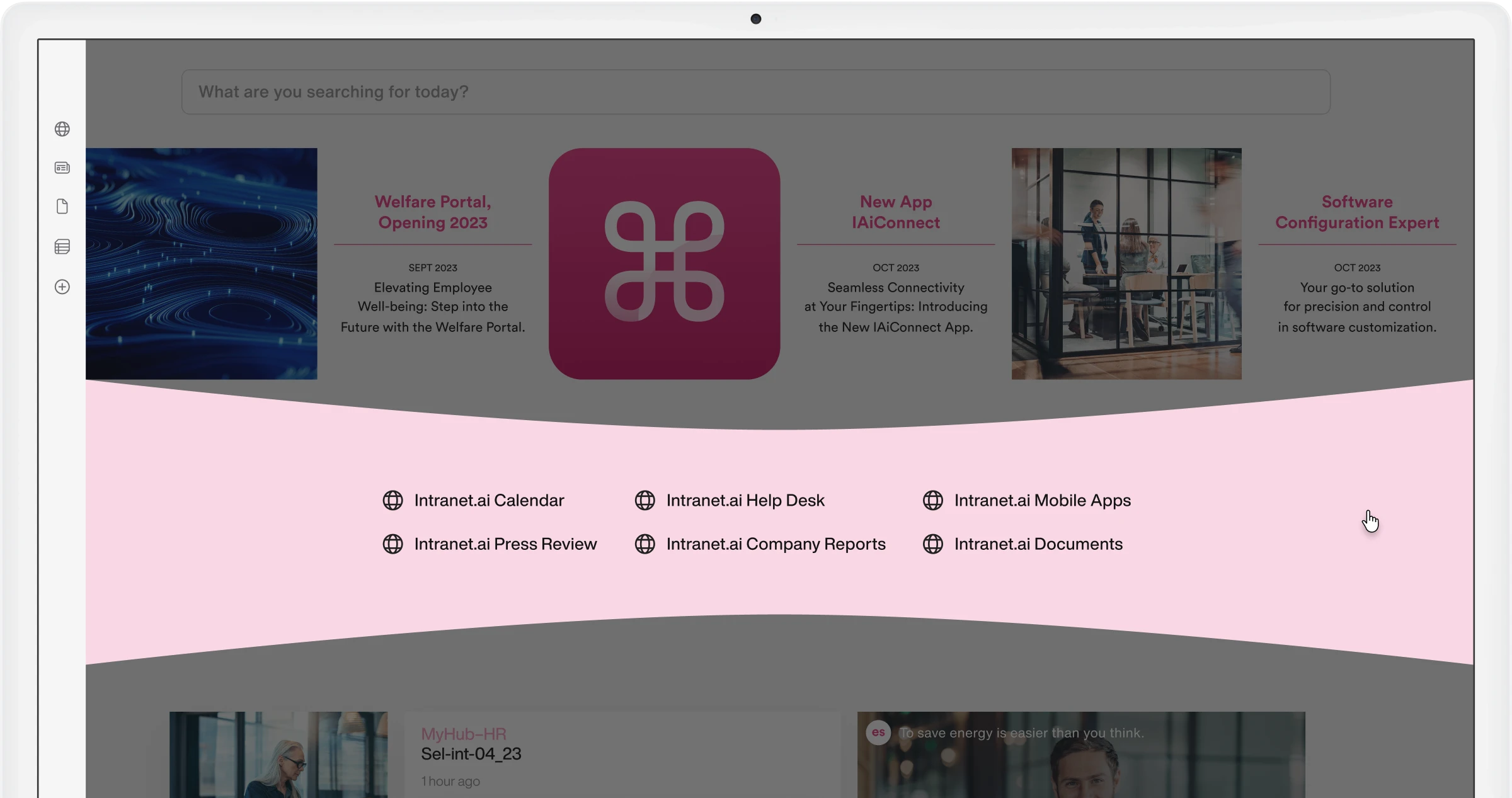
Image Slider
Enhance the style and navigation of your SharePoint intranet.
Our component allows you to enrich internal communication, thanks to a dynamic carousel capturing users' attention and making the most useful resources available to them.
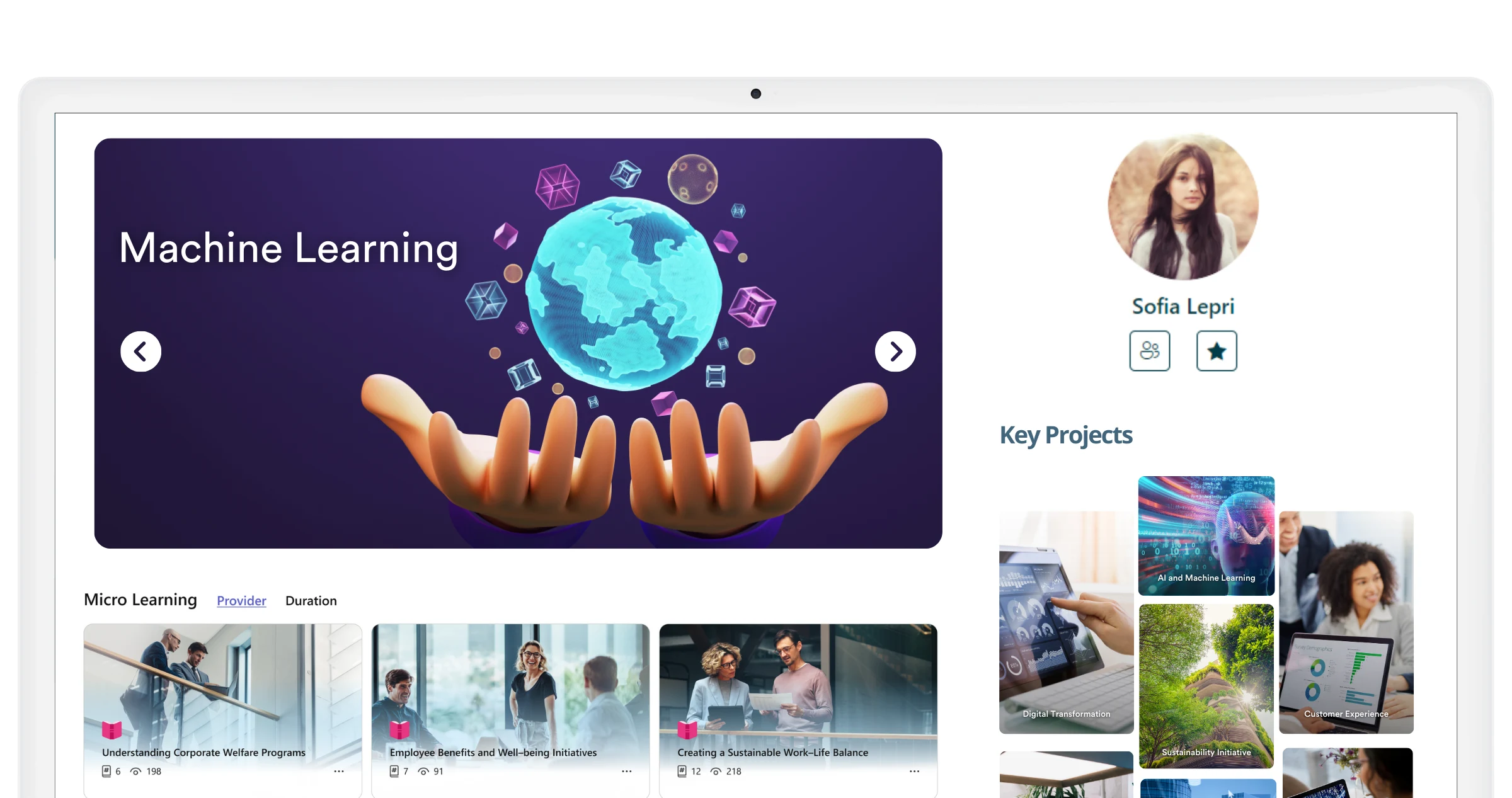
Informative Buttons
Dynamic graphics to share information on the SharePoint intranet.
Our component enriches intranet pages without slowing down user navigation. Each button hides additional information behind customized graphics, revealing content as the cursor scrolls.
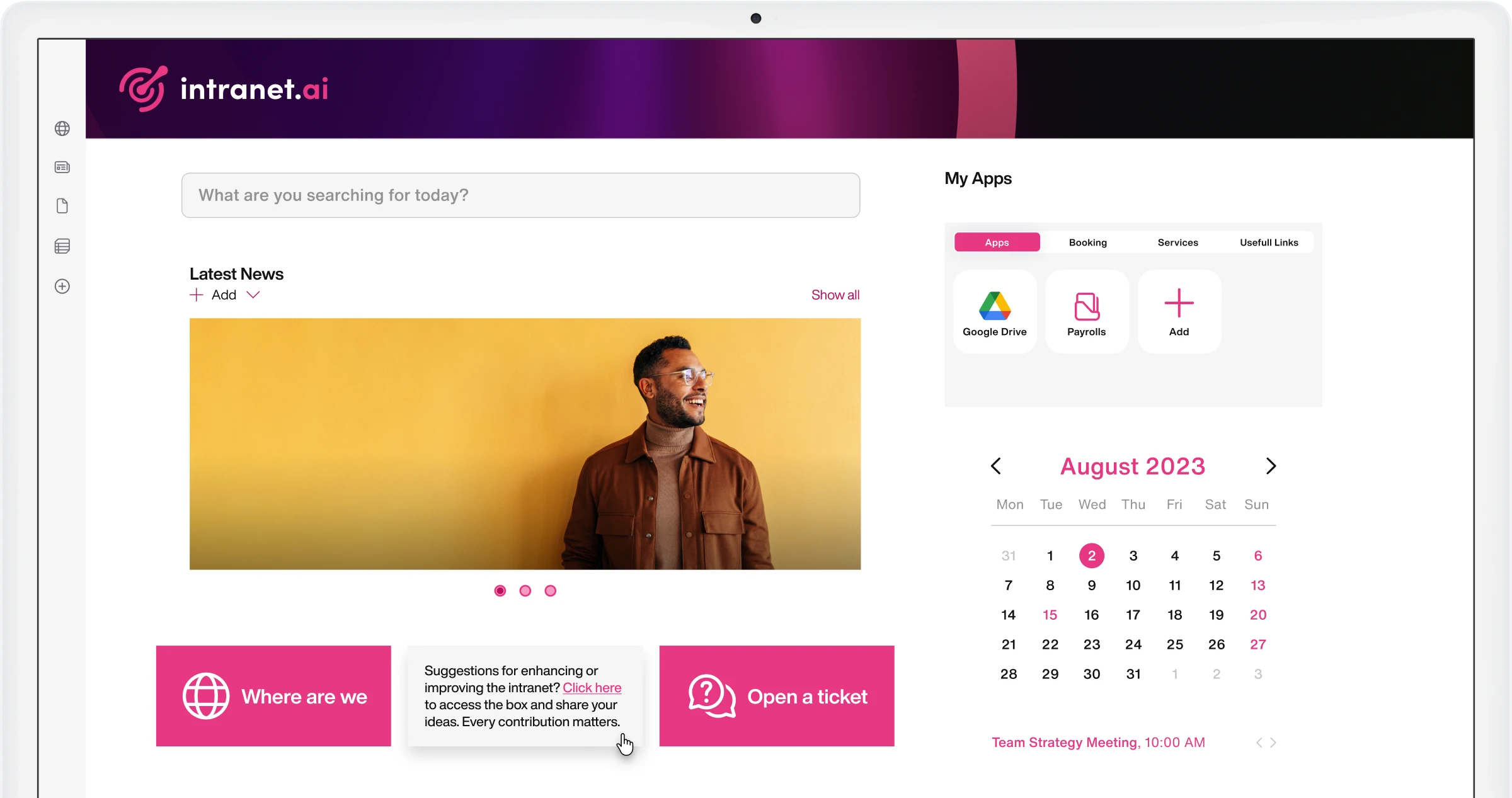
Integration with Google Analytics
Already compatible with Google Analytics 4.
Our intranet solution can be integrated with Google Analytics to centralize data collection and analysis, overcoming the limitations of SharePoint Online.
Integration with Microsoft Viva
Combine news, conversations, and company resources with Viva Connections.
Provide a unified experience to access communications and shared materials on the SharePoint intranet from Microsoft Teams. Viva Connections allows you to create a personalized area with content and resources.
Intranet Redirect
Geolocate content on your SharePoint intranet.
Our component integrates with SharePoint Online's multilingual intranet to automatically redirect your colleagues to the site that hosts content and features relevant to their country or location.
Intranet Themes
Customize the graphics of your SharePoint intranet.
Take advantage of the integration with SharePoint themes to apply your corporate brand colors. Our components adapt to the color palette you choose and can be used seamlessly with standard SharePoint web parts.
Intranet Tour
Motivate colleagues to adopt the intranet as a daily work tool.
Choose the features to associate with our component and build a customized path to help employees get to know their intranet. Create concise and detailed information cards to simplify learning.
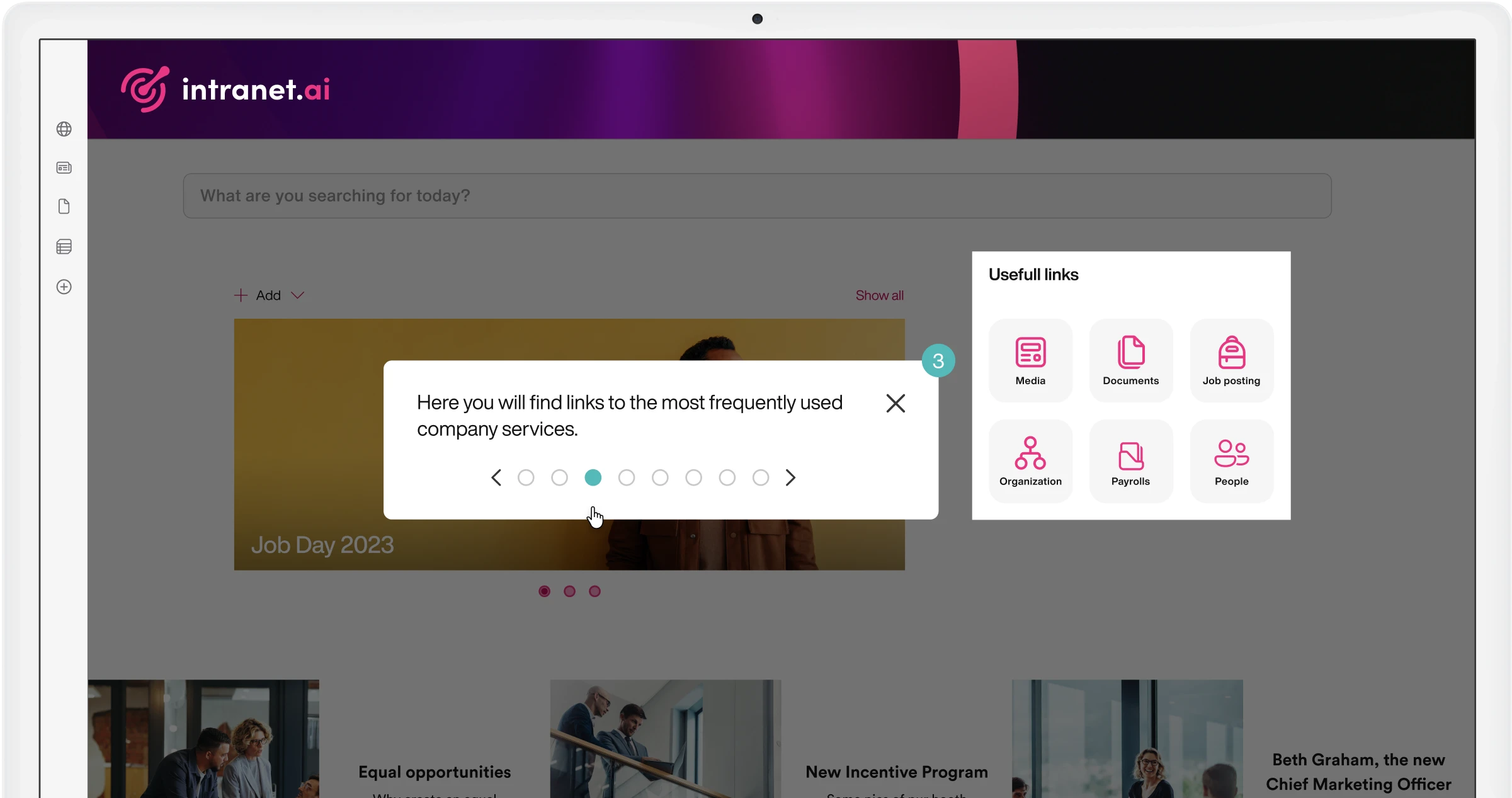
Job Posting
Promote open positions and highlight internal talents.
Publish and highlight open positions on the SharePoint intranet to offer colleagues new career opportunities. Integration with My Profile allows users to apply with their personal profile.
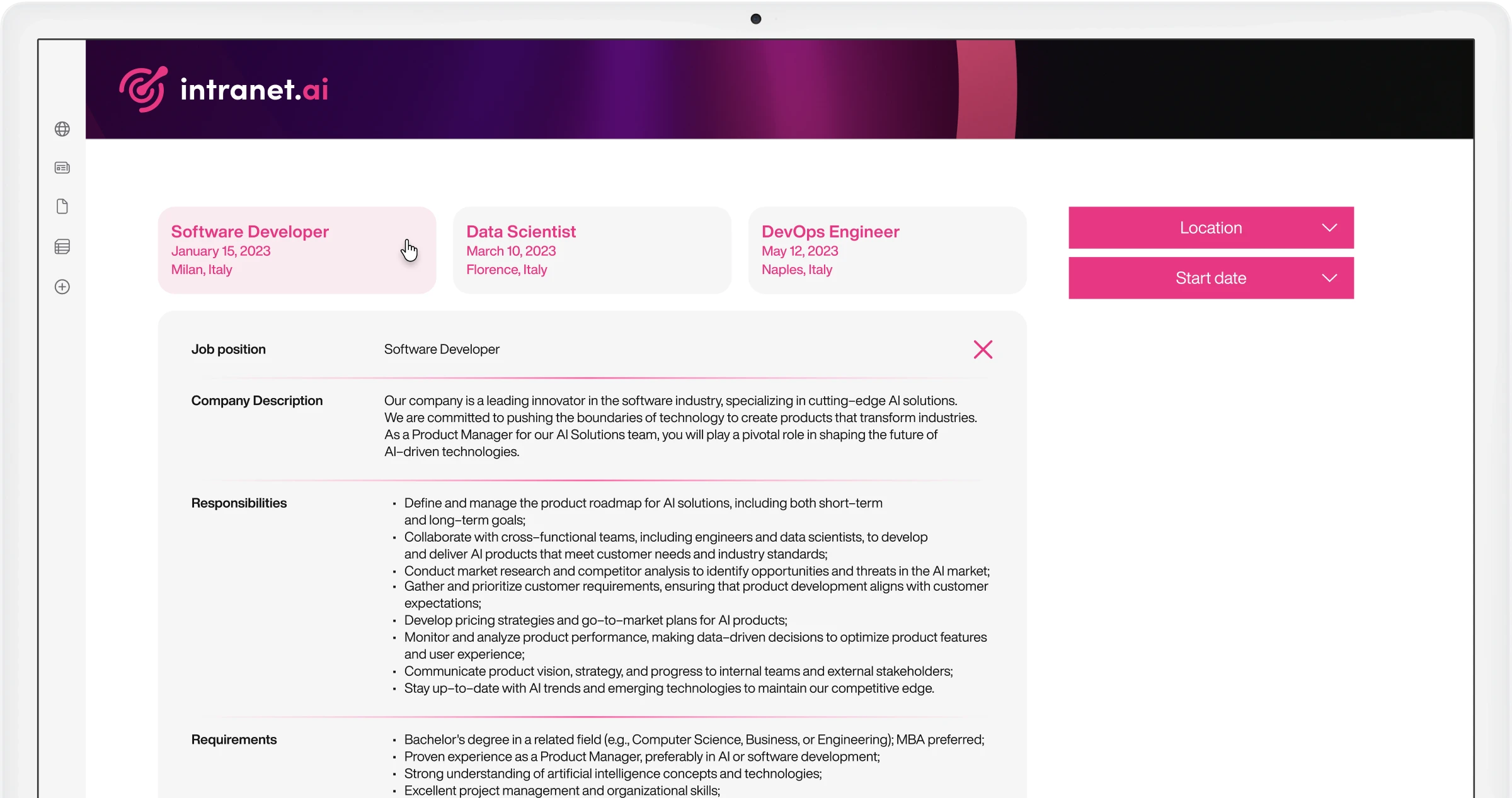
Key Initiatives
Invite colleagues to explore corporate initiatives.
Bring together the most important initiatives and events in a single space on the SharePoint intranet. Customize cover images, descriptions, and preview icons to pique colleagues' curiosity.
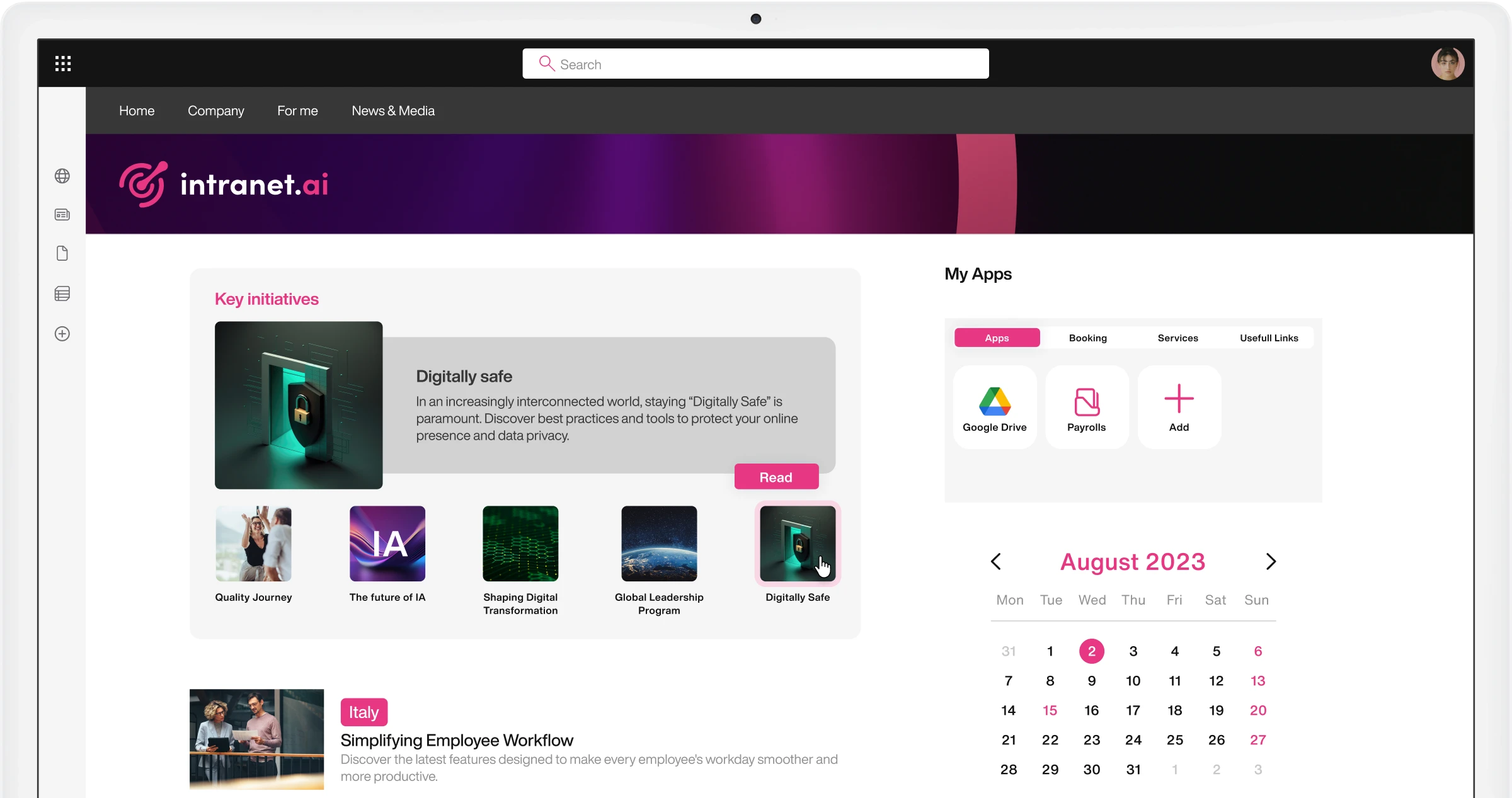
Leadership Team
Provide quick access to public profiles of corporate management.
Our component completes the organizational chart, helping you get to know members of the management and points of contact for each corporate department.
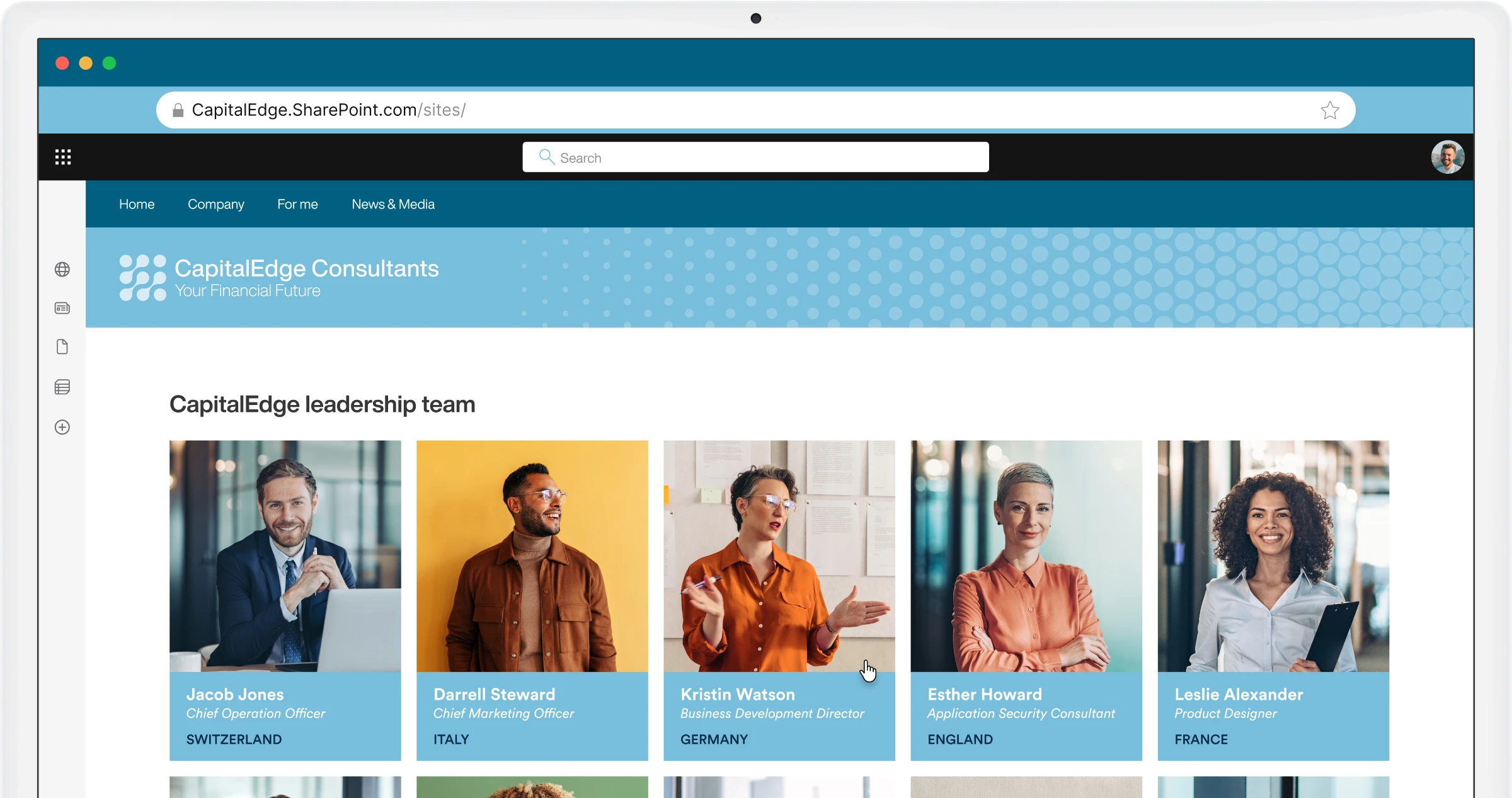
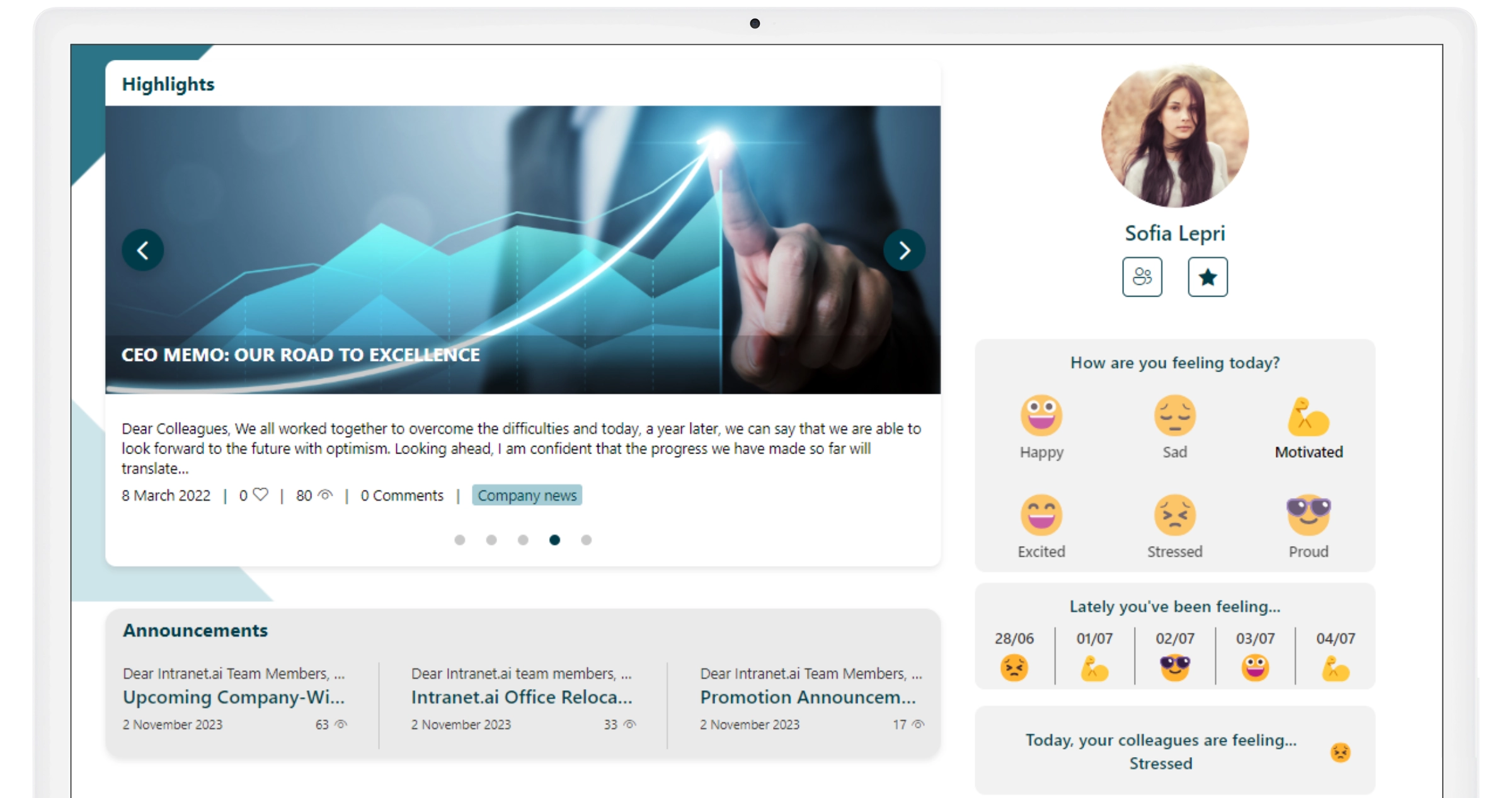
Mood
Monitor satisfaction levels and improve the employee experience.
Use our web part to provide a space on the SharePoint intranet where users can share their mood by simply clicking on custom icons chosen by the company.
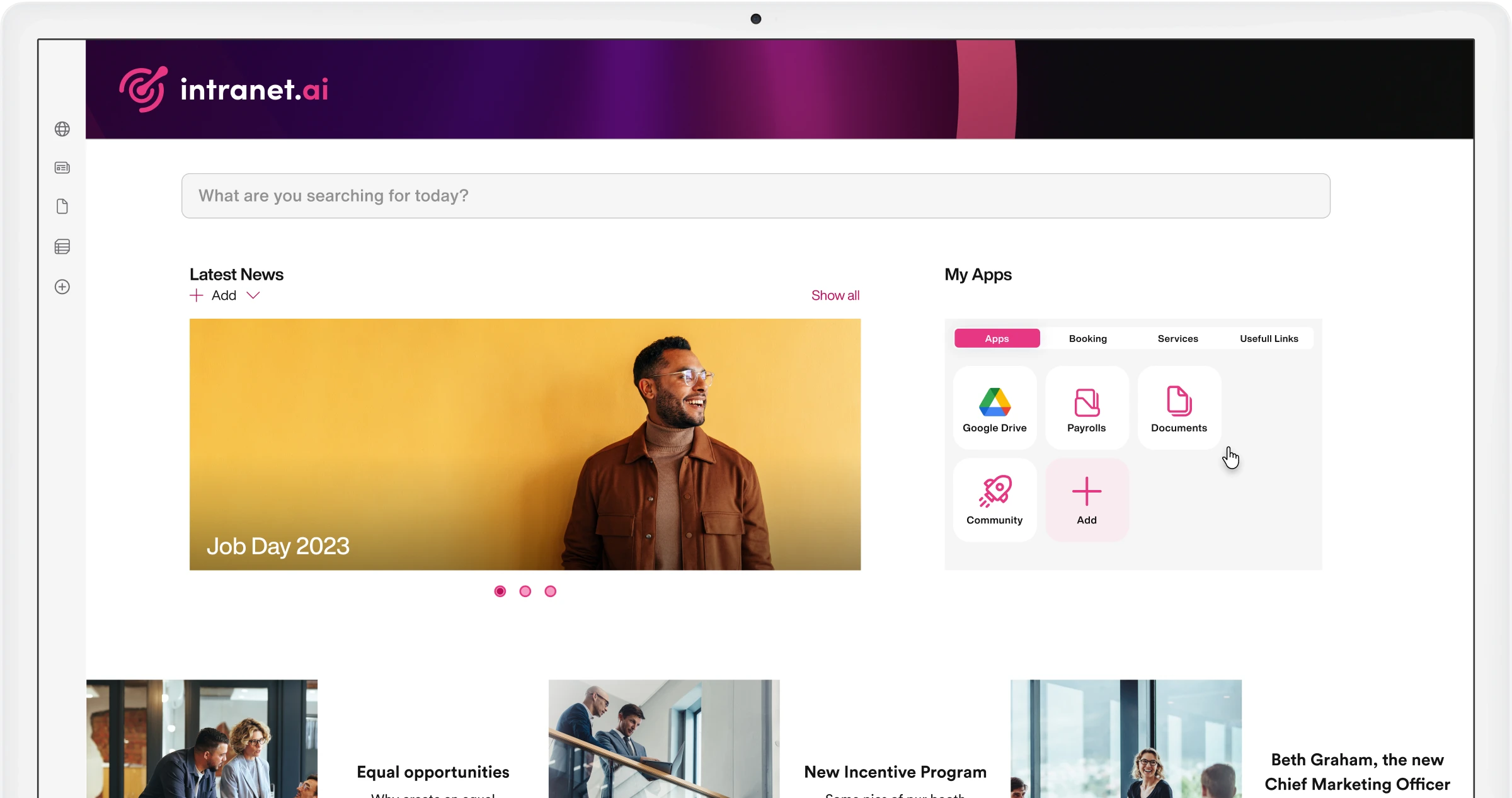
My Apps
Make the intranet a tool tailored to your work.
Gather links to applications, sites, and resources useful for your activities. Categorize links for quick retrieval and choose from 100+ icons to personalize your dashboard.
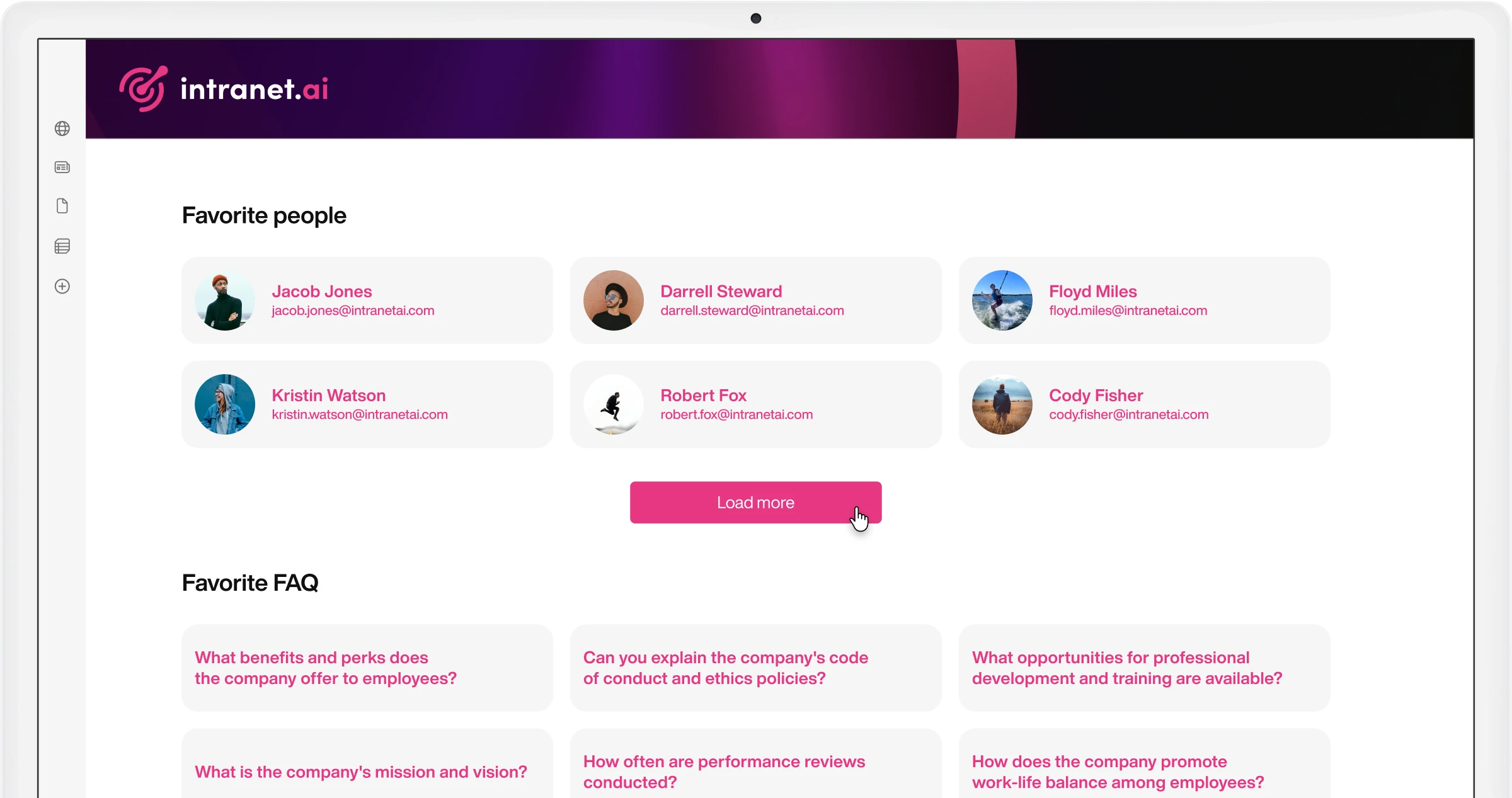
My Favorites
Find your resources on the intranet, now.
Our component collects and organizes the content you have saved in the different SharePoint Online web parts. Save time in searches and easily access the contacts, questions, news and documents most useful to you.
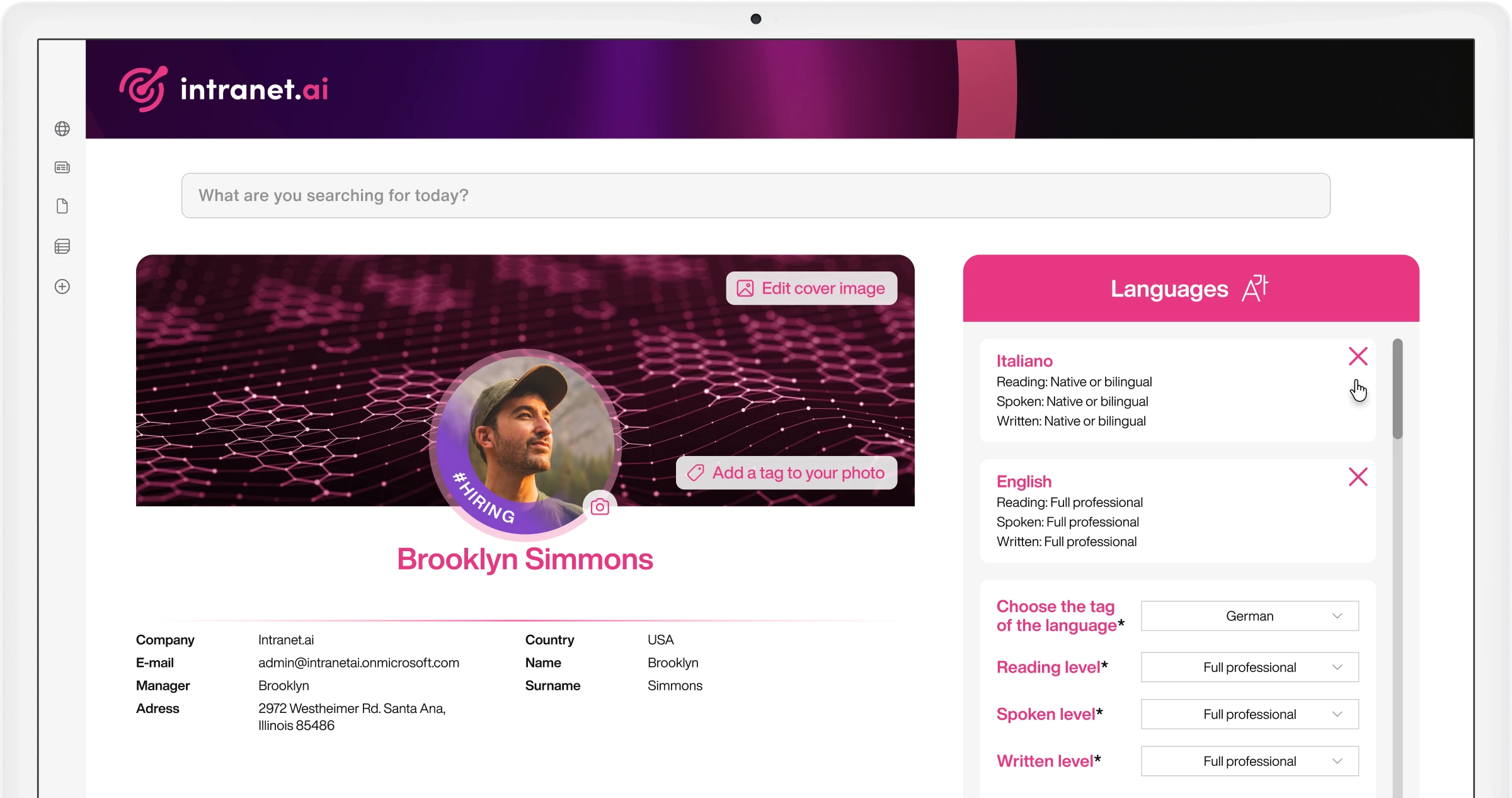
My Profile
The digital CV integrated with Microsoft Viva and the People Directory.
Enter information that tells the story of your work, experience, and passions to make yourself known and discoverable by colleagues.
Multilanguage Intranet
Connect foreign offices and strengthen the corporate culture.
Create corporate sites in 20+ languages with content and features targeted by country, city, or company. Colleagues from any location can automatically view local and global corporate communications.
New Employees
Simplify onboarding and collaboration.
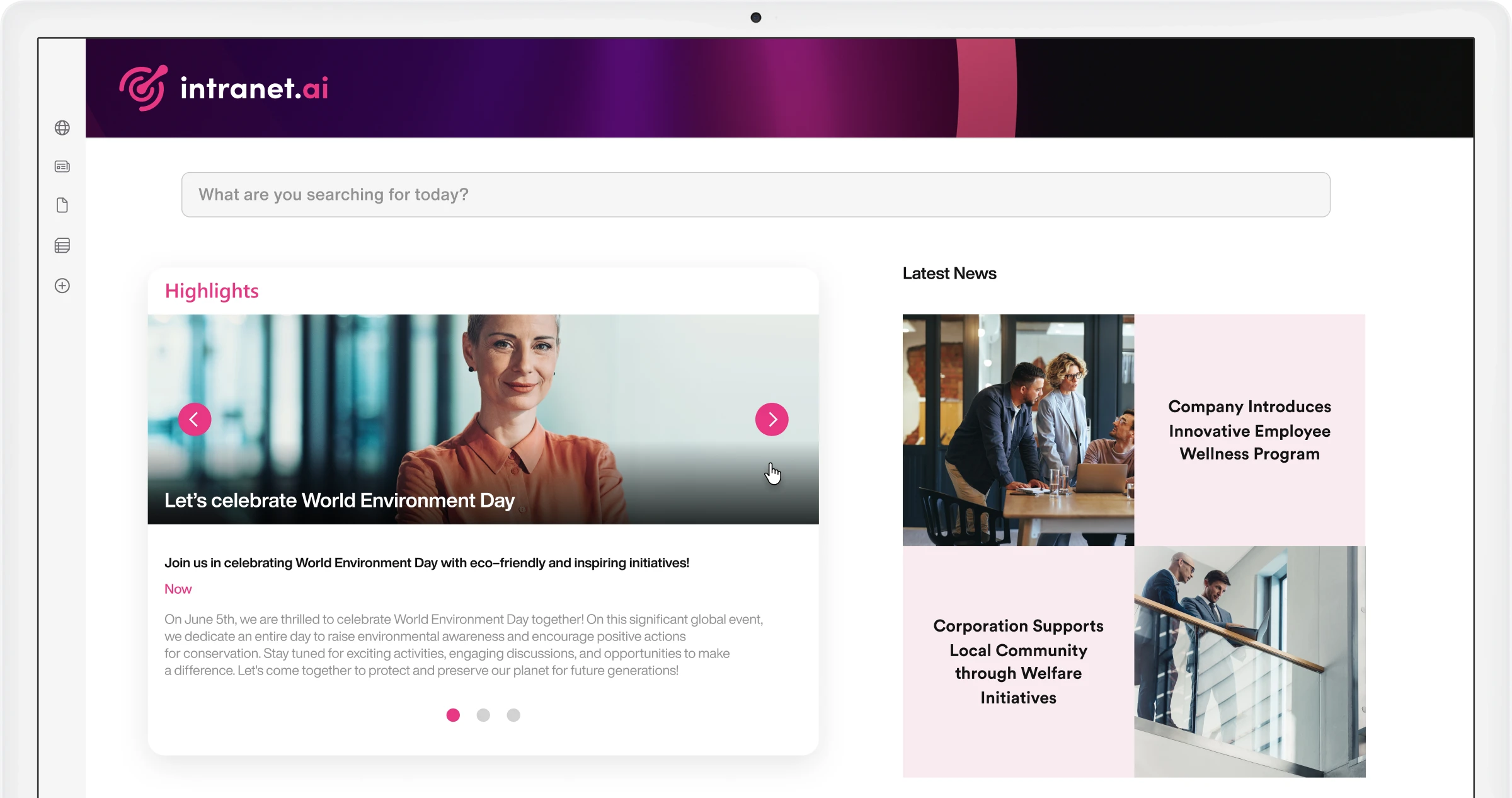
News and communications
Differentiate internal communication to increase engagement.
Highlight corporate news on intranet pages. Create dedicated sections for specific topics and reach different user groups. Promote news with our Alerts and Teams Push Notifications features.
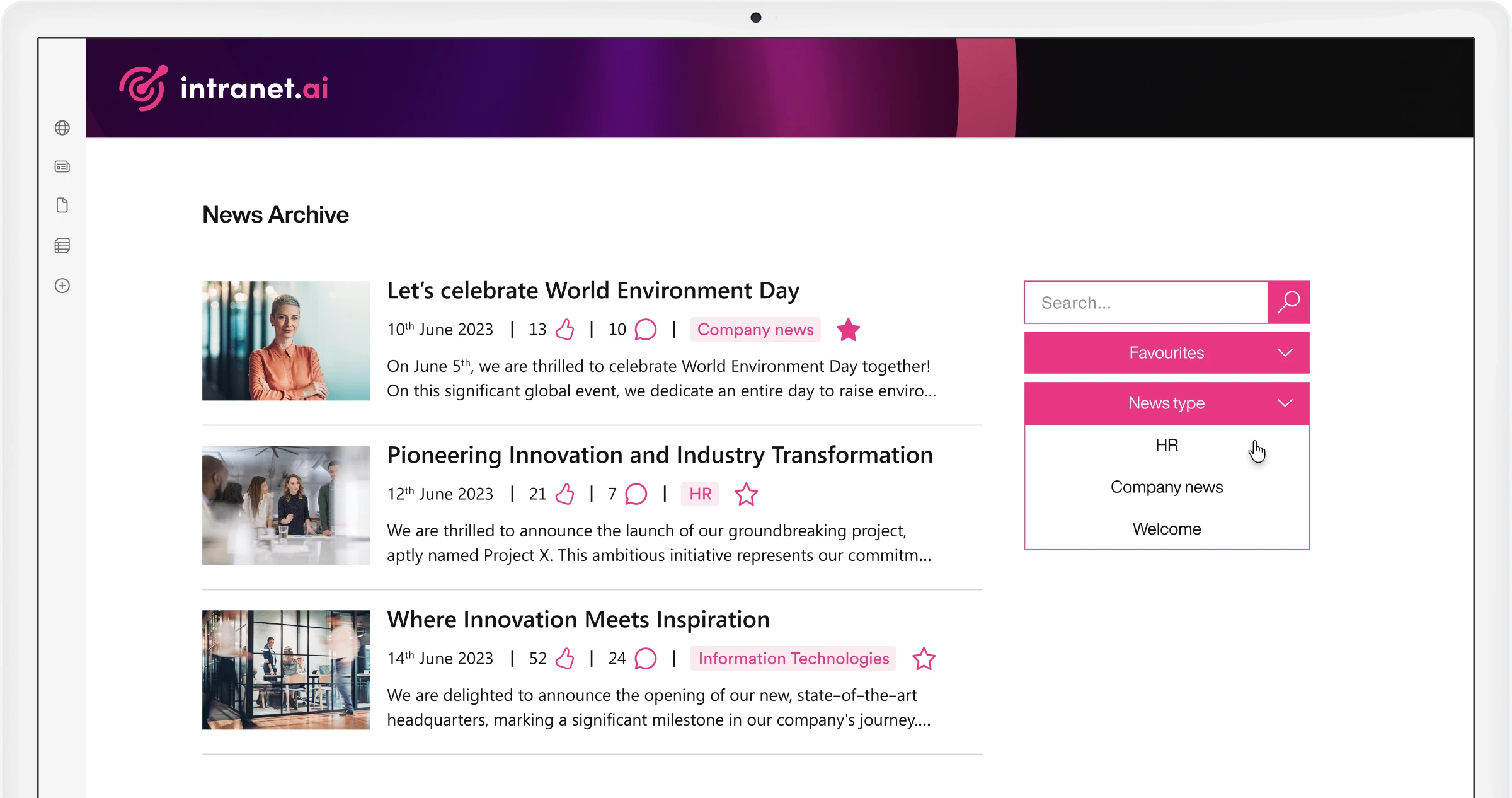
News Archive
Filter, analyze, and compare corporate news.
We configure a SharePoint list to accommodate news published on your intranet, sorted by publication date and filterable by category. Each news item displays the number of likes and comments.
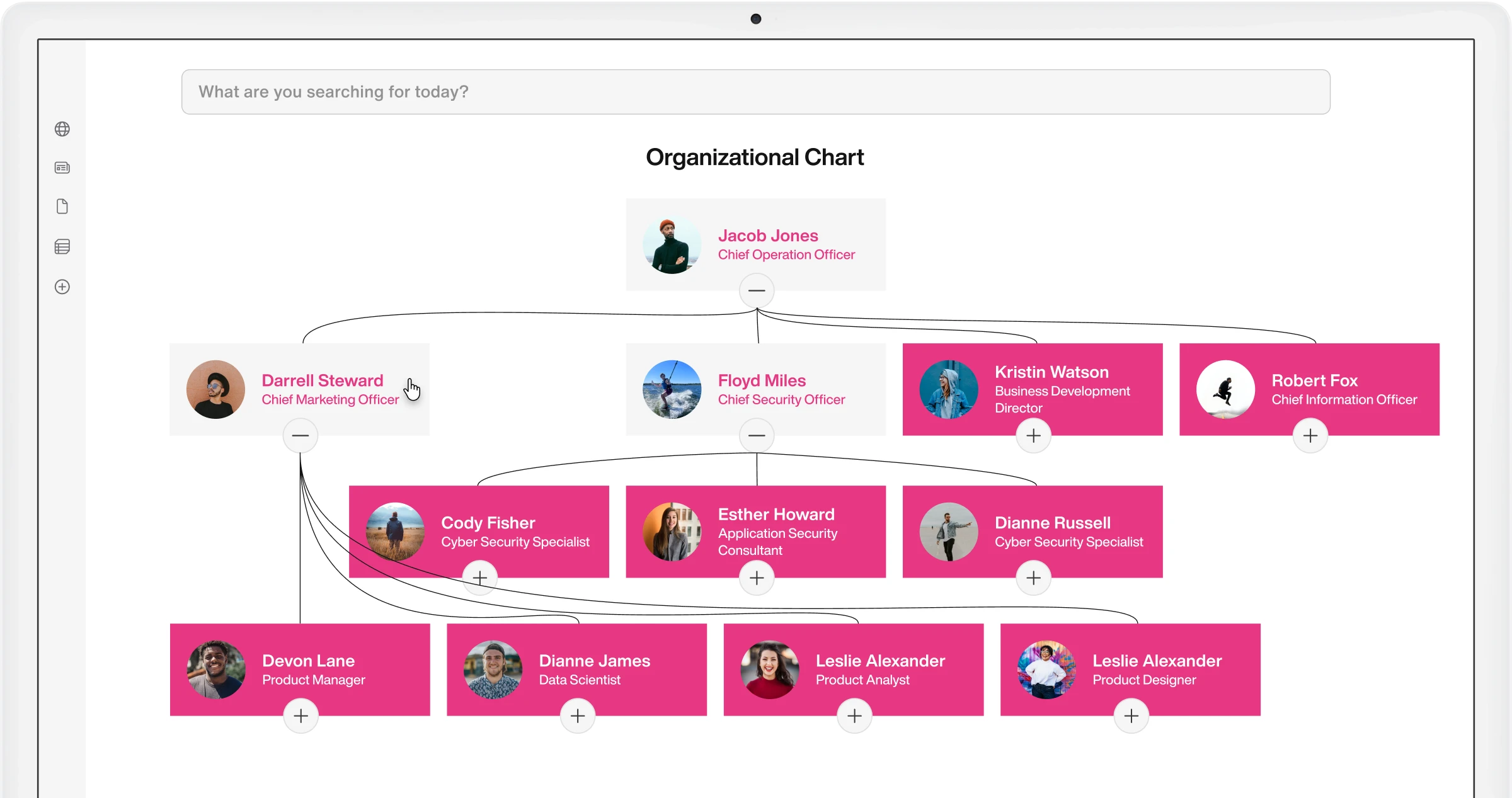
Organizational Chart
Navigate the corporate structure on your SharePoint intranet.
Access a complete overview of the corporate organizational chart to learn about your colleagues and understand how different departments are organized.
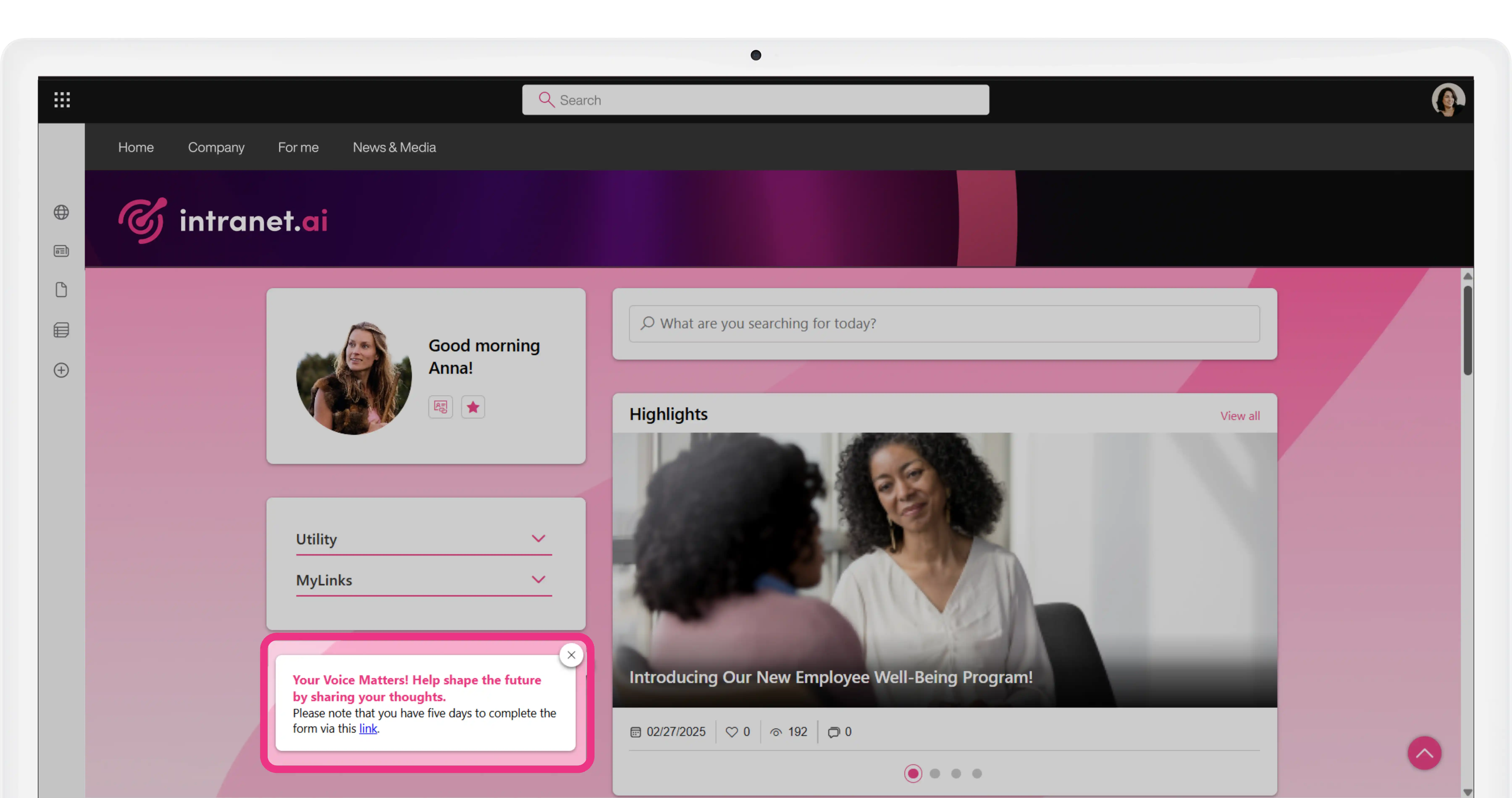
Page Alert
The benefits of a pop-up, with minimal disruption.
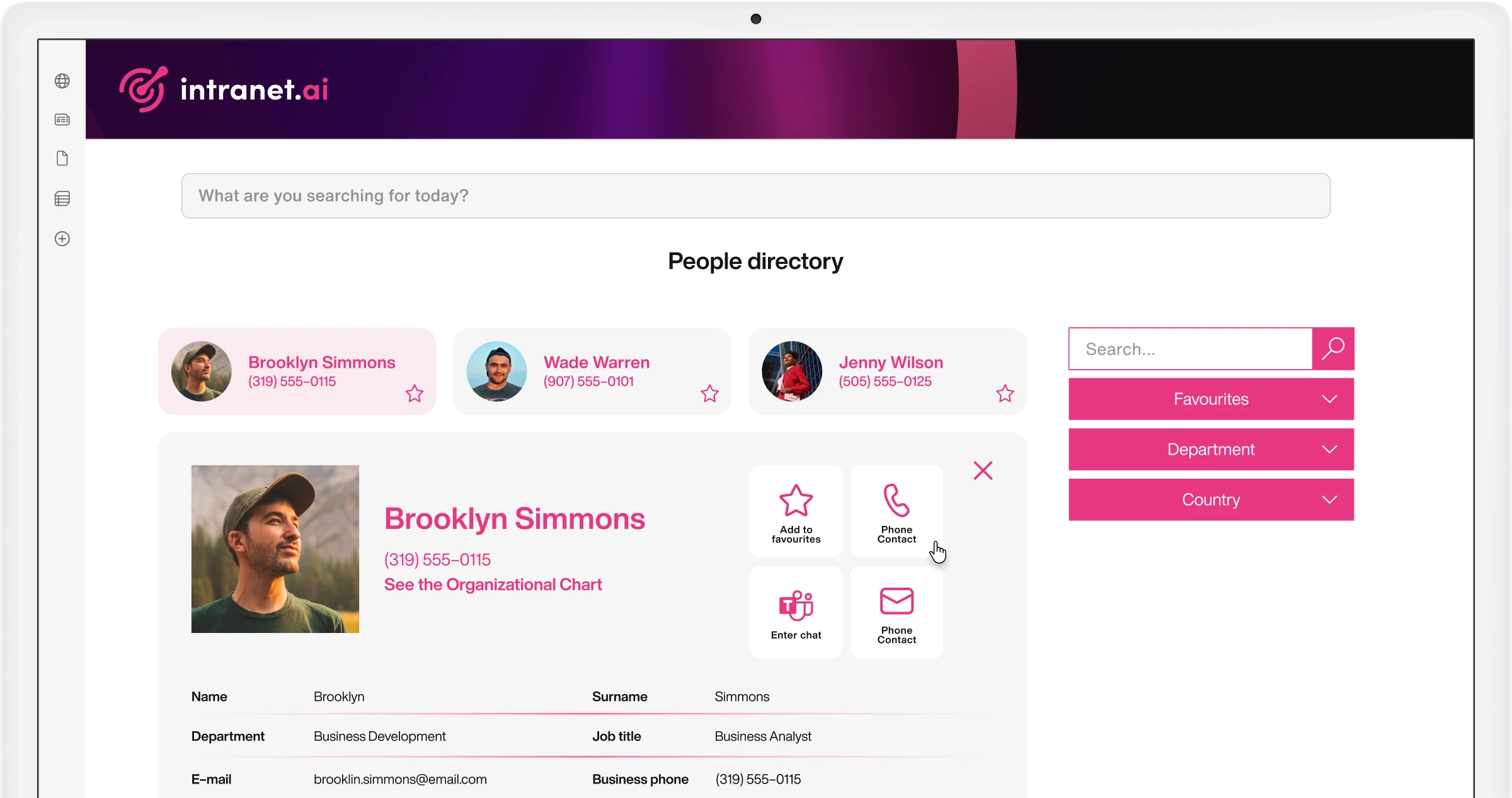
People Directory
Find and contact people in your company quickly.
Our component helps you find the contacts that the company lists in Microsoft 365 and external HR software, showing you the information you need to reach people of interest.
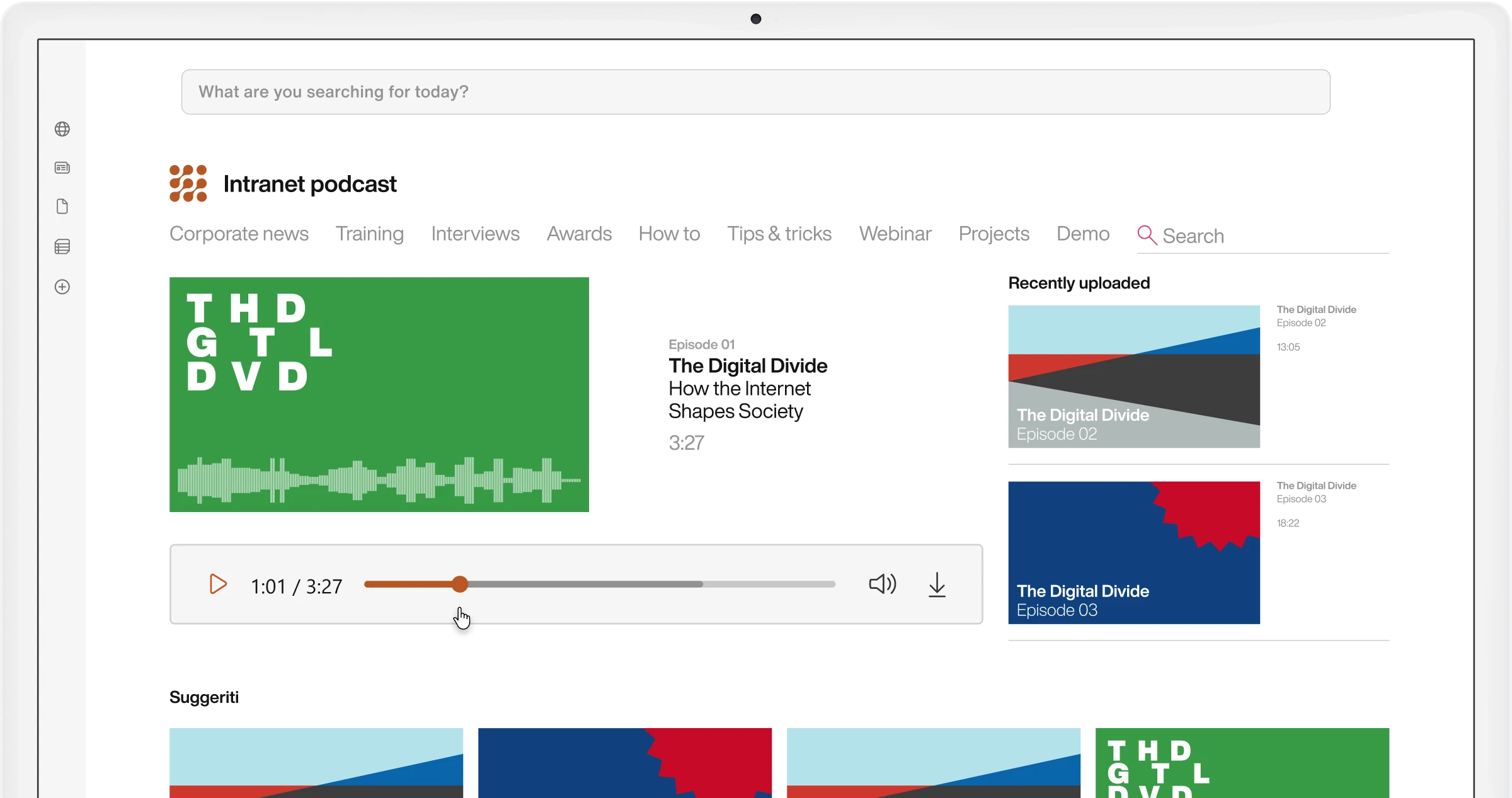
Podcasts
Inform colleagues about news and corporate initiatives wherever they are.
Our component helps you keep the corporate audience informed, even on the go. Replace long meetings and training sessions with dedicated podcast series.
Pop-up
Increase participation in corporate initiatives.
Highlight videos, images, and promotional carousels, ensuring maximum user engagement. Customize the duration of your campaigns and select the target audience.
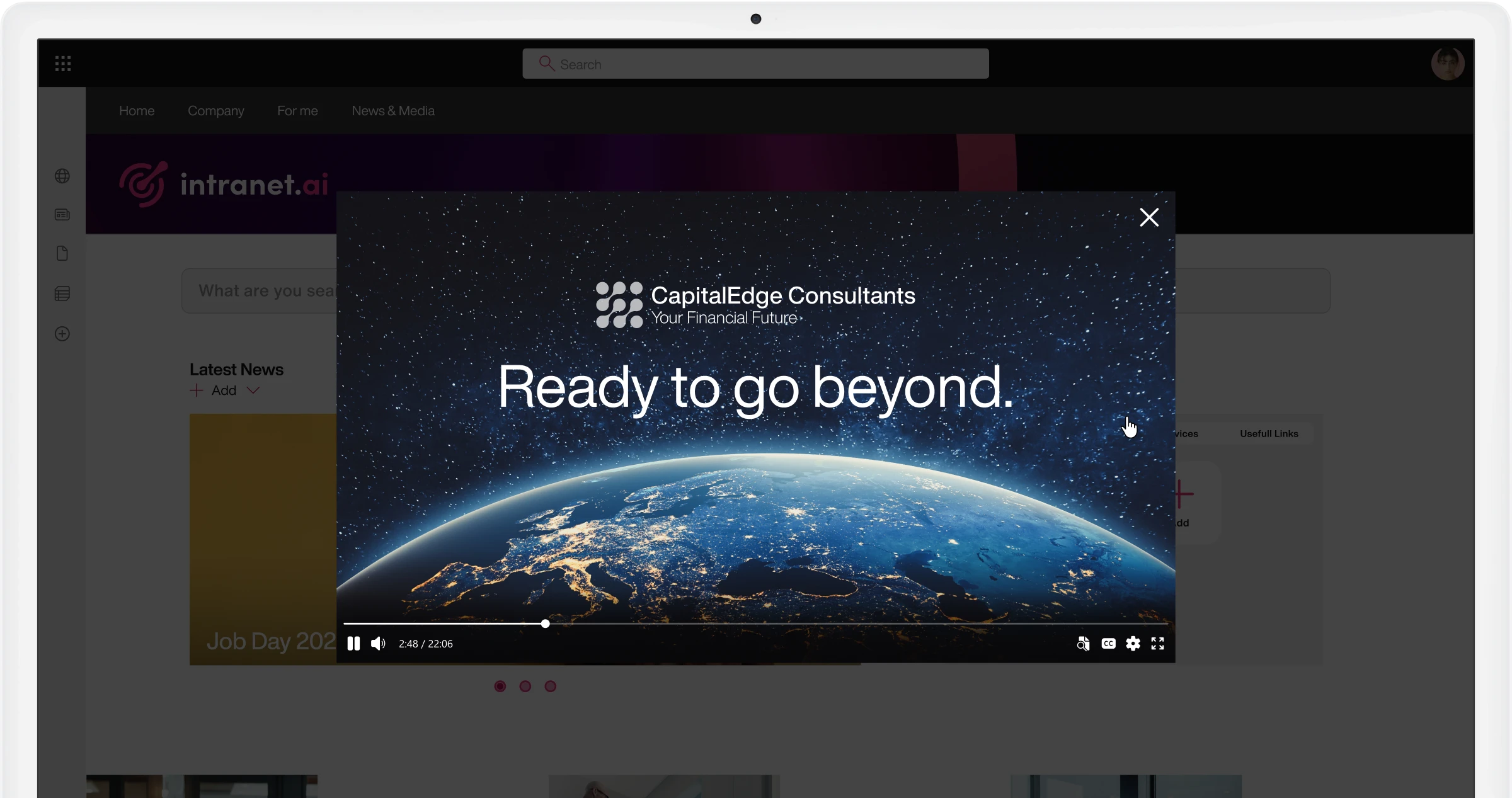
Quotes
Invite colleagues to visit the intranet to discover original content every day.
Create custom banners to provide users with useful advice and practical tips. Feature quotes from iconic figures, the CEO, or colleagues to make the intranet an inspirational and participatory space.
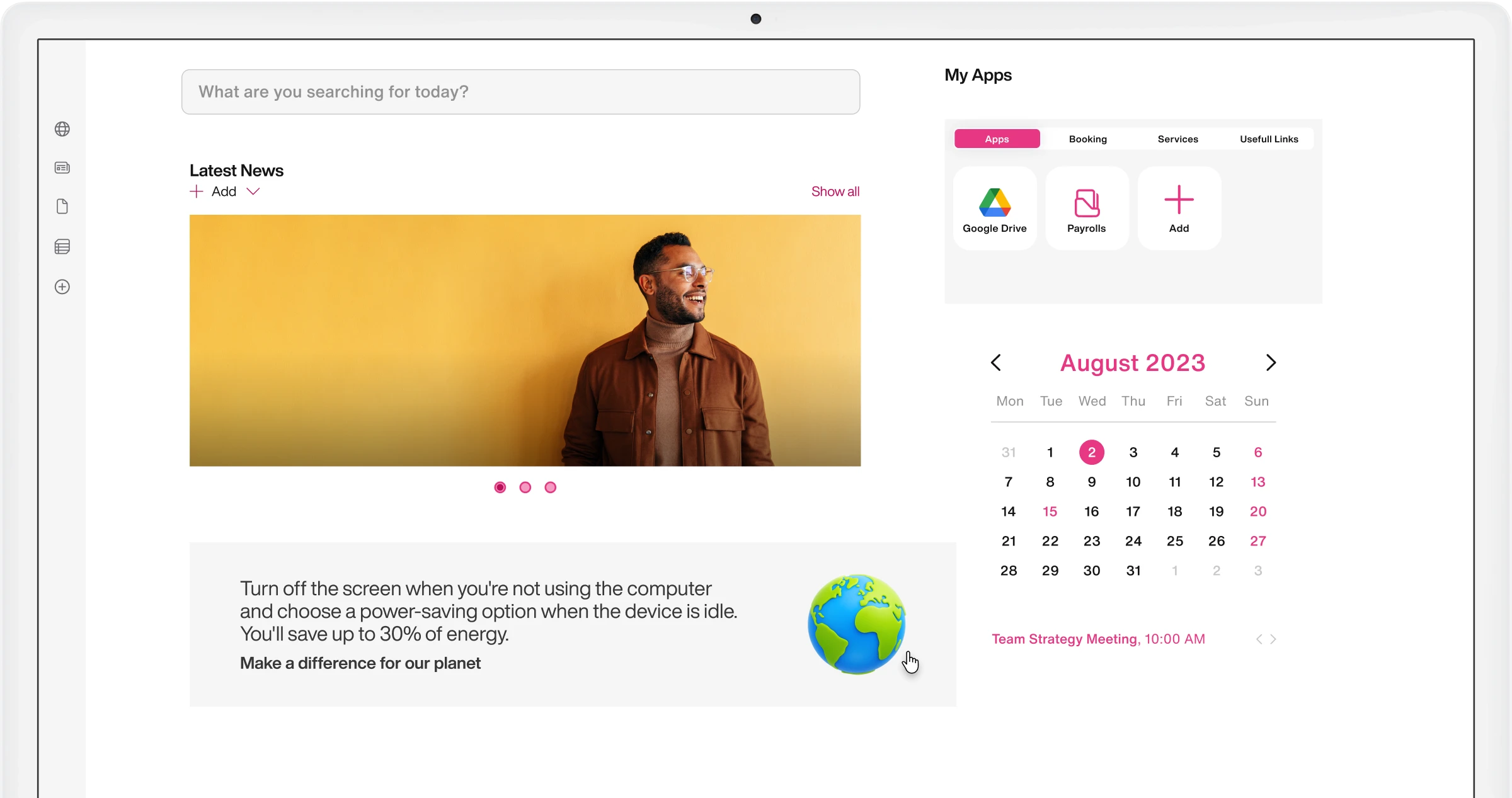
RSS Feed
Expand the information offered by your SharePoint intranet.
Import content published from external sources to SharePoint Online to provide in-depth information on key topics for the company and keep users updated on news relevant to their work.
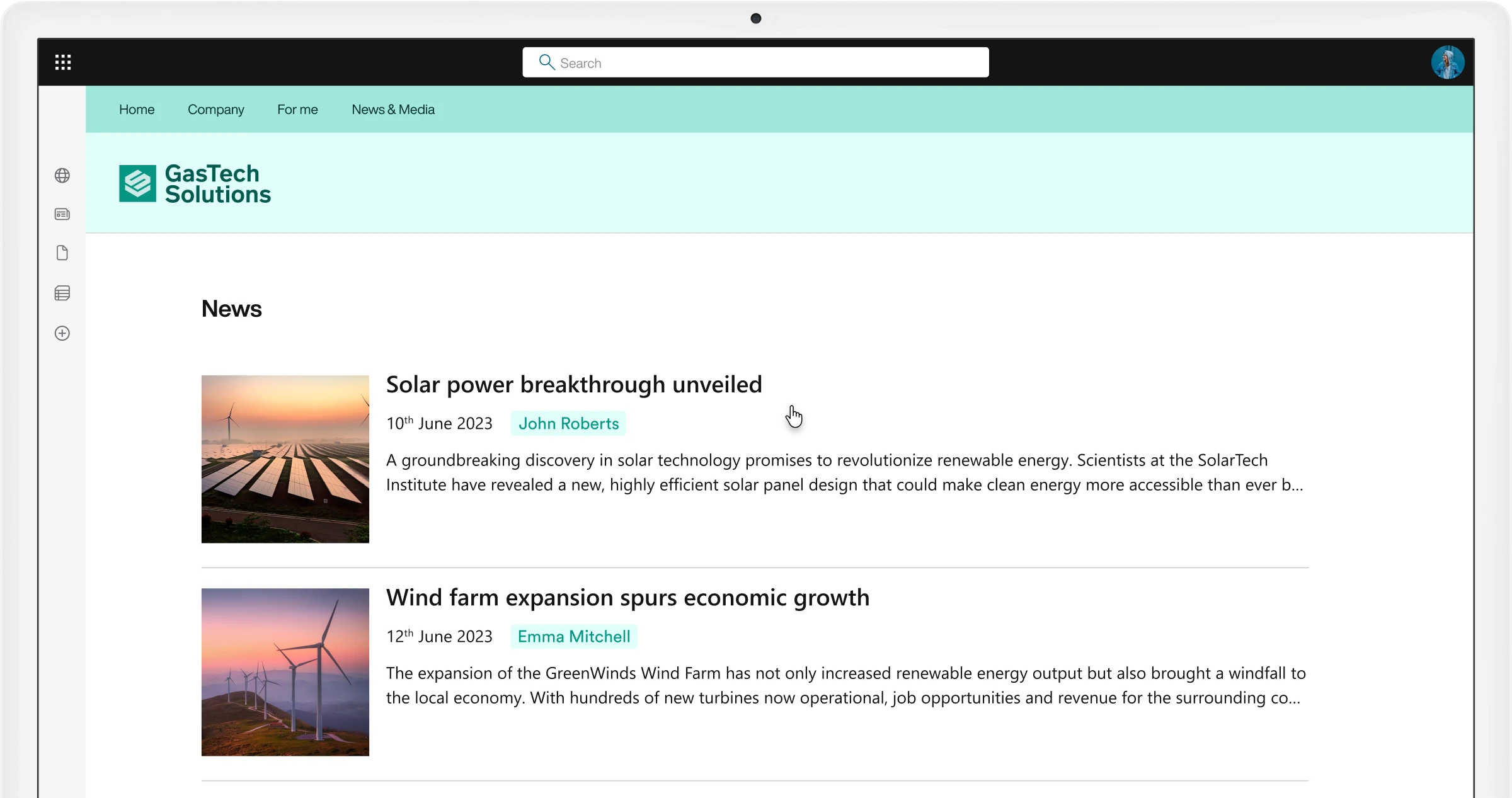
Sections with Custom Background
Expand the graphic capabilities of SharePoint Online.
Apply your preferred color or completely customized graphics to the sections of your content pages. Create a style that highlights your company's identity and guides users through various thematic areas.
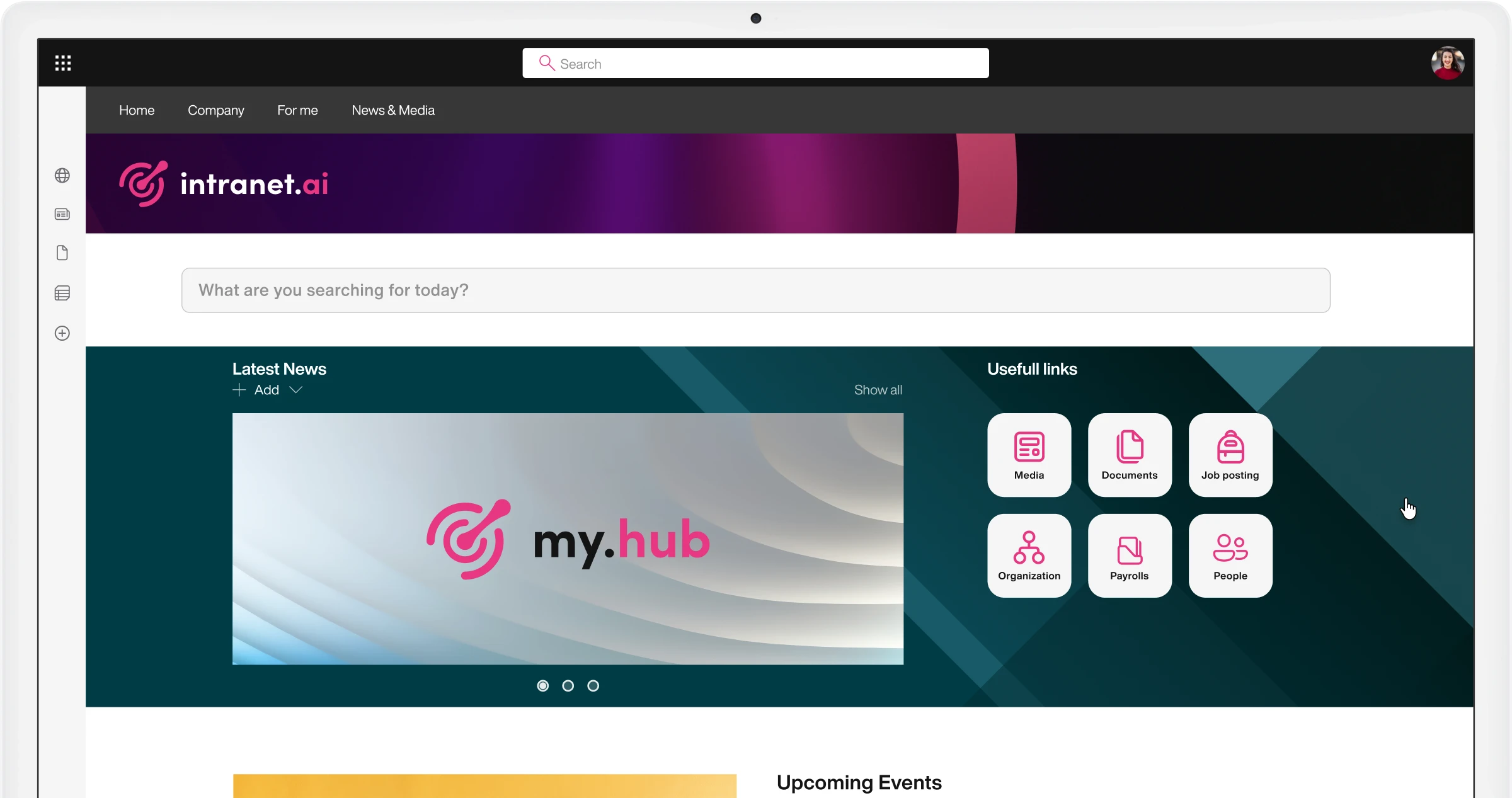
Social Media Posts
Create a bulletin board with the best content from corporate social media.
With our web part for SharePoint, you can filter and display in the intranet the posts published on LinkedIn, Instagram, Facebook and TikTok by your company.
Surveys
Get quick feedback with personalized surveys.
Use our web part to engage SharePoint intranet users with quizzes, surveys, and multiple-choice tests that are easy to customize and share.
Videos
Spread updates, values, and strategies with short custom videos.
Engage the corporate audience with original video content or content from YouTube, Vimeo, and SharePoint Online sites.
Welcome Box
Make the intranet a familiar space.
Engage users in customizing their SharePoint intranet. Encourage the completion of personal profiles and increase site visits by offering content and links useful for colleagues' activities.
Notifications via Microsoft Teams
Reach the corporate audience through a tool they use daily at work.
Invite colleagues to learn about the latest news and corporate initiatives by accessing intranet content directly from Microsoft Teams. Personalize notifications and choose the target audience based on department or location.
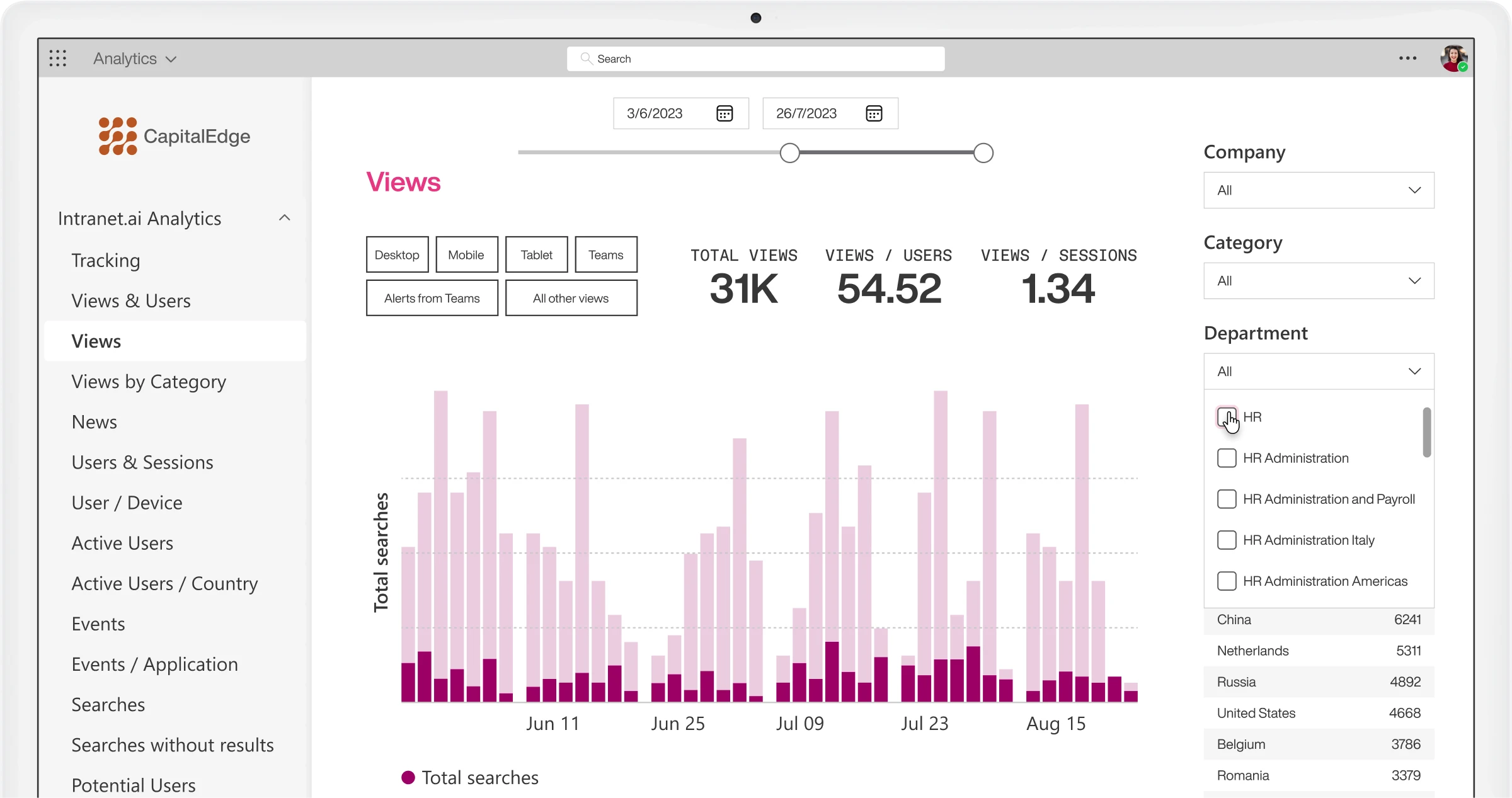
Analysis by job family
Discover which audiences are most engaged.
Use properties like department, location, and company affiliation to differentiate colleagues' interest in intranet content. Increase engagement by creating content tailored to each professional family.
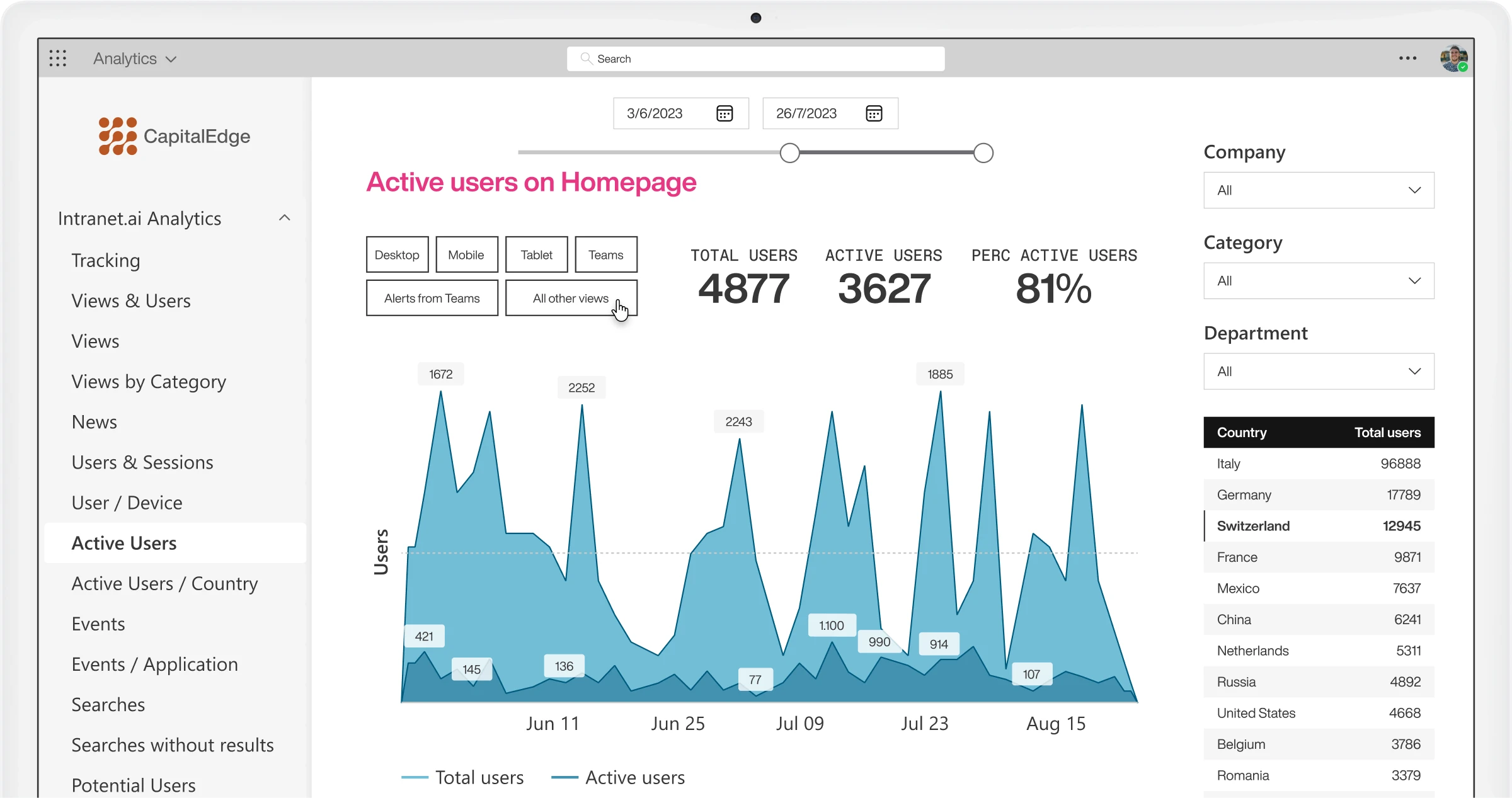
Create custom reports
Integration with Power BI for reporting.
Access available reports to discover the number of visits, searches, views, events, and actions happening in the intranet in real-time. Filter data based on date range.
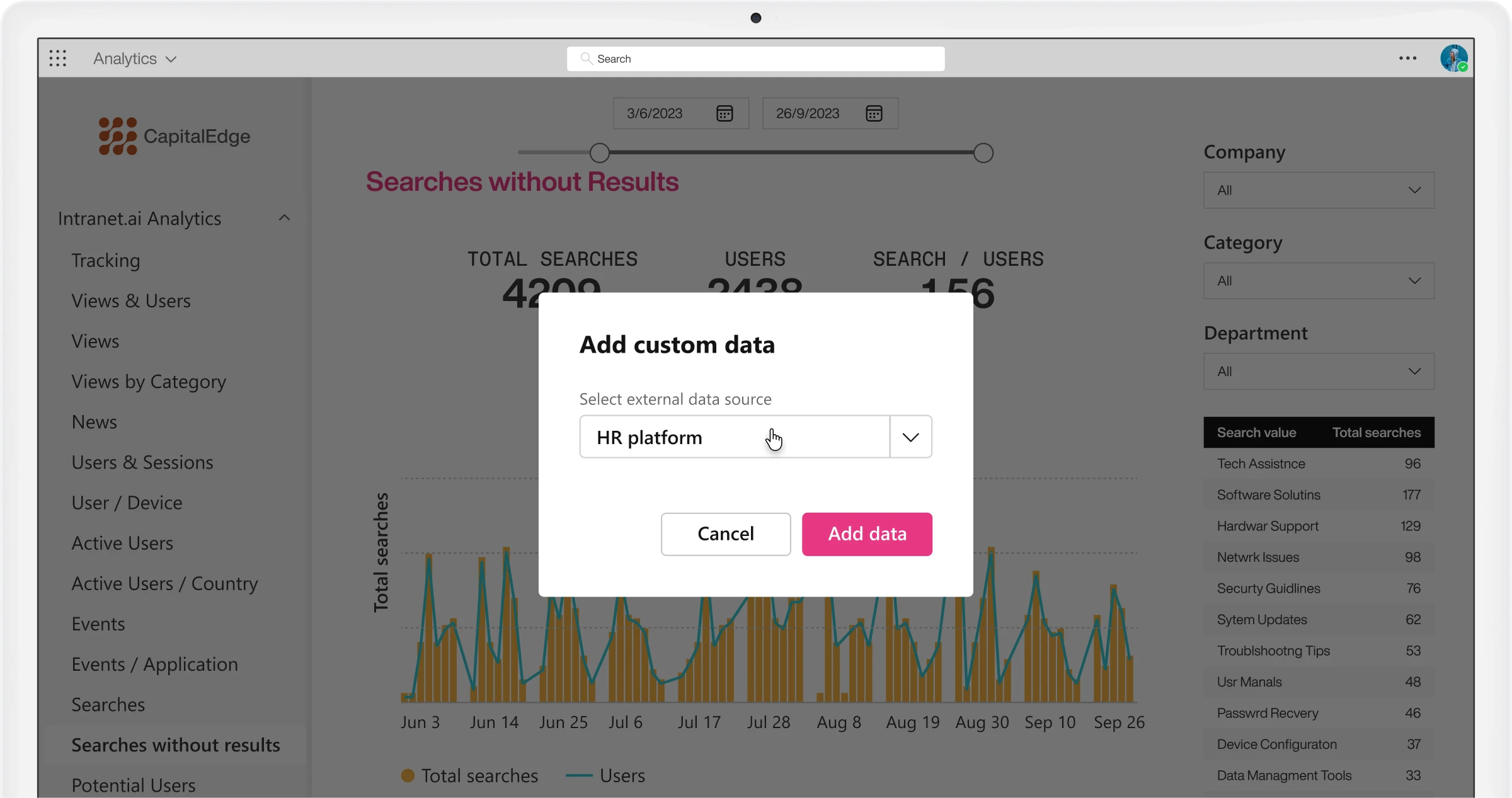
Integration with various data sources
Measure intranet effectiveness with an open data collection system.
Deepen your understanding of users' behaviors by conducting comparative analyses with data generated by external tools. Import data from your digital workplace into a single, centralized report.
Search analysis
Discover the most common search keywords.
Integration with Advanced Search allows you to collect and analyze the keywords used by colleagues. Find out how many keywords yield results to assess the quality of the content published on the intranet.
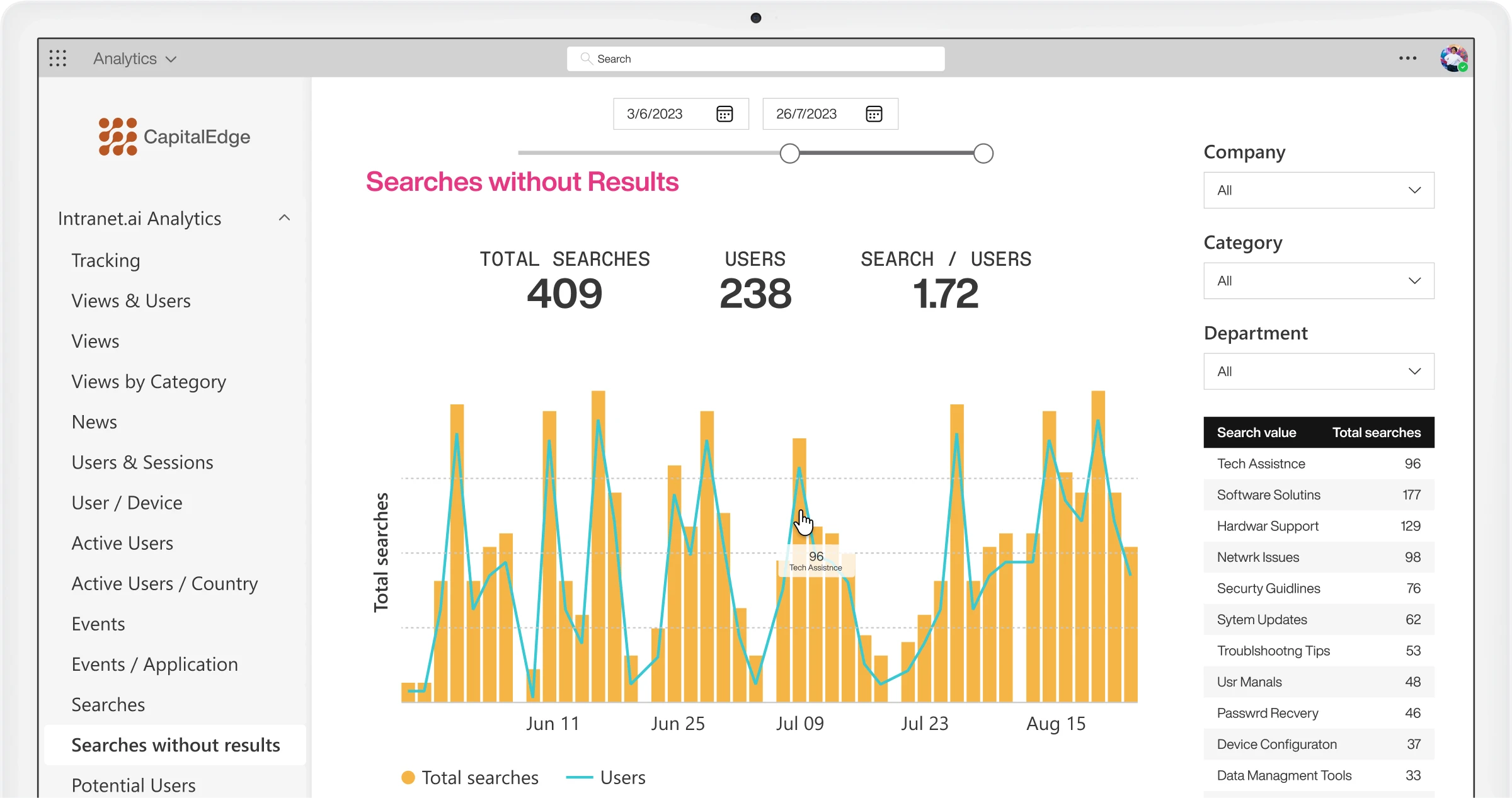
Unique users and views
Discover users' favorite content.
Our component provides detailed information about visits to the corporate website or any other SharePoint site. Find out how many unique users access your intranet and which pages attract the most traffic.
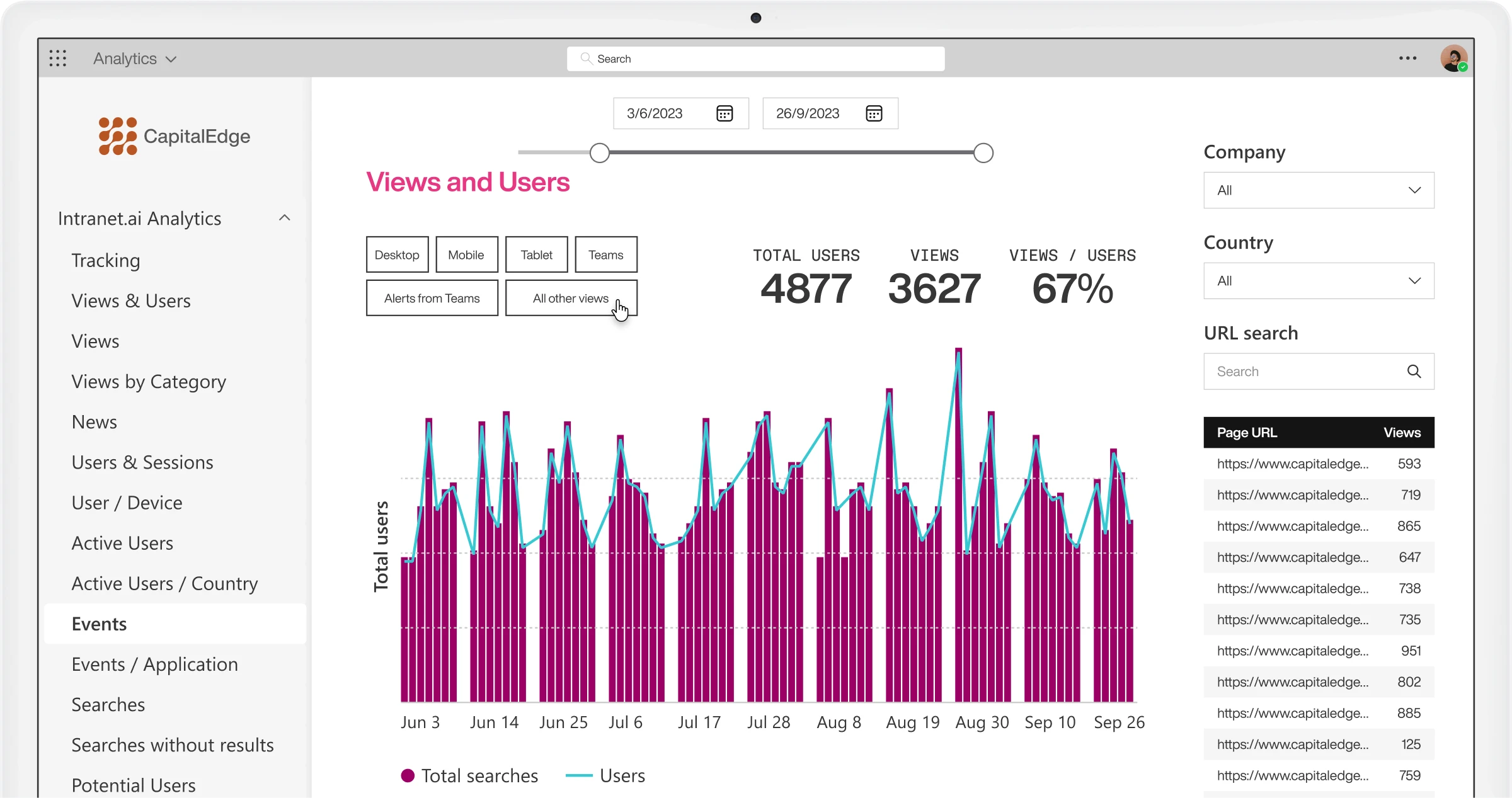
User actions
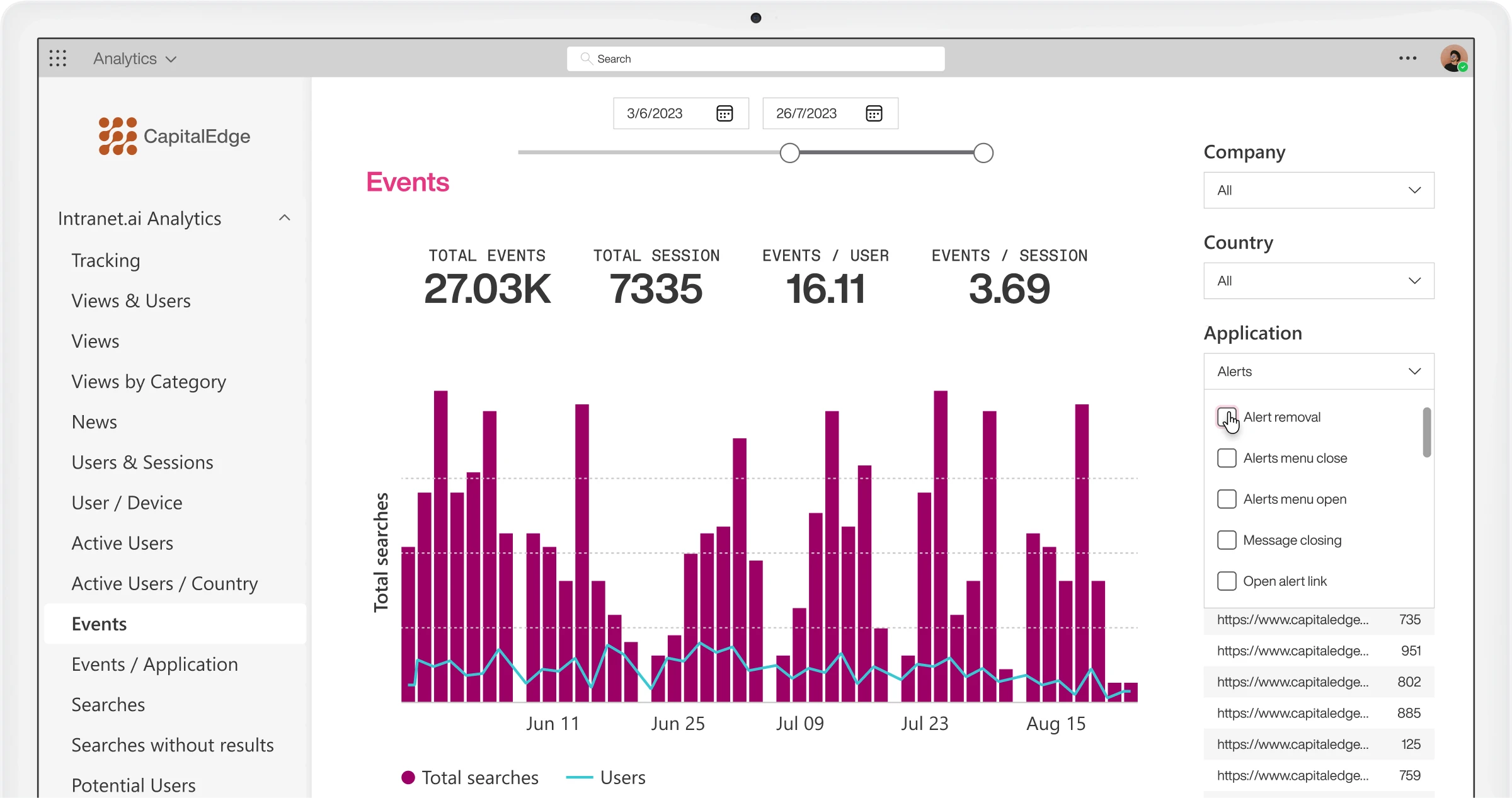
Monitor user behavior in compliance with GDPR.
Searches and interactions are recorded without any personal data, allowing you to identify the most common actions in each area of the digital workplace.
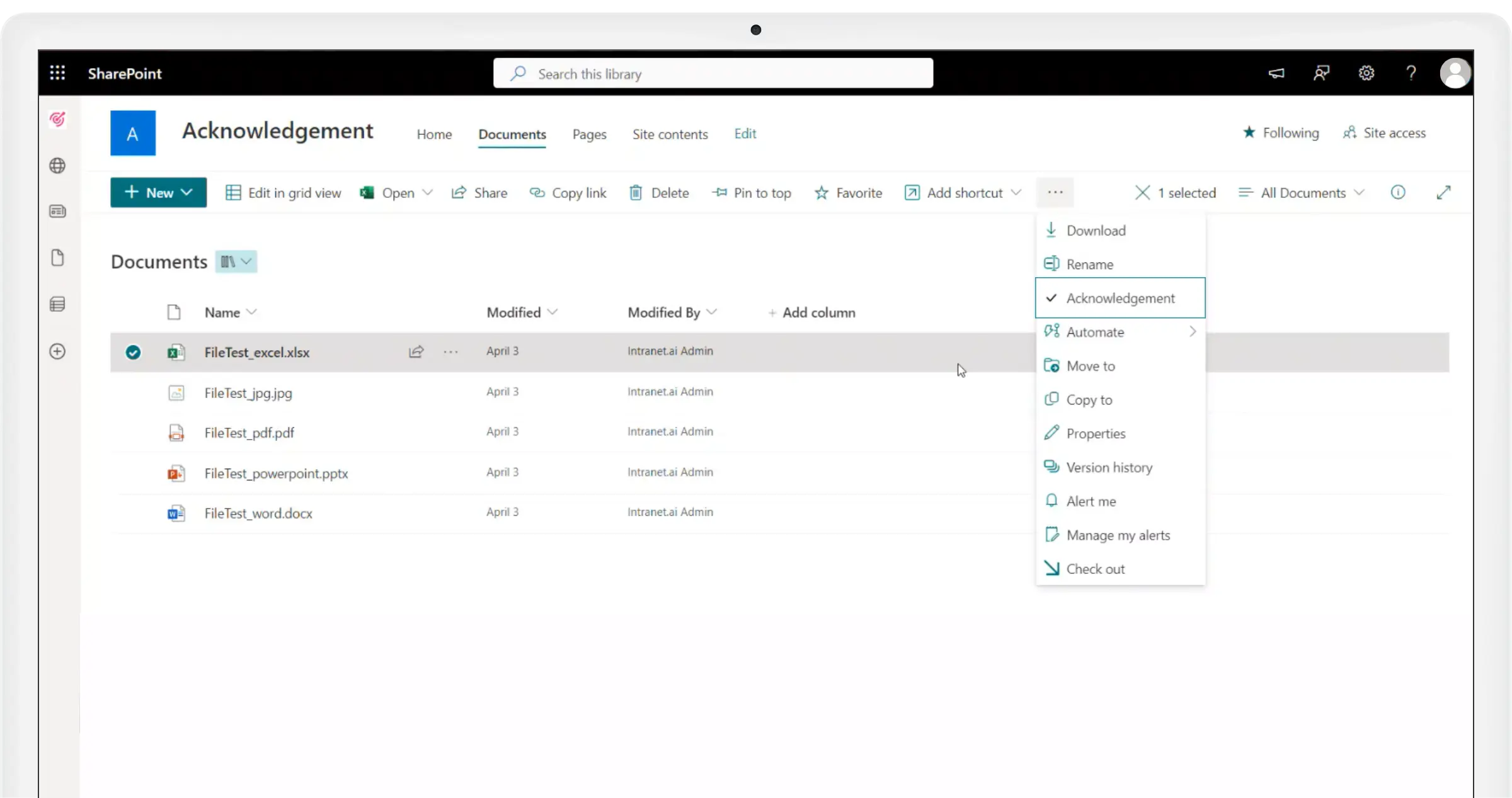
Distribute company procedures and track their consultation
Expand the functionality of SharePoint document libraries.
With the "Acknowledgement" command, you can distribute internal procedures to individual users, Microsoft 365 groups, and distribution lists. Provide colleagues with quick access to the necessary documents, with automated notification emails.
Monitor the receipt of corporate communications
Integration with SharePoint Online pages and news.
Enable Document Acknowledgement on intranet pages and specify the recipients of your communications to collect reading data in Power BI. As with documents, you can edit the acknowledgement options at any time.
Manage your intranet with ease
One conversation is enough to build a digital workplace tailored to your company.
Thanks to its integration with Intranet Analytics, Gaia identifies the most frequent searches, analyzes user behavior, and suggests the best actions to optimize content and improve the employee experience.
The complete SharePoint intranet integrated with Microsoft 365, starting from 3,950 €/year.
intranet.ai is the solution to reduce costs and implementation times. Operational within 24 hours from purchase, with 5 days of consulting. 80+ apps for communication, training, and corporate knowledge sharing.