Microsoft 365 guides - SharePoint
SharePoint Mobile App: Your Intranet in Your Pocket
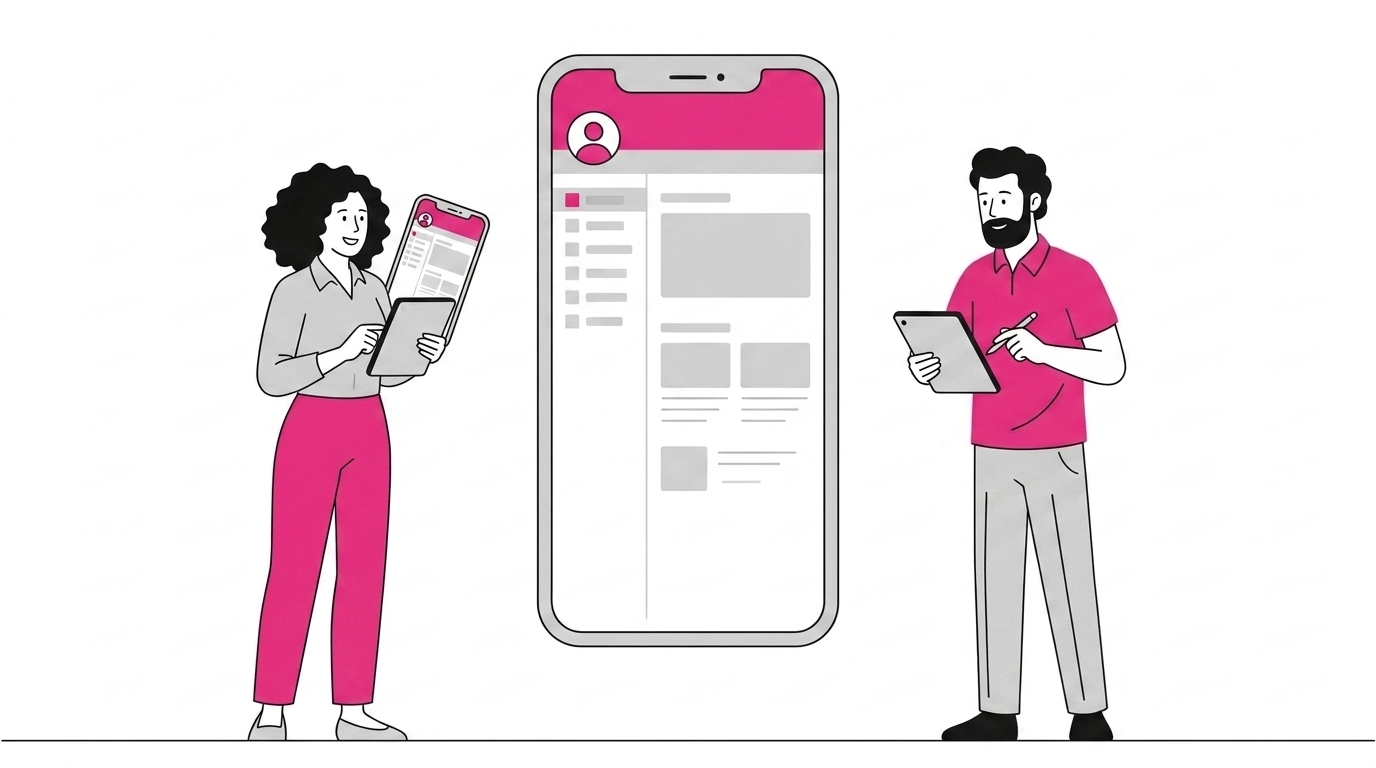
The new SharePoint mobile app is Microsoft’s fast and flexible solution to help you get your work done better, wherever you are.
Workplace mobility is becoming more and more important. With the right tools, collaboration strategies can be encouraged across increasingly advanced and efficient teams and departments.
The company intranet solves many connectivity and collaboration problems between employees, no matter where they are. The SharePoint mobile app lets you:
-
connect to your company intranet pages from your smartphone
-
stay in touch with colleagues
-
stay up to date on ongoing projects.
What you’ll find in this article
-
Why use the SharePoint mobile app
-
What features are available in the app
The biggest problem with traditional intranets was that they weren’t easily accessible from smartphones and tablets. Microsoft developed a SharePoint mobile app to solve exactly this problem.
SharePoint was built as an application for companies of any size to create a corporate intranet for document management.
Until recently, SharePoint had been built as a desktop tool. Today, Microsoft has introduced the SharePoint app for mobile devices.
The new SharePoint mobile app encourages you to keep team members up to date on all company news, allows quick access to the organization’s resources and team sites, and gives a real-time view of what’s happening across your organization.
The SharePoint mobile app works with SharePoint Online in Microsoft 365, SharePoint Server 2013 and 2016, and in hybrid environments.
Once you launch the app on your iPhone or Android device, you’ll be asked to sign in with your SharePoint credentials. The SharePoint mobile app lets you switch quickly between accounts.
DISCOVER INTRANET.AI
Get in touch to find out how to improve your company intranet
intranet.ai helps you have an innovative intranet, full of features, with no extra effort or cost
Contact us
SharePoint Mobile App Features
-
Links tab: the links tab lets you and your team access internal sites available to the whole company. The links tab contains all the sites set up by company leadership to be visible to every employee in every department. SharePoint admins can control these resources. Users, on the other hand, can take advantage of every feature of the tools you make responsive and accessible from any device. If you’ve invested in responsive sites designed for mobile devices, your solutions will be even better in the app. Microsoft is investing in responsive design as a top priority to ensure all new experiences are mobile-first and responsive by default.
-
Sites tab: in this tab you can see the list of the sites you visit most often, along with the ones you follow. You can quickly access recently opened files and site resources, lists, documents, presentations, and much more.
-
People tab: easily browse your contacts to see what your colleagues are working on, with the best of Microsoft 365 and SharePoint’s built-in intelligence.
-
Search box: search across files, sites, and people with the new SharePoint mobile app. When you run a search inside the mobile app, you’re not just searching SharePoint sites, but also your intranet, company sites, OneDrive for Business files, and you can access any folder.
Microsoft has streamlined all these features so you can focus on your work, boost engagement, and help your colleagues get their jobs done.
Boost your productivity: download the SharePoint mobile app now.
Ready to take your workplace to the next level?
Request an intranet.ai demo now! Find out right away how we can help you build your next smart intranet on Microsoft 365!
Request a demo
See intranet.ai in action
A ready-to-use intranet on SharePoint Online, live in days. Book a free demo with our team.
Book a demo