Building an interface starting from the wireframe
**
Intranet Wireframe: How Is It Built?
When designing a website or an online platform, you need to work through a series of steps that lead to the final product.
Wireframes let us define the skeleton of one or more pages of our site.
So let’s see what they are and how they’re used to build an intranet.
What you’ll find in this article
-
What an intranet wireframe means
-
What it can be used for
-
What approach to take when building the intranet
-
What we mean by platform usability
Intranet wireframe: what it is
Before actually building the intranet, you need to define how content is laid out and how it works.
Even before moving on to wireframes, the process starts with sketches.
These are done by hand and come before building a prototype of the platform.
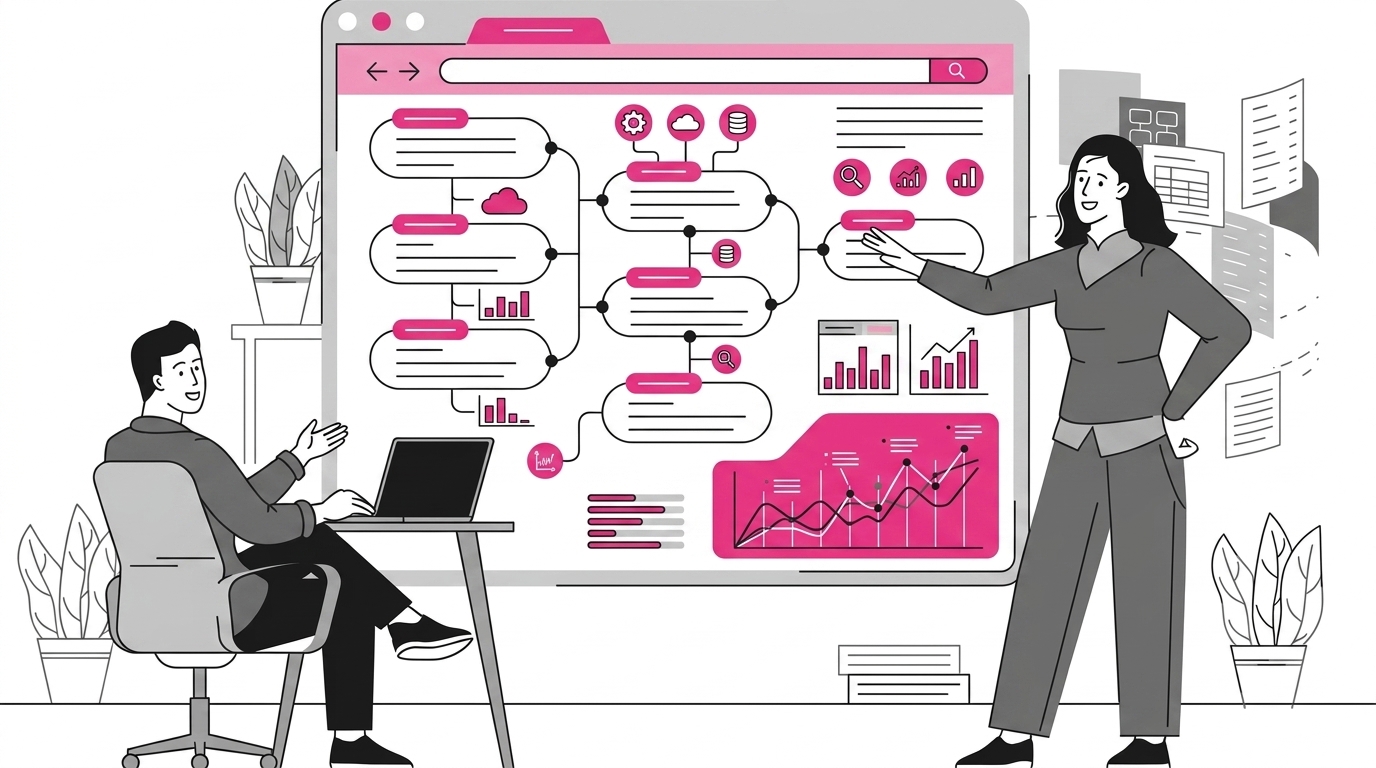
A wireframe, then, can be defined as a prototype of one or more pages of a site.
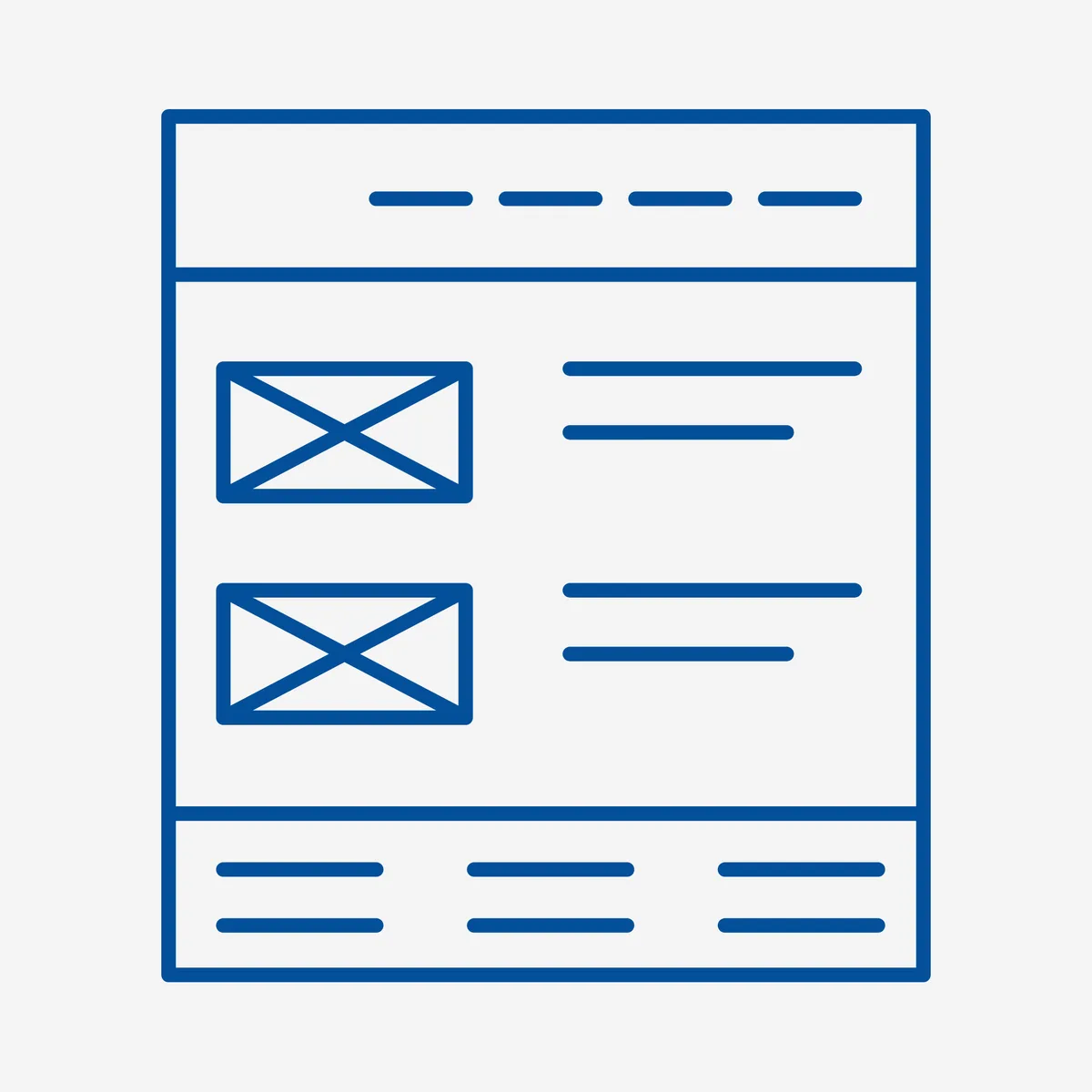
What they’re used for
We said wireframes are used to understand how content will be organized inside our intranet.
They define the order and hierarchy of elements, calls to action, navigation patterns, and so on.
They’re very useful because they help us spot issues early and make the right changes.
They contain detailed information such as headings, content, images, navigation menus, links, and every other element that defines a graphical interface.
Aspects like color, font, and all graphic elements aren’t added yet, so as not to draw attention away from the structure, which is the main focus at this stage.
This gives you a precise idea of how the interface structure will be organized.
User centered experience
As we’ve seen, the intranet puts the user at the center, which is why it needs to be built with a User Centered Experience approach.
It has to meet users’ needs and offer them a simple, smooth browsing experience.
Users need to be able to navigate without obstacles and find what they’re looking for as quickly as possible.
Wireframes are what get you to a functional, usable site where content can be found without any difficulty.
User experience is the foundation of every decision when it comes to designing a user-centered intranet.

Interface
Once the wireframe has been validated through a usability test (such as the think aloud test), you can move on to building your intranet’s interface.
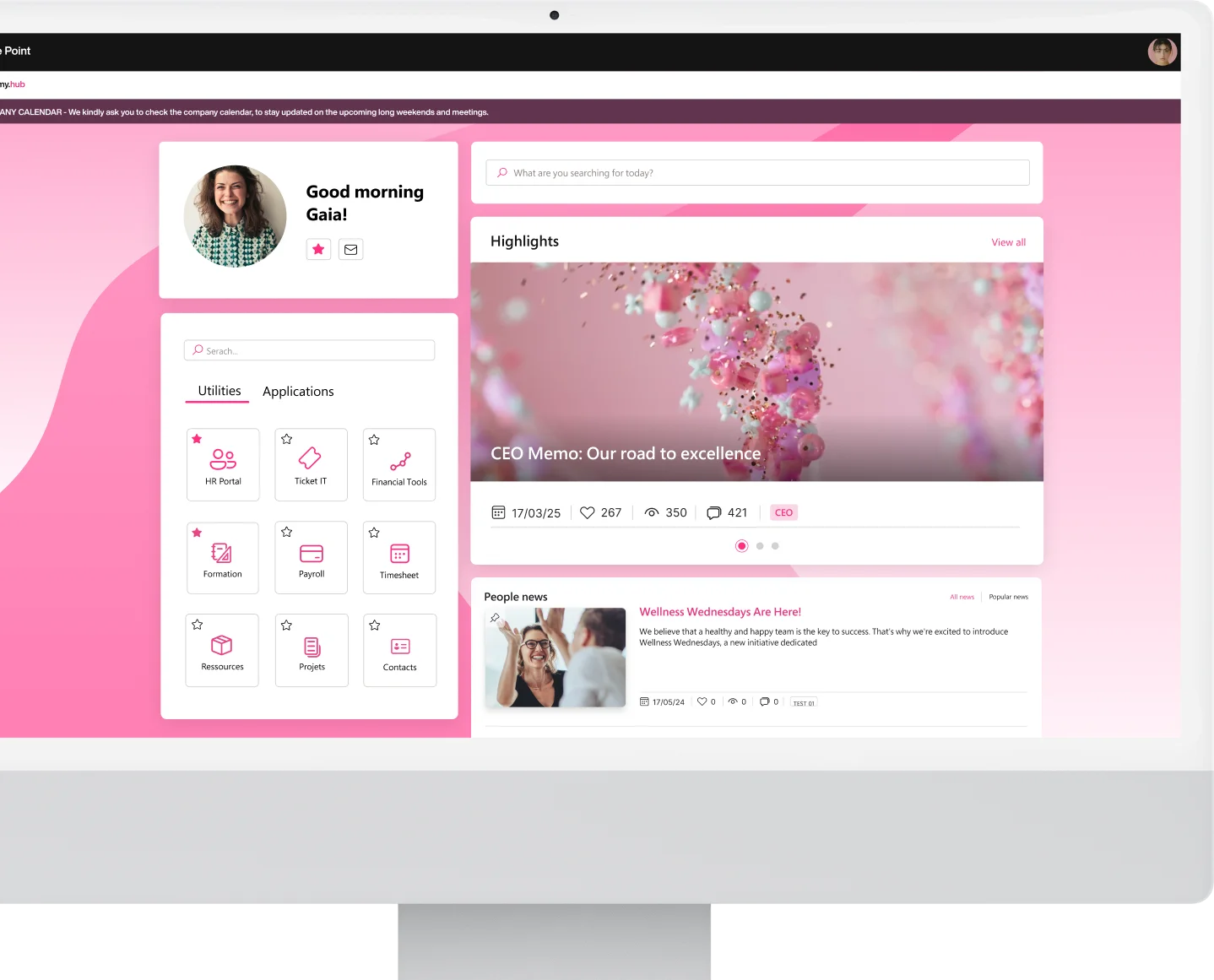
This is the point where you can add graphic content such as images, colors, and specific fonts that reflect the company’s branding.
When building the interface, it’s important to keep in mind what you want to communicate.
The design has to respect the company’s identity, its values, and its image.
It has to use the company’s typical tone of voice, its own way of communicating.
Users should be able to recognize the company they’re part of.
The goal is to strengthen the sense of belonging to the organization within a complete, smooth browsing experience.
Usability
While aesthetics are subjective, an intranet’s functionality is objective.
Design and ease of use shouldn’t be in conflict, and well-designed graphics will support usability.
A website’s usability and functionality need to be tightly integrated with its design, which is essential as a vehicle for the company’s image.
Want to build your own digital workplace?
Our intranet is ready in 10% of the time and with 10% of the budget. Our Italian and international customers are always satisfied with the outstanding results in their companies.
Find out more
See intranet.ai in action
A ready-to-use intranet on SharePoint Online, live in days. Book a free demo with our team.
Book a demo