
How to access the Office 365 portal?
Let’s go through the steps to log in to Office 365.
Portal Office 365 Login
To access the Office 365 portal (now Microsoft 365), simply open your browser, type the address www.office.com and select “Sign in”.
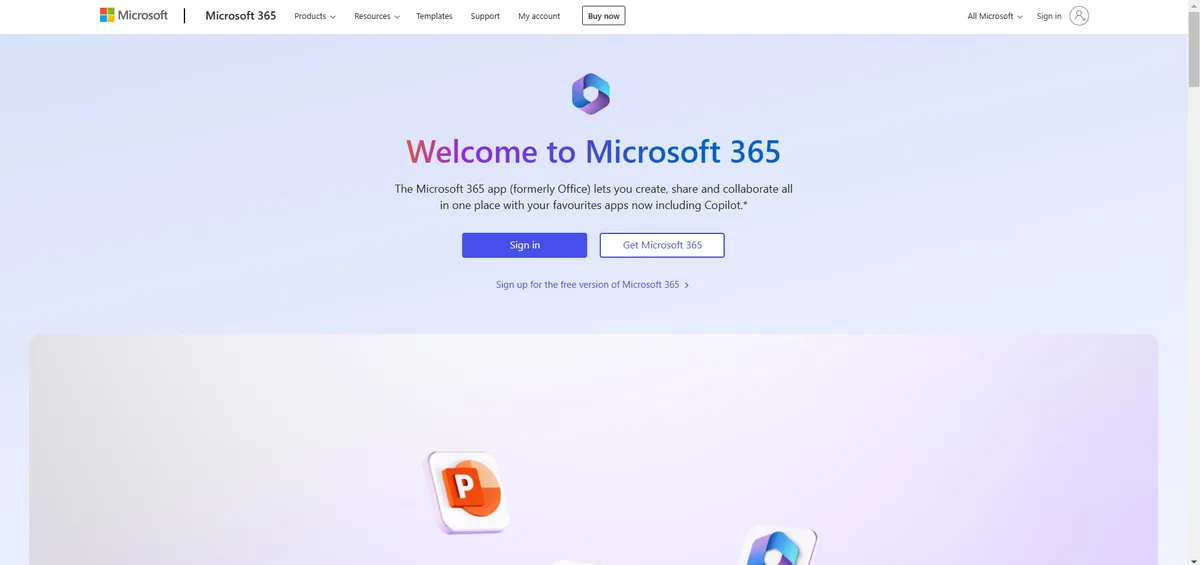
Once you reach the login page, you need to enter the email address and the corresponding password associated with your personal, work, or school Microsoft account.
After authentication, you will arrive at the main Office 365 page (which, as a reminder, is now part of the Microsoft 365 ecosystem).

Within the portal, you can find all the applications for daily productivity offered by Microsoft, including, of course, the well-known Office 365 apps: Word, Excel, PowerPoint, etc.
After logging in, the platform will display the favorite content and the most recent content from all the applications that make up the Microsoft 365 digital workplace.
Video tour
Want to see intranet.ai in 5 minutes?
An interactive product tour. No form, no appointment.
Watch the video tourSee intranet.ai in action
A ready-to-use intranet on SharePoint Online, live in days. Book a free demo with our team.
Book a demo