Company Collaboration: the Best Tools
YOUR GUIDE
An intranet is made of people; those people are the company’s employees.
Promoting their collaboration means empowering them to do their job better and more effectively, giving them all the content and tools they need to feel like a productive part of the company.
Let’s see how the intranet supports this.
What you’ll find in this article
-
How to encourage collaboration in your company
-
Why companies turn to the intranet
-
Which Microsoft 365 apps to use for collaboration
-
How to collaborate effectively with the intranet
Collaborating at work
How do you encourage collaboration in a company? And why should you aim to implement it?
While in the past you needed to gather in a room in front of a whiteboard and share every idea out loud in a big group brainstorm, digitization now lets you do so much more.
Cutting-edge apps and tools of every kind support collaboration and work-sharing processes that amplify the results you’re hoping for.
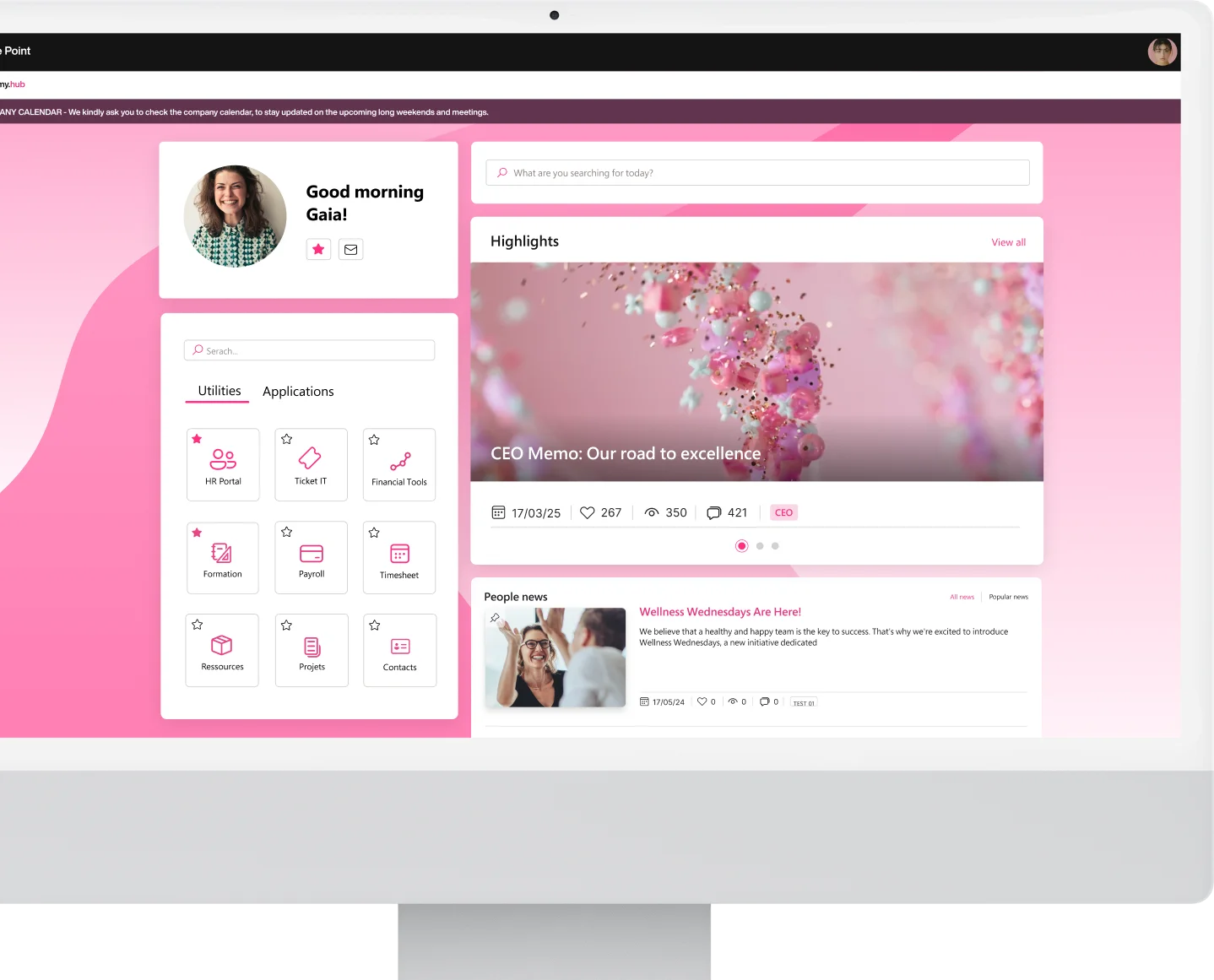
The intranet, the company’s cloud-based digital workplace, is exactly that kind of shared workspace, where every employee can stay in sync with their team.
Let’s take a closer look at how.

Teamwork for company success
Working alone, without comparing notes with others, puts an organization at a disadvantage.
Collaboration generates the innovative solutions and results that companies need for growth and success.
We can recognize three types of collaboration:
-
Team collaboration
-
Community collaboration
-
Network collaboration
Each of these involves the company exploring ideas and building constructive dialogue.

That said, these aren’t one-off events or something you can easily achieve without practice. Collaboration is a process that needs to keep going and improve over time. The more a group of people is used to collaborating, the more meaningful and productive their working relationships will be. More comfortable, fluid relationships lead to sharing and discussing ideas that can drive results toward the company’s success.
So, where do you start?
1) Communicate
As obvious as it sounds, it’s worth spelling out, because it’s the foundation of collaboration. Inside a company, employees need to internalize the idea that they should share ideas with colleagues, contacts, managers, and other internal resources. Comparing notes with others leads to better ideas and greater understanding, since every idea gets reviewed and analyzed by other people before it moves beyond the walls of the company. Only communication makes these benefits possible.
Discover Company Departments, or explore our Intelligent Groups

2) Visualize
It’s important for every idea to be shown visually, so it can be communicated clearly and simply. Visualization is a great aid for understanding, strategic thinking, and planning.
As science tells us, images are up to 6 times more effective than words alone, or as we’re used to hearing, a picture is worth a thousand words.
Collaboration built around visuals makes communication smoother and easier to understand for every team member.
Use Company Media to bring video and podcasts into your SharePoint intranet!

3) Recognize
Working as a team means sharing knowledge, combining multiple minds to make up for each other’s blind spots. That’s why every well-functioning team needs to recognize the value each person brings. You need to give credit when a team member contributes a good idea, takes on a difficult task, or raises constructive criticism. Relationships perform better when members feel recognized and appreciated. It’s also important to remind employees that every individual is part of a group because they’re skilled in something the others aren’t.

More reasons to promote collaboration
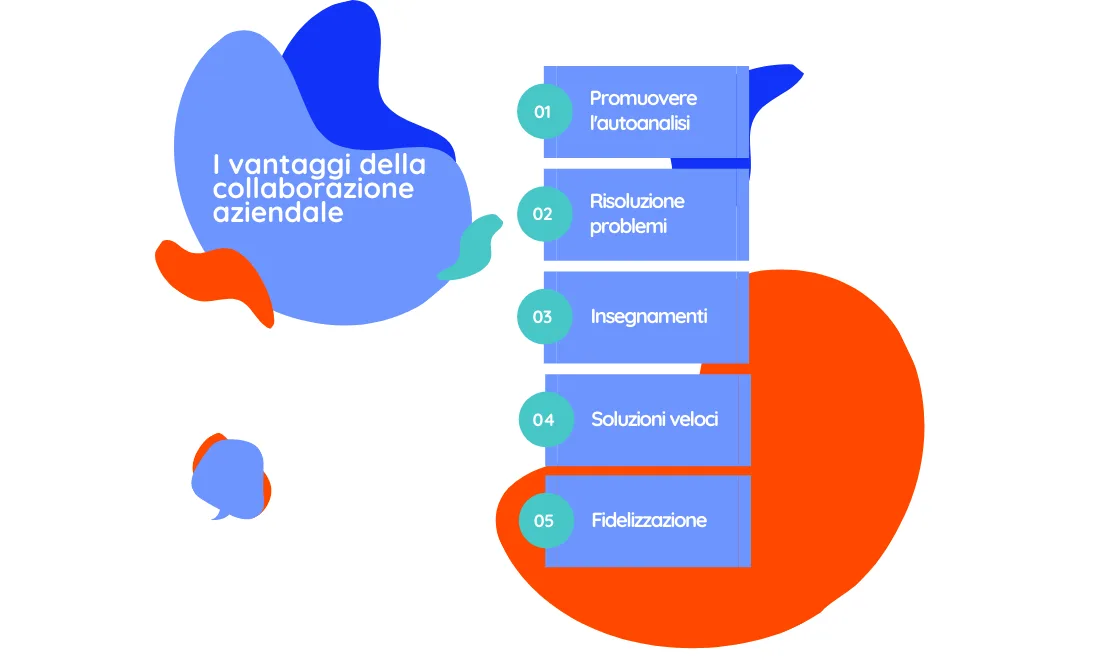
Companies should promote collaboration for the following reasons:
-
It promotes self-reflection, meaning collaboration challenges every member to articulate, think through, and question their own skills. Two heads are better than one.
-
Problem solving, meaning bringing together a variety of knowledge and skills leads to multiple ways of solving problems. Virtual collaboration helps a company save a lot of money by reducing the need for outside consultants.
-
It teaches, since it brings together people with different skill sets. This way, your company becomes an organism that promotes the digital sharing of knowledge, through growth and development opportunities that act as a safety net against failure.
-
It speeds up solutions. More people can solve tasks in less time by pooling more skills.
-
Better retention and job satisfaction. Collaboration adds value to every employee’s work. Building strong bonds between them strengthens their sense of belonging to the organization, which in turn drives productivity.
The intranet is the collaboration tool for companies
Collaboration needs digitized tools that can strengthen it and make it feel smooth and engaging to employees.
That’s why companies turn to the company intranet and make it the central hub for encouraging communication between employees and the synchronized sharing of their work.
Also read: Company intranet and 20 ideas to improve it in 2024
A digital solution integrated with every Microsoft 365 app, like intranet.ai, is definitely an advantage. The 365 suite is in fact the market leader for company collaboration, trusted by more than 1 million businesses.
You can sync documents, work with others in real time on the same document or project, and have it instantly updated on every device, even without an internet connection.
Apps like SharePoint, My workplace, Microsoft Teams, or the company social network Yammer let users send messages, communicate in real time, and share files and information of any kind, receiving push notifications.
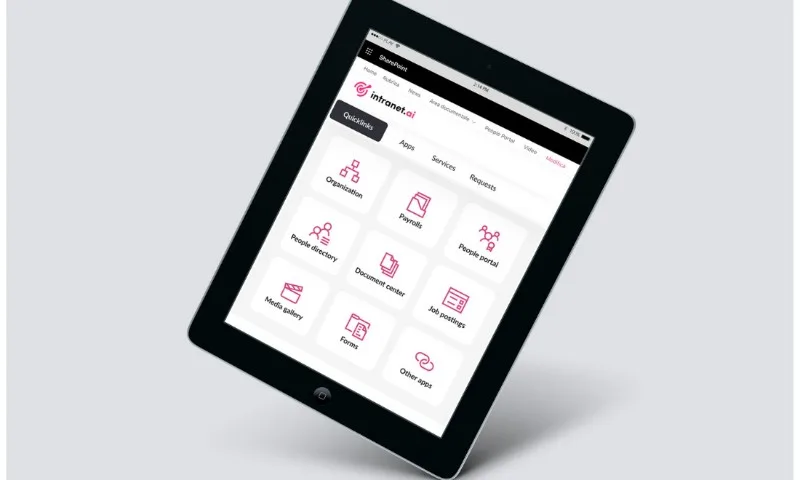
SharePoint
Microsoft SharePoint Online is the service that lets you create, design, and manage sites, documents, and team workspaces, or build dedicated Intranet, Extranet, and collaboration solutions.
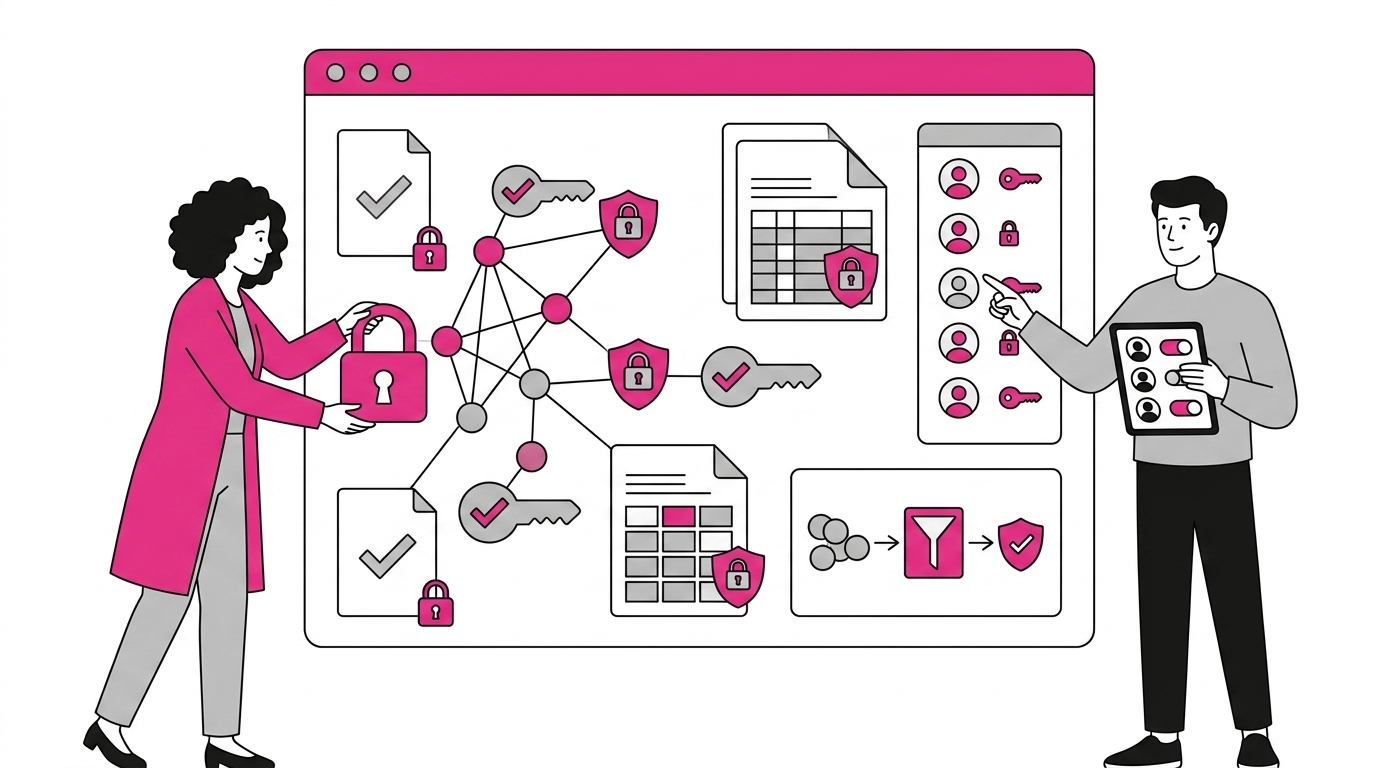
It lets you collaborate as a cloud-based digital company, securely sharing digital documents with team members inside or outside the organization, across different devices, mobile apps, PCs, and Apple devices.
SharePoint Online promotes and supports teamwork within every project group and department, based on specific needs. It only takes a few clicks to share files, data, information, and resources, letting you collaborate simply and securely on PC, Mac, and mobile devices.
SharePoint Online lets you run precise process management and, with a click of the mouse, find the information you need to make shared decisions and act on them.
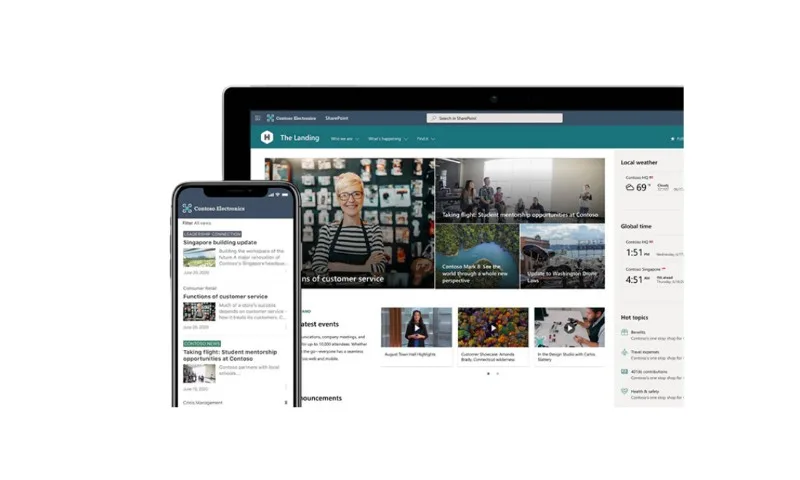 You can access information anytime, anywhere, boosting productivity for both individuals and the company.
My workplace
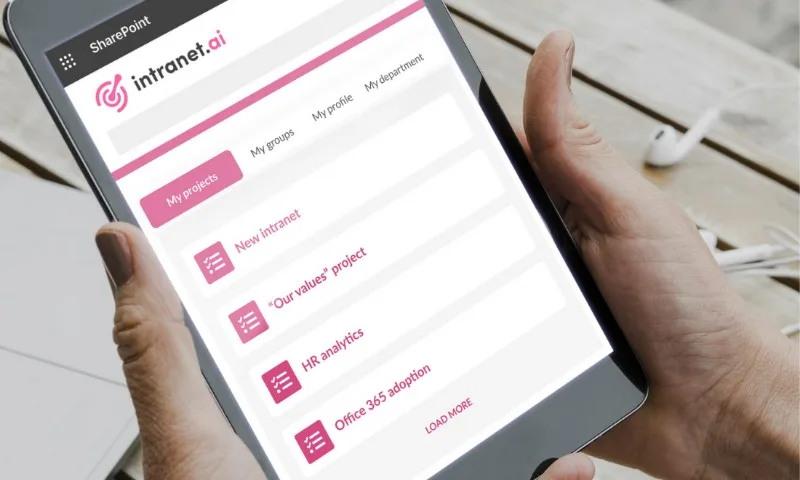
To simplify workflow management, intranet.ai offers My workplace.
What is it?
A space on your intranet dedicated only to your work, your tasks, your projects.
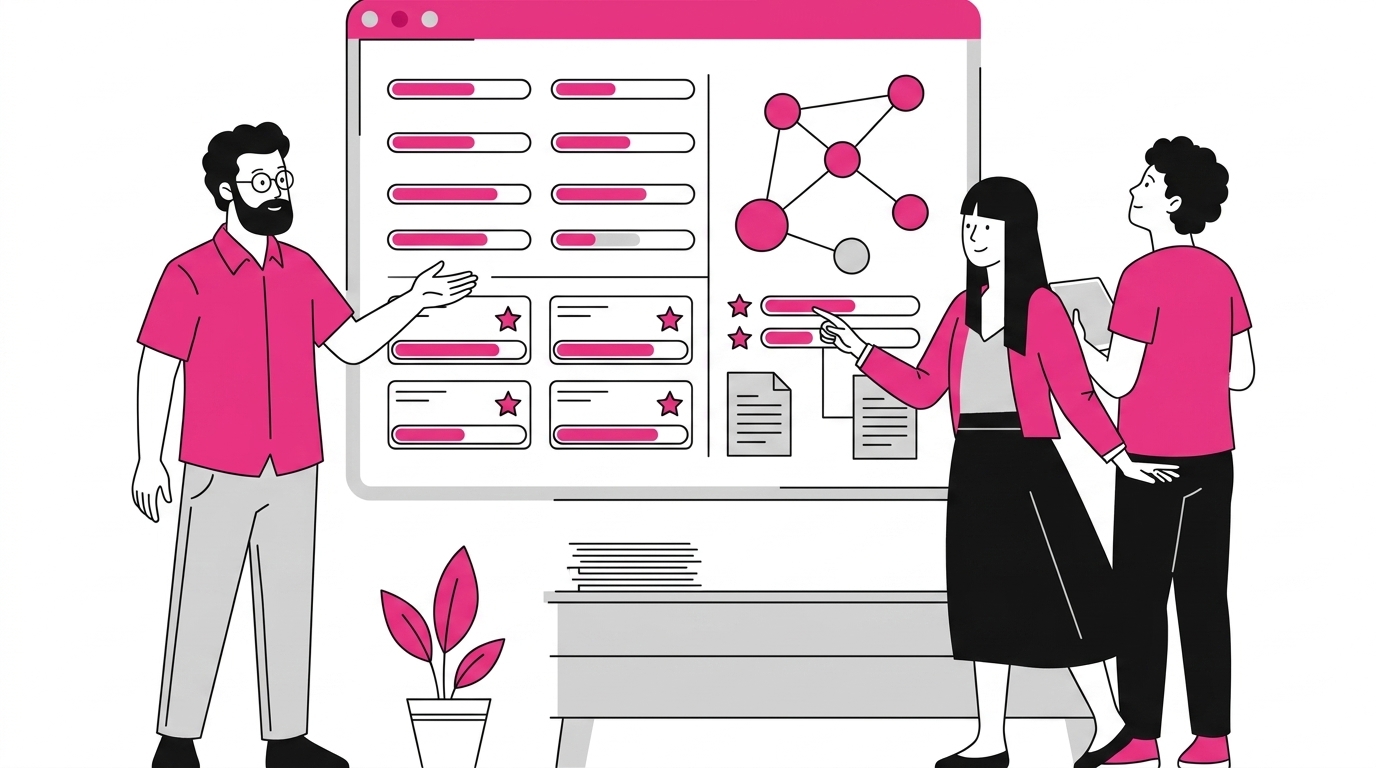
At a glance, you’ll have a kind of company dashboard showing all the personal projects you’re working on or the group activities you’re collaborating on.
Another solution for letting users collaborate efficiently is to tap into the potential of Microsoft Teams.
Microsoft Teams
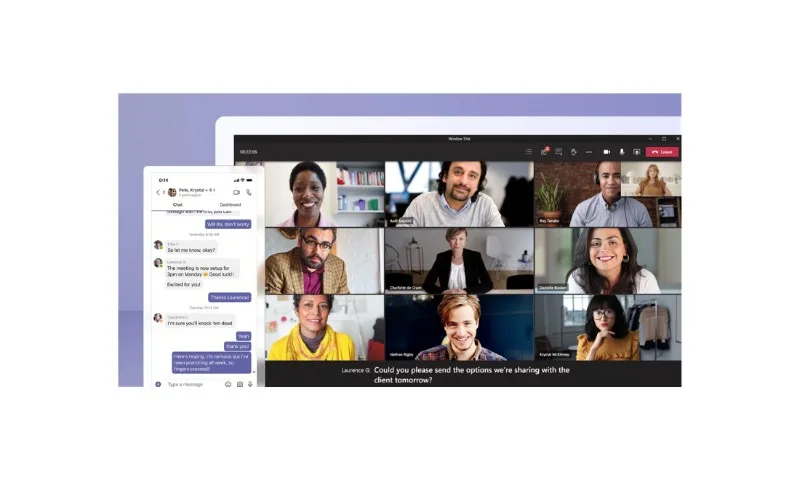
The platform lets you communicate in real time, share files, and have a single place in the cloud where you can find the full range of information related to a project, a department, or a group of people.
Whether it’s videos, files, documents, or reports, everything can be shared securely between collaborating groups.
Microsoft Planner
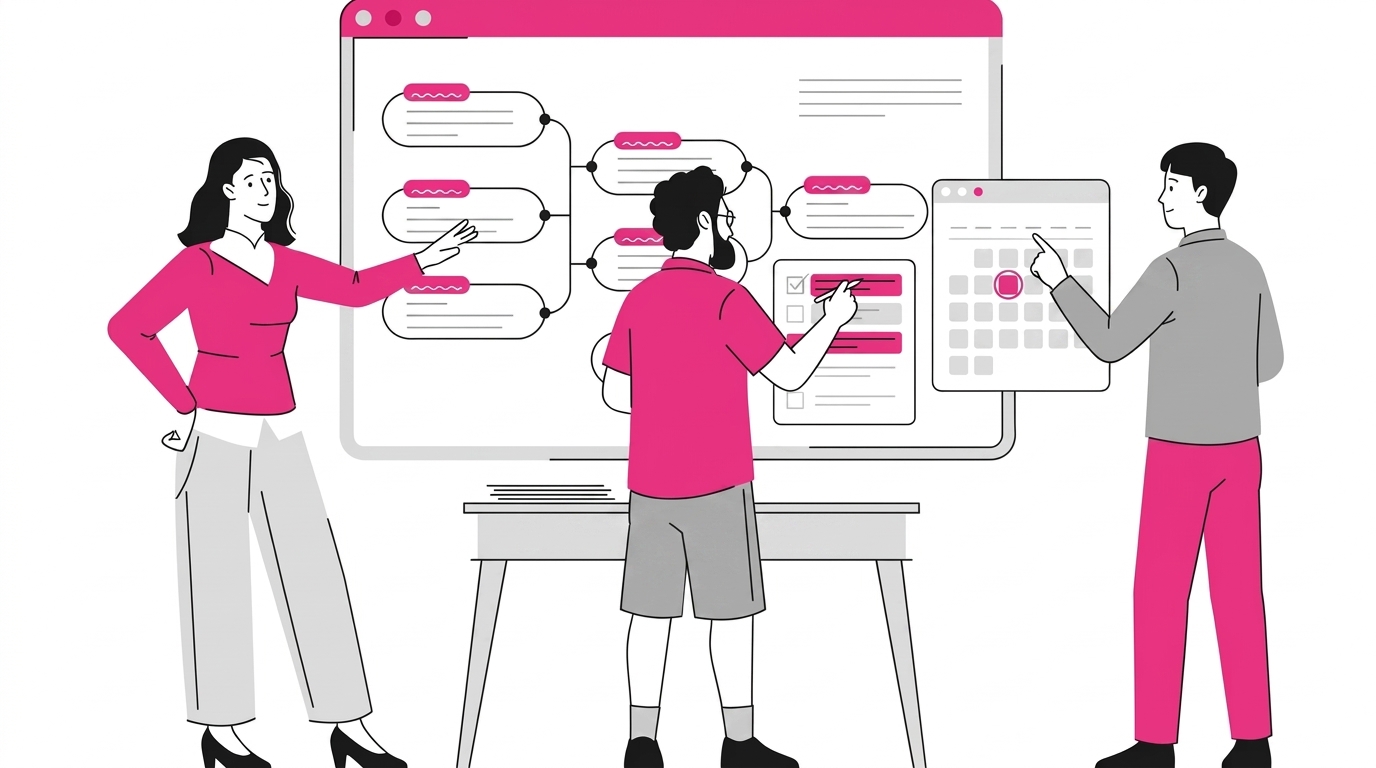
Planner is a digital task management tool in Microsoft 365 that lets teams organize activities for a group of people, sort them based on your needs, and keep track of deadlines through notifications. You can use it to organize marketing activities, manage projects, prepare for client meetings, or simply exchange feedback on products or documents to draft. The app lets you set the time and deadline to keep every task organized. You can track project progress in the calendar view and in charts.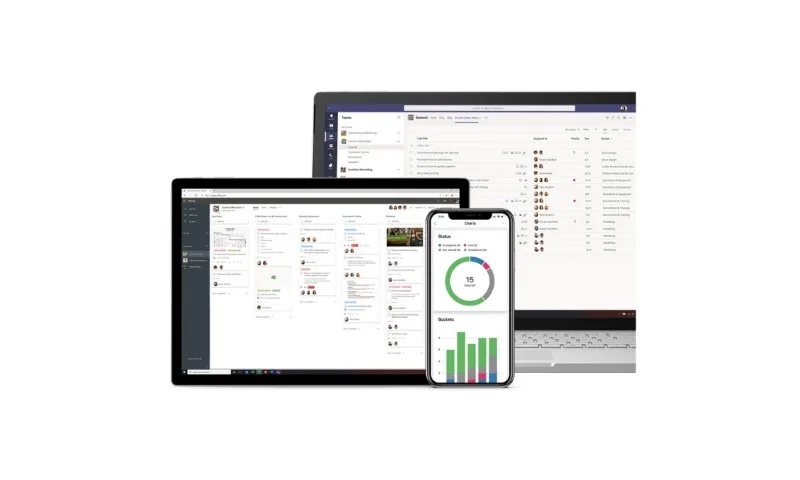 To learn more about Microsoft Planner, you can check the link below:
Plan your work with Microsoft Planner
Yammer
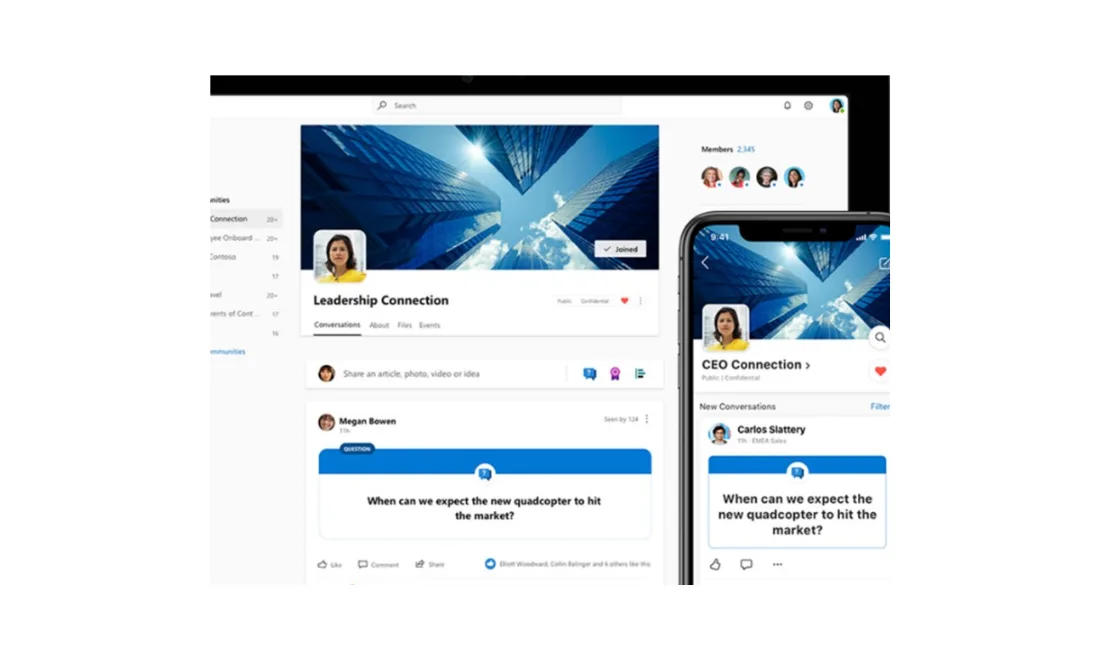
There are many ways to communicate and collaborate with your team: email, text messages, and collaboration tools. If your employees already use social networks like Facebook, Twitter, and Instagram, Yammer is the best tool for building a social network for the digital workplace. Yammer is an enterprise social networking tool designed to bring people together, especially when they work in different locations.
People can post messages or questions they need for work, find specific content, or learn more about work life. Yammer’s goal is to keep people connected.
Learn more about Microsoft Yammer:
Yammer: a collaborative intranet social media platform
Push notifications
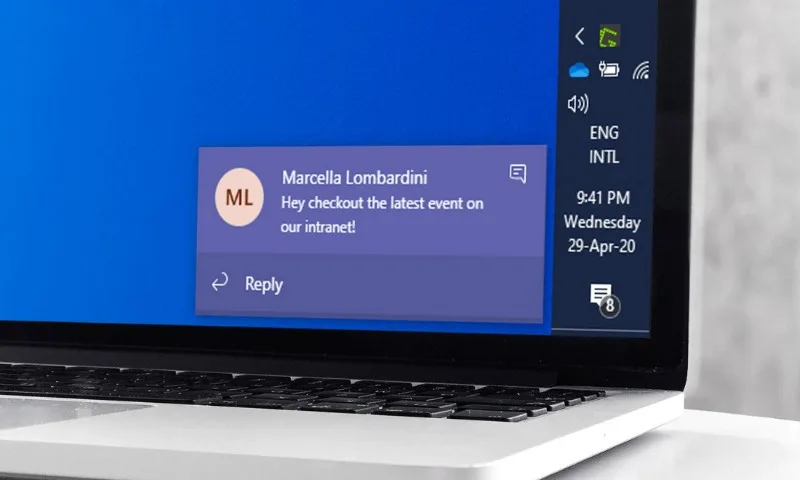
Push notifications are messages that appear on a mobile device’s screen even when you’re not actively using an app.
Every time users create content and publish it in a section of the intranet, your employees will get a notification, keeping them always up to date on what’s happening in their company.
How do you collaborate effectively with the intranet?
- Store and share documents in the company’s digital cloud: the main advantage for your company or organization is that Microsoft 365 is cloud based.
That means Microsoft hosts the storage space and the apps you use.
This choice lets you save on IT costs while still benefiting from the enterprise-grade security and platform Microsoft provides.
By creating a Microsoft 365 storage space in the cloud, your documents become secure, and most importantly, the team you’re collaborating with will always be able to use them.
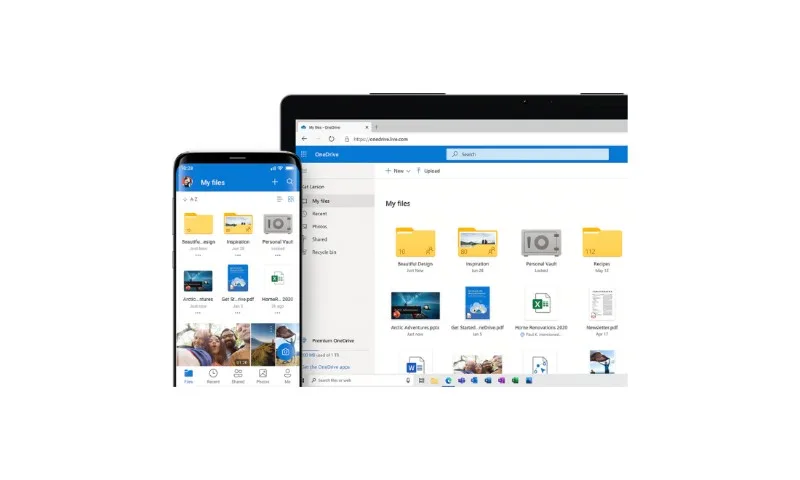
- Share what you create on Microsoft 365, and its collaboration tools will help you save time.
There’s no need to merge colleagues’ edits into the document, and no need to dig through emails to find files or attachments.
Share your Word files, Excel spreadsheets, or PowerPoint presentations in a shared cloud storage space and work together.
Once your files are shared in the cloud, you can work with multiple collaborators at the same time.
If edits happen at the same moment, you’ll see other people’s changes in real time.
You can use the co-authoring feature on whichever device you prefer: web browser, desktop, or mobile.
- File chat: when working as a team, you sometimes need help from a colleague.
Microsoft 365 tools let you use the “mention” feature to add notes or comments to documents and send them to the people you want to reach.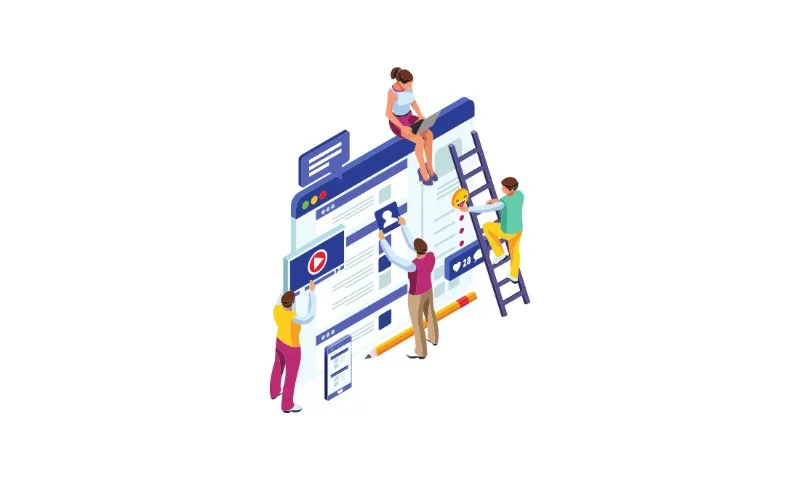
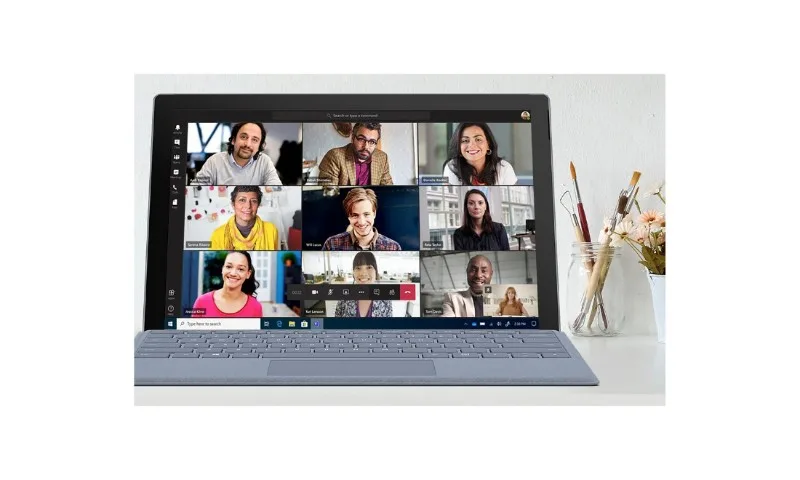
- Instant meetings: Microsoft provides a range of tools to help employees plan and run meetings.
Apps like Microsoft Teams, Yammer, or Stream support the preparation and success of company conferences and meetings.
With Microsoft 365, you’ll find all the support you need to organize meetings, prepare documents, and share them with meeting participants.
An always-on communication channel
Larger companies, with departments and offices in other countries, use this technology to set up an active communication channel between employees, wherever they are.
Push notifications are used to share company values or information relevant to their projects.
They also turn out to be an essential business tool, helping employees avoid missing important messages or calls from colleagues and clients.
Another solution worth considering is using the out-of-the-box notifications available through Yammer communities and Teams groups.
Want to build your own digital workplace?
Our professionals, with over 15 years in the industry, are ready to help you.
With 10% of the time and 10% of the budget, you can build your own smart digital workplace.
Find out more
See intranet.ai in action
A ready-to-use intranet on SharePoint Online, live in days. Book a free demo with our team.
Book a demo