
How to access SharePoint?
Let’s see the steps to log in to Microsoft 365 SharePoint.
SharePoint Login
To access Microsoft 365 SharePoint, the application for creating and managing sites like the company intranet, simply open your browser, type the address microsoft365.com, and select the “Sign in” option.
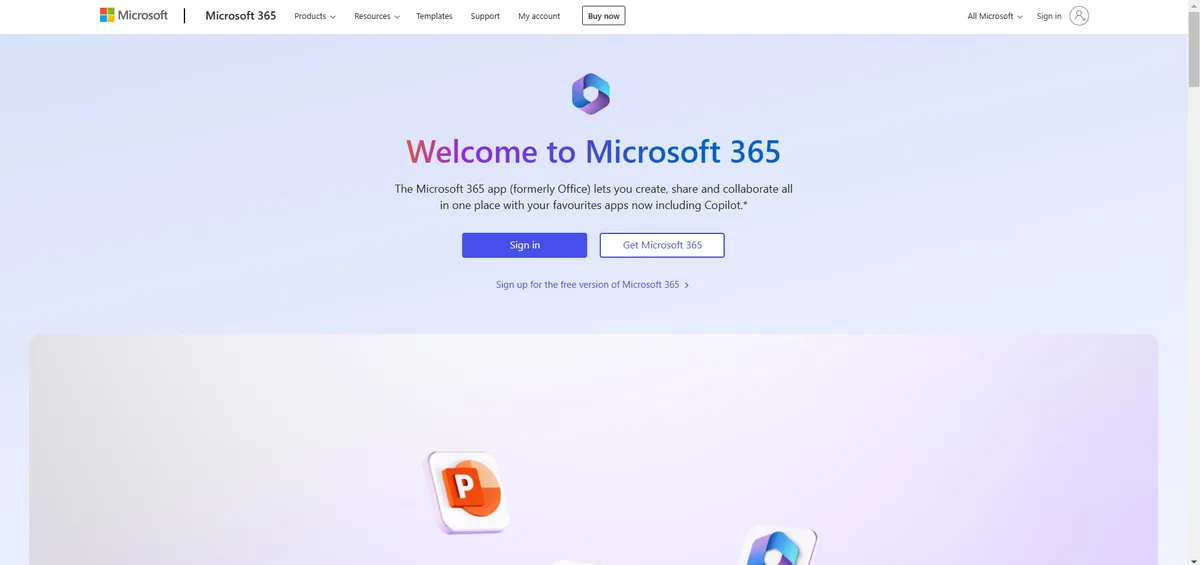
Once you reach the login page, you need to enter the email and password associated with your company or institutional account.
After authentication, you will be taken to the main Microsoft 365 page.
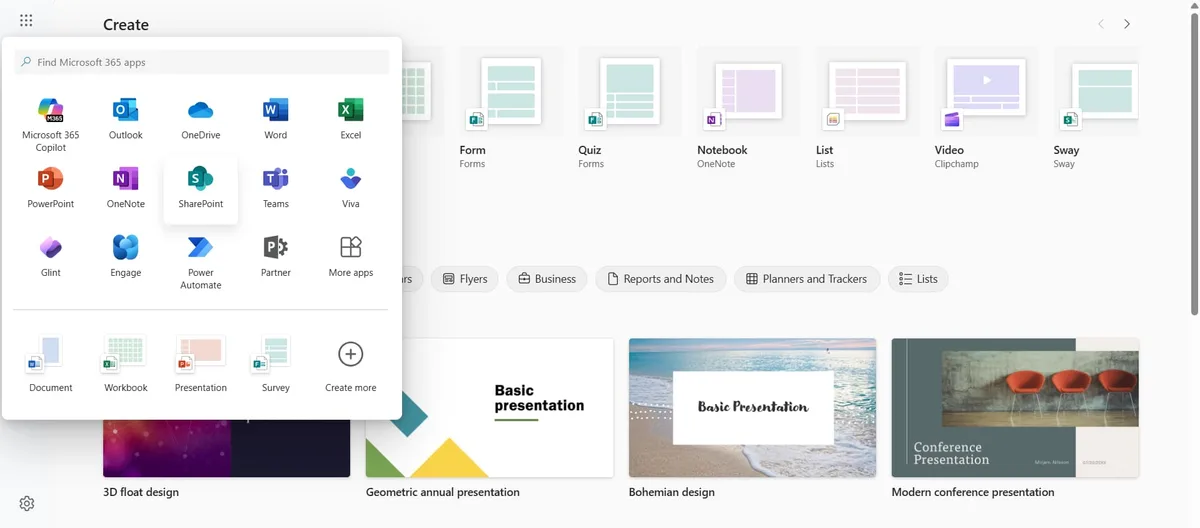
In the top left corner, you now need to select the app launcher icon (a square made of nine dots) and choose “SharePoint” from the list of available apps.
Video tour
Want to see intranet.ai in 5 minutes?
An interactive product tour. No form, no appointment.
Watch the video tourSee intranet.ai in action
A ready-to-use intranet on SharePoint Online, live in days. Book a free demo with our team.
Book a demo