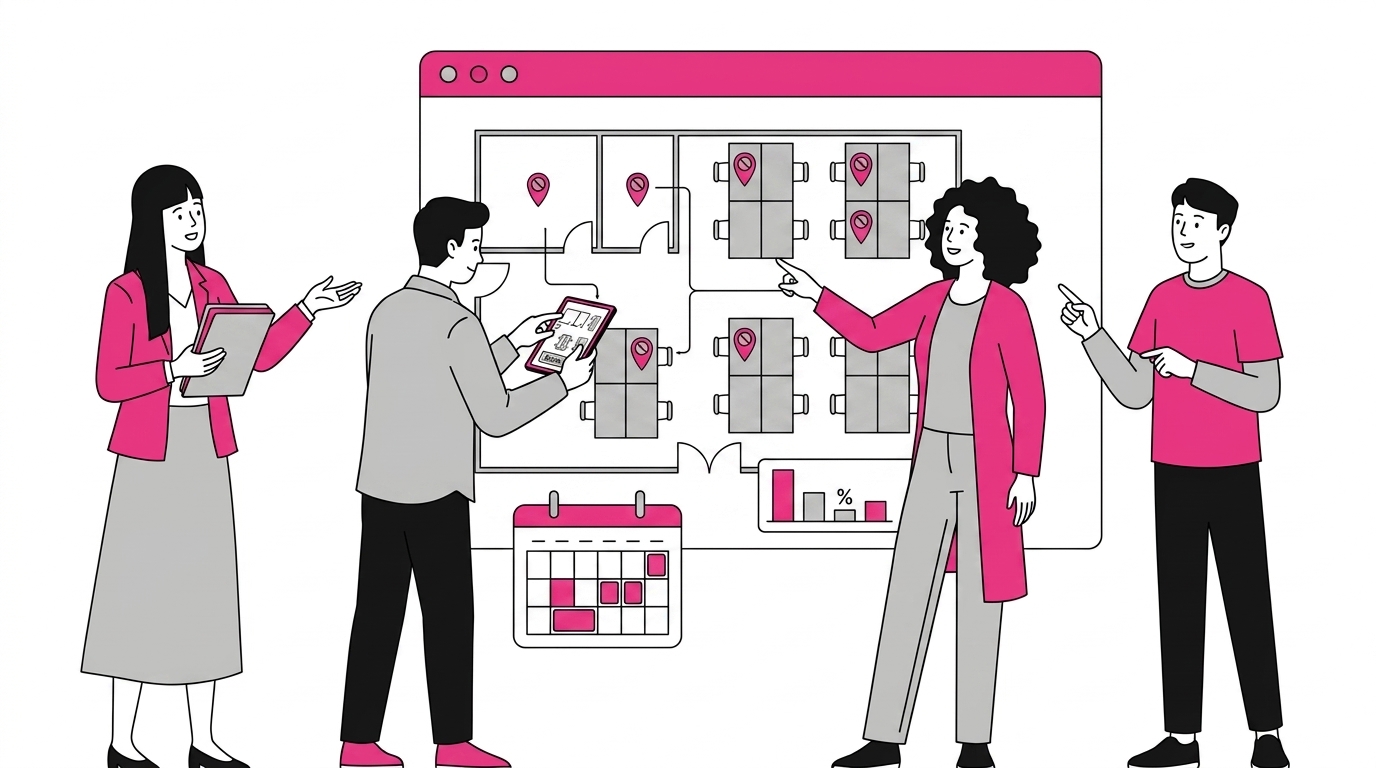
Hybrid work created a new daily question for millions of employees: should I go to the office, and if I do, will the people I need actually be there? Microsoft’s answer to that question is Microsoft Places, a Microsoft 365 app built specifically to coordinate hybrid schedules, desk and room booking, and in-person collaboration. Instead of asking teams to juggle yet another standalone tool, Places lives inside the apps people already use every day, Outlook and Microsoft Teams. In this guide, we explain what Microsoft Places is, how its core features work, what we can confirm about licensing, and how it fits alongside a corporate intranet in a complete digital workplace.
Key Takeaways
- Microsoft Places is a Microsoft 365 hybrid-work app for booking desks and rooms and coordinating in-office days.
- It works inside Outlook and Teams, using calendar and work-location signals rather than a separate booking system.
- Some advanced features require add-ons such as Microsoft 365 Copilot or Teams Premium, so confirm current licensing on Microsoft’s documentation.
- Places manages physical space; a company intranet manages information. Together they form a coherent digital workplace.
What you will find in this article
- What Microsoft Places is, in plain terms
- The key features: desk booking, room booking, hybrid scheduling, and the place finder
- How Places works with Outlook and Teams
- What we can honestly say about licensing and availability
- Practical use cases for hybrid teams
- How Microsoft Places complements a corporate intranet
See intranet.ai in action
A ready-to-use intranet on SharePoint Online, live in days. Book a free demo with our team.
Book a demoWhat is Microsoft Places?
Microsoft Places is a hybrid work application inside Microsoft 365 that helps people coordinate in-office days, reserve desks and meeting rooms, and see where their colleagues plan to work. Microsoft positions it as a connected workplace tool, designed to make in-person time more deliberate rather than left to chance (Microsoft 365 / Microsoft Places, 2026).
The core idea is simple. Hybrid teams lose time to a coordination problem nobody owns: people commute in only to find their team working from home, or they can’t find a free desk when they arrive. Places tries to remove that friction by turning scattered intentions into shared, visible plans. You declare your work location, see your team’s plans, and book a spot, all in one flow.
What makes Places different from older room-booking tools is where it lives. It is not a separate portal you have to remember. It surfaces inside Outlook and Teams, the apps where work planning already happens, so coordination becomes part of the normal day instead of an extra task. In our experience advising Microsoft 365 customers, adoption of hybrid tools rises sharply when the tool disappears into existing habits, and that embedded approach is exactly Places’ biggest structural advantage over standalone booking apps.
Microsoft Places is a Microsoft 365 hybrid work app that coordinates in-office days, desk reservations, and room booking by surfacing work-location plans inside Outlook and Teams, helping distributed teams choose the days when meeting in person is genuinely worthwhile (Microsoft 365 / Microsoft Places, 2026).
What are the key features of Microsoft Places?
Microsoft groups the Places experience around a few connected capabilities: location planning, desk and room booking, and a place finder that ties them together. According to Microsoft’s product documentation, these features are designed to work as one coordinated flow rather than separate modules (Microsoft Learn / Places overview, 2026). Let’s break down the parts that matter most to day-to-day users.
Desk booking and hot-desking
Desk booking is the feature most people associate with Places. You can reserve a workspace for a given day, choose a desk near your team, and release it when plans change. Organizations that run flexible seating can enable hot-desking, where no desk is permanently assigned, or keep assigned seating for roles that need it. Administrators map floor plans, define bookable desks, and can connect compatible peripherals and sensors so availability stays accurate.
Meeting room booking
Room booking in Places goes beyond the classic “find a free room” search. Because Places understands who is attending and where they plan to be, it can help pick rooms that suit the actual mix of in-person and remote participants. We’ve found that the hardest hybrid meetings are the half-and-half ones, and matching the right room to the right attendee mix is where a context-aware booking tool earns its keep.
Hybrid scheduling and the place finder
The scheduling layer is what turns booking into coordination. Places lets you set your work location per day, view your team’s plans, and identify the days when most of your group will be on-site. That shared visibility is the heart of the product: it helps teams converge on the same days instead of drifting apart.
How does Microsoft Places work with Outlook and Teams?
Microsoft Places is built directly on Outlook and Microsoft Teams, the two apps where hybrid planning already happens, so it reads calendar and work-location signals instead of running a separate database of intentions (Microsoft Learn / Places overview, 2026). This integration is the design choice that defines the whole product.
Here is the practical flow. In Outlook, you can set your work location for upcoming days, in the office, remote, or away. Those signals feed Places, which then surfaces your plans and your colleagues’ plans inside Teams. When you schedule a meeting, Places can use that context to suggest whether it should be in person and help you book the right room. Reservations made in Places show up on your calendar like any other commitment.
Because Places relies on existing identity, calendar, and Teams infrastructure, it inherits the governance and security model your organization already manages in Microsoft 365. For administrators, that means fewer new systems to secure. If your teams already lean on Teams for collaboration, our companion guide to the Microsoft Teams app explains how that hub fits into the wider Microsoft 365 stack that Places plugs into.
Microsoft Places integrates natively with Outlook and Microsoft Teams, reading work-location and calendar signals so employees coordinate in-office days and book spaces without leaving their everyday apps, which lowers the adoption barrier that standalone hybrid tools typically face (Microsoft Learn / Places overview, 2026).
What licenses and availability does Microsoft Places require?
Microsoft Places is part of the Microsoft 365 family, and core capabilities are available to organizations with eligible Microsoft 365 or Office 365 commercial plans, while certain advanced, AI-assisted features depend on add-ons such as Microsoft 365 Copilot or Teams Premium (Microsoft Learn / Places overview, 2026). We want to be honest here rather than precise to a false decimal.
Licensing for newer Microsoft 365 products changes over time, and the split between included features and premium ones can shift between releases. The reliable approach is to confirm the current requirements directly on Microsoft’s official documentation before you plan a rollout, then validate which of your existing plans already cover Places.
A few things are worth checking specifically: whether your tenant has the necessary licenses for basic location planning, whether desk and room booking needs any device or peripheral setup, and whether the premium scheduling or analytics features you want require Copilot or Teams Premium. Treating licensing as a pre-project checklist, not an afterthought, avoids surprises when you scale beyond a pilot floor.
What are the main use cases for Microsoft Places?
The strongest use case for Microsoft Places is the “anchor day” problem: helping a team agree on the days everyone comes in, so on-site time is spent collaborating rather than sitting on video calls alone (Microsoft 365 / Microsoft Places, 2026). From that foundation, several practical scenarios follow.
For employees, Places answers a daily question without a group chat thread: is it worth going in tomorrow, and where will I sit? They set a work location, glance at their team’s plans, and book a desk near the people they need. For managers, it offers a way to encourage in-person collaboration on the right days without micromanaging attendance.
For facilities and workplace teams, Places turns desk and room usage into something observable. Knowing how spaces are actually booked helps right-size real estate, a meaningful lever given how much hybrid work has changed office utilization. The quietly strategic value of Places is not the booking screen, it’s the usage signal: organizations that understand real attendance patterns make far better property and layout decisions than those guessing from badge swipes.
How does Microsoft Places complement a corporate intranet?
Microsoft Places and a company intranet solve different halves of the same problem, and they are complementary rather than competing. Places coordinates the physical workplace, where and when people work in person, while the intranet is the digital home for news, documents, processes, and people (Microsoft 365 / Microsoft Places, 2026).
Think of it as two questions. Places answers “where and when do we meet?” The intranet answers “where do I find what I need to do my job?” A team might use Places to converge on Tuesday in the office, then rely on the company intranet to read the announcement that prompted the meeting, open the project document, and find the right colleague in the people directory.
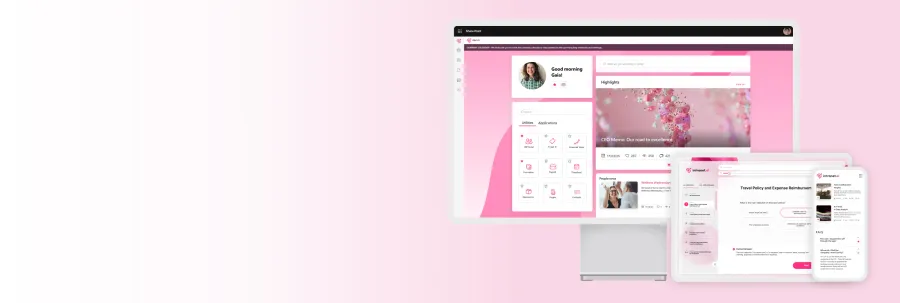
That is why we treat both as parts of a single digital workspace rather than rival apps. At intranet.ai, we build SharePoint and Microsoft 365 intranets that act as the information layer of the workplace, and tools like Places handle the physical-coordination layer on top of the same Microsoft 365 foundation. When a feature such as company locations lives in the intranet, employees get a consistent picture of the organization across both digital and physical space.
Microsoft Places coordinates physical workspace and in-office days, while a corporate intranet centralizes news, documents, and people, so the two complement each other as the physical and information layers of one Microsoft 365 digital workplace (Microsoft 365 / Microsoft Places, 2026).
Frequently asked questions
What is Microsoft Places?
Microsoft Places is a hybrid work application in Microsoft 365 that helps employees and managers coordinate in-office days, book desks and meeting rooms, and see where teammates plan to work. It uses signals from Outlook and Microsoft Teams to make in-person collaboration easier to plan.
How does Microsoft Places work with Outlook and Teams?
Microsoft Places reads your work plans and calendar in Outlook and surfaces them inside Microsoft Teams. You set whether you will be in the office or remote, and Places shows colleagues’ plans, suggests good in-office days, and lets you reserve a desk or room without leaving your usual apps.
Can you book desks and meeting rooms with Microsoft Places?
Yes. Microsoft Places supports desk booking, including hot-desking and assigned seating, and meeting room reservations. Employees can find an available desk near their team, while administrators map floors, set up bookable spaces, and connect compatible devices and sensors to keep room availability accurate.
What licenses do you need for Microsoft Places?
Core Microsoft Places features are available to organizations with eligible Microsoft 365 or Office 365 commercial plans, while some advanced capabilities require Microsoft 365 Copilot or Teams Premium. Because Microsoft updates plan requirements over time, always confirm the current licensing details on Microsoft’s official documentation before rollout.
Is Microsoft Places the same as a company intranet?
No. Microsoft Places coordinates physical workspace and in-office days, while a company intranet is the central hub for news, documents, processes, and people. The two are complementary: Places answers where and when employees work in person, and the intranet answers where they find information and stay aligned.
Conclusion
Microsoft Places gives hybrid teams a practical way to answer a daily question: should I go in, and where will I sit? By embedding desk booking, room reservations, and in-office coordination directly inside Outlook and Teams, it removes the friction that doomed earlier standalone tools. The result is more intentional in-person time and clearer visibility into how offices are actually used.
Just remember what Places is and isn’t. It manages the physical side of work, not the information side. For that, you still need a strong intranet where people find news, documents, and each other. Treated together as one digital workplace, Places and your Microsoft 365 intranet cover both halves of how modern teams operate. If you’re shaping that strategy, start by confirming current Microsoft Places licensing on Microsoft’s documentation, then make sure your intranet is ready to be the information layer beneath it.