
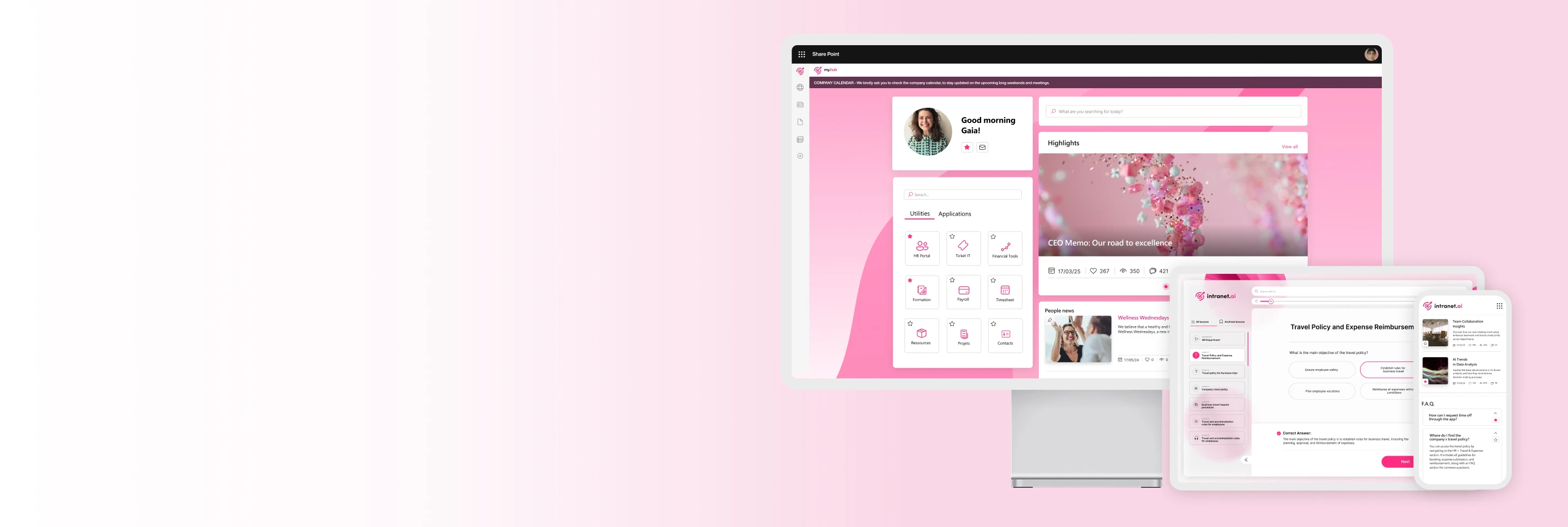
Product features
Your ready-to-use SharePoint intranet
80+ features for communication, learning, productivity and knowledge management
Product catalogue
Over 80 intelligent features to expand the capabilities of your SharePoint intranet
Our solution is not a standardized product but a custom-made intranet that includes all the components you need to optimize your company's daily work.

Advanced Search
The component that helps users find documents, contacts, and information in the Microsoft 365 environment within seconds.

Alerts and service communications
The component that highlights the most important communications on every page of the intranet.

Anniversaries
The component that provides a new experience for getting to know colleagues, with a calendar of special events.

Answer Chain
The interactive path with questions and answers designed to guide users toward a final recommendation.

Breadcrumbs
The web part that displays the path to reach individual pages of the SharePoint intranet.

Bulletin Boards
The component to strengthen the corporate community with a space where to post personal announcements.

Community
The component to give visibility to your Viva Engage communities and make them accessible directly from the intranet.

Company Apps
The public area where your company suggests users useful materials and apps for their daily activities.

Company Documents
The system for storing, sharing, and indexing company documents from a single point on the intranet.

Company Locations
The dynamic map that displays company locations and provides useful information for organizing trips and meetings.

Content Translation
The intelligent support for translating your intranet's content into 100+ languages in seconds.

Contributors
The web part to highlight the people who contributed to the creation of a SharePoint page.

Departments
The sites that help departments to make themselves known within the company and manage their communication.

Digital Signage
The component that automatically displays SharePoint news and events on TVs, monitors, and digital totems throughout your company.

Disclaimer
The component for obtaining and recording users' informed consent in the intranet.

Discussion and project groups
The component that simplifies the creation of standardized Teams groups from the intranet.

Document Acknowledgement
The solution that allows you to distribute business documents and track their consultation.

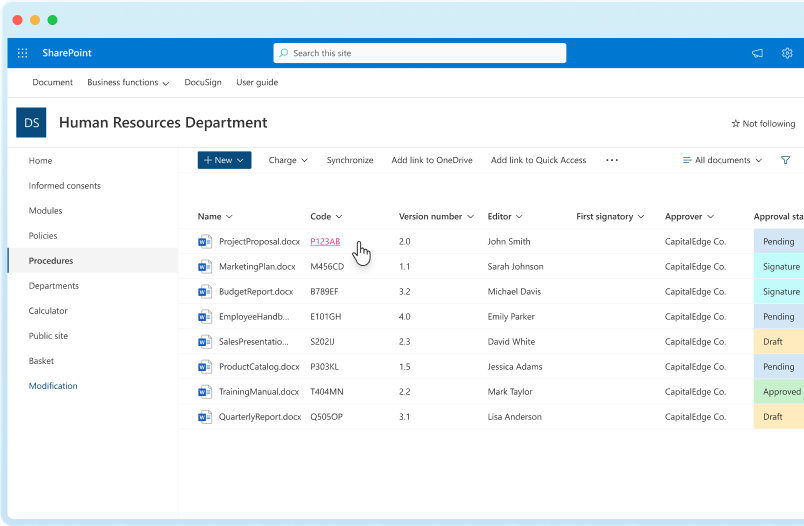
Document Management System
The component that allows you to manage the lifecycle of company documents in the intranet.

Engagement Board
The web part that allows you to collect, vote, and share proposals with your colleagues.

Event Calendar
The shared calendar for organizing and promoting company events on the intranet.

FAQs
The web part that collects, publishes, and indexes in search the answers to frequently asked questions.

Gaia, your Intranet Manager
The virtual assistant that supports companies in managing their SharePoint intranet.

Graphic Buttons
Interactive graphics that provide quick access to corporate resources.

Image Slider
The dynamic carousel that helps you highlight intranet content.

Informative Buttons
The component to enrich your intranet's pages without making navigation cumbersome.

Integration with Microsoft Viva
intranet.ai enriches the new suite dedicated to the employee experience, from internal communication and training to the creation of the knowledge base.

Intelligent Search
The component to quickly find information, contacts, and documents in the intranet with the support of our AI.

Intranet Analytics
The component for measuring the performance of the intranet and users' engagement.

Intranet Themes
The feature that integrates our components with SharePoint styles and provides you with modern, ready-to-use graphics.

Intranet Tour
The dynamic and customizable guide to show users the features of the intranet.

Job Posting
The dedicated HR department area to promote open positions and highlight internal talents.

Key Initiatives
The component to bring together the most important company initiatives and events in a single space on the intranet.

Leadership Team
The component that helps you get to know the members of management and the key contacts in each department.

Media Library
The component to bring together images, documents, and multimedia content in a visual library.

Menu Hub
The customizer that replaces the SharePoint hub menu with a personalized version that automatically follows the user's navigation language.

Microlearning
The platform for generating customized and easy-to-assimilate training courses based on company documents.

Mood
The component that helps you build a people-centered corporate culture.

Multilanguage Intranet
The configuration to provide users with geo-located content in their browsing language.

My Apps
A personal area where users can collect and organize files, apps, and content they want to keep at hand.

My Documents
The private area where users can view and access their personal documents uploaded by the company.

My Favorites
Bring together in one place on the intranet the news, contacts, documents, and apps you want to keep at hand.

My Profile
The indexed profile to make oneself known in the company based on personal skills.

My To-Do List
The checklist that helps colleagues complete their tasks step by step.

New Employees
The web part dedicated to new colleagues, designed to give visibility to their profile and create opportunities for internal networking.

News and communications
The set of web parts for publishing company news with customized layouts, tags, and audiences.

On This Page
The component that helps you navigate the pages of the intranet or any SharePoint-based site.

Organizational Chart
The intelligent organizational chart integrated with our People Directory to navigate the company's structure.

Page Alert
The web part that highlights temporary communications without disrupting navigation.

Pages Menu
The component that enhances the intranet navigation experience by creating an automated index.

People Directory
The intelligent people directory that integrates with Microsoft 365 to help you find and contact your colleagues.

Podcasts
The component that helps you keep the company audience informed, even on the go.

Pop-up
The component to showcase promotional videos, images, and carousels in the intranet.

Quotes
The personalized banners to disseminate useful tips and practical suggestions on the intranet.

Resource Reservation
The system that allows users to check availability and immediately book company resources.

RSS Feed
The component for importing content and news published from external sources into SharePoint Online.

Sections with custom background
The component for applying completely customized graphics to the sections of SharePoint pages.

Sliding News
The automatic sliding carousel to highlight news on the intranet.

Social Media Posts
Share content posted on corporate social media to enrich your intranet communication.

Surveys
The component to make the intranet more interactive, increasing daily visits.

Teams Push Notifications
The push notification system for disseminating intranet content on Microsoft Teams.

Videos
The component that allows you to engage colleagues with original videos or content from YouTube, Vimeo, and SharePoint sites.

Welcome Box
The component to increase visits to the intranet by offering content and useful links for users' activities.

Welcome Message
The web part designed to welcome new colleagues and provide an immediate point of reference on the intranet.
Why intranet.ai
The benefits of a good intranet
Here's how our solution supports the growth of your company.

Communication
Our intranet simplifies internal communication by leveraging SharePoint web parts and the integrations with Microsoft 365 products. Create customized news to keep colleagues informed and engaged in company initiatives.

Collaboration
With our intranet solution, you can increase productivity in your company. Store, share, and collaborate on documents. Create dynamic groups or department sites to optimize information exchange.

Customization
Enhance your company's identity. Create and apply the brand style to the intranet's homepage and content pages. Use our templates to expedite site customization and enhance users' experience.
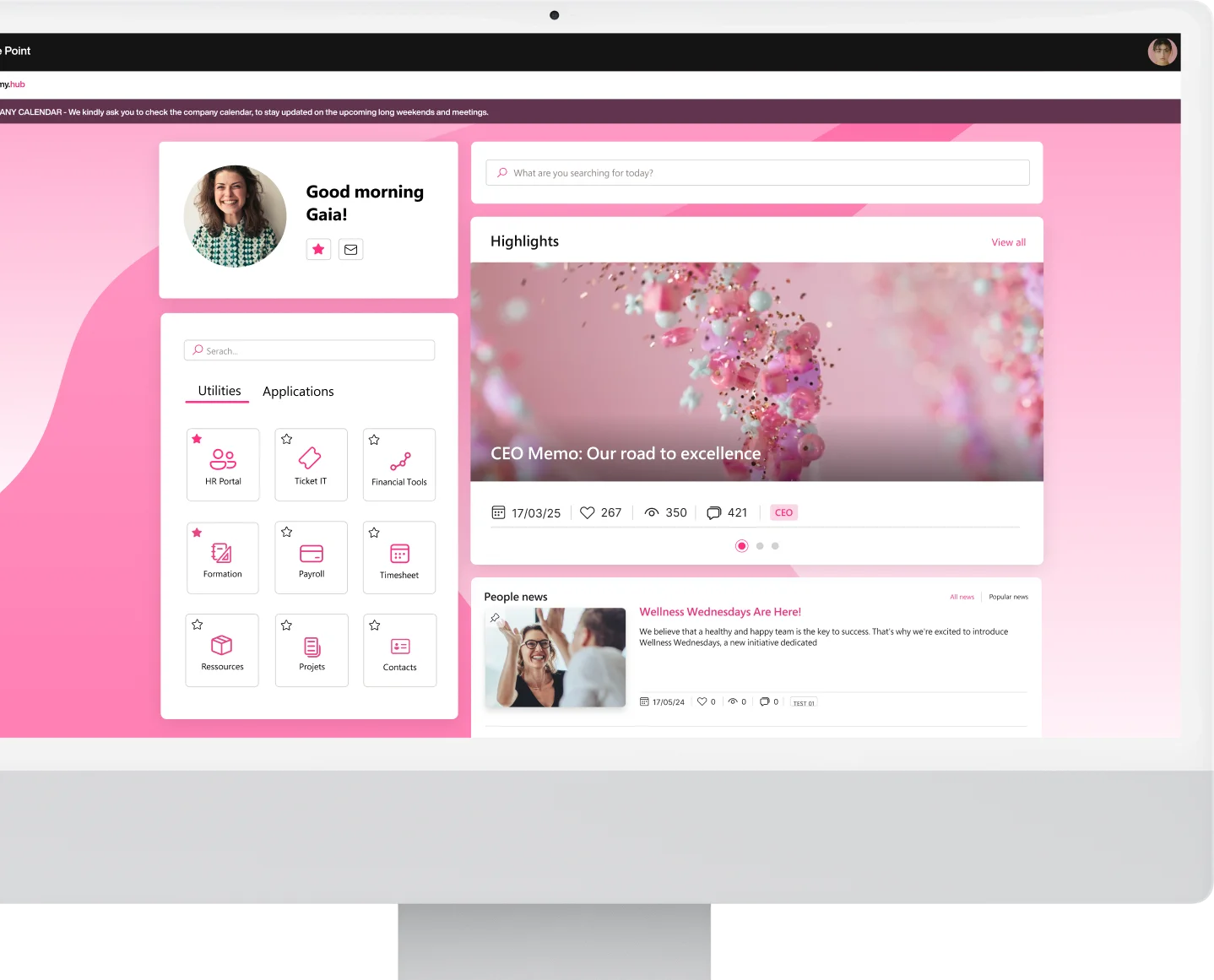
Pricing
Complete SharePoint intranet from 3,950 €/year
Operational within 24 hours. 5 days of consulting included.
For communication
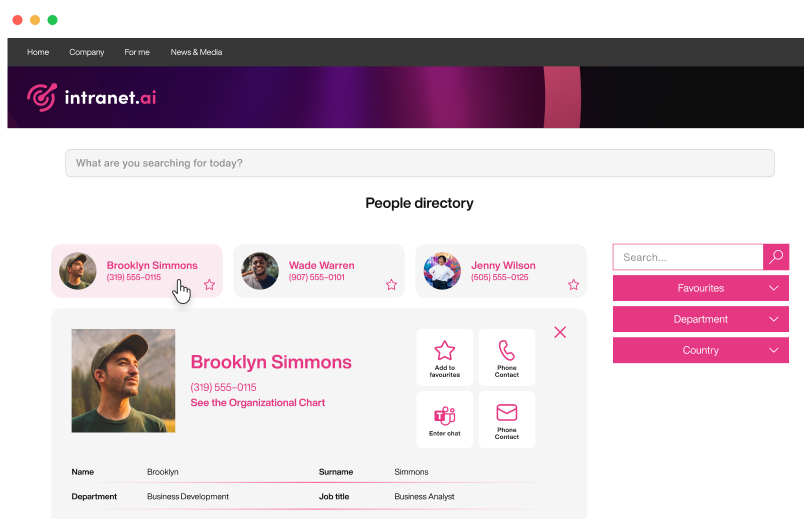
The people directory for your SharePoint intranet
Discover who the people you work with are. Search by role, location, skills, and interests. Our intelligent people directory integrates with Microsoft 365 to keep profiles always up to date.
For productivity
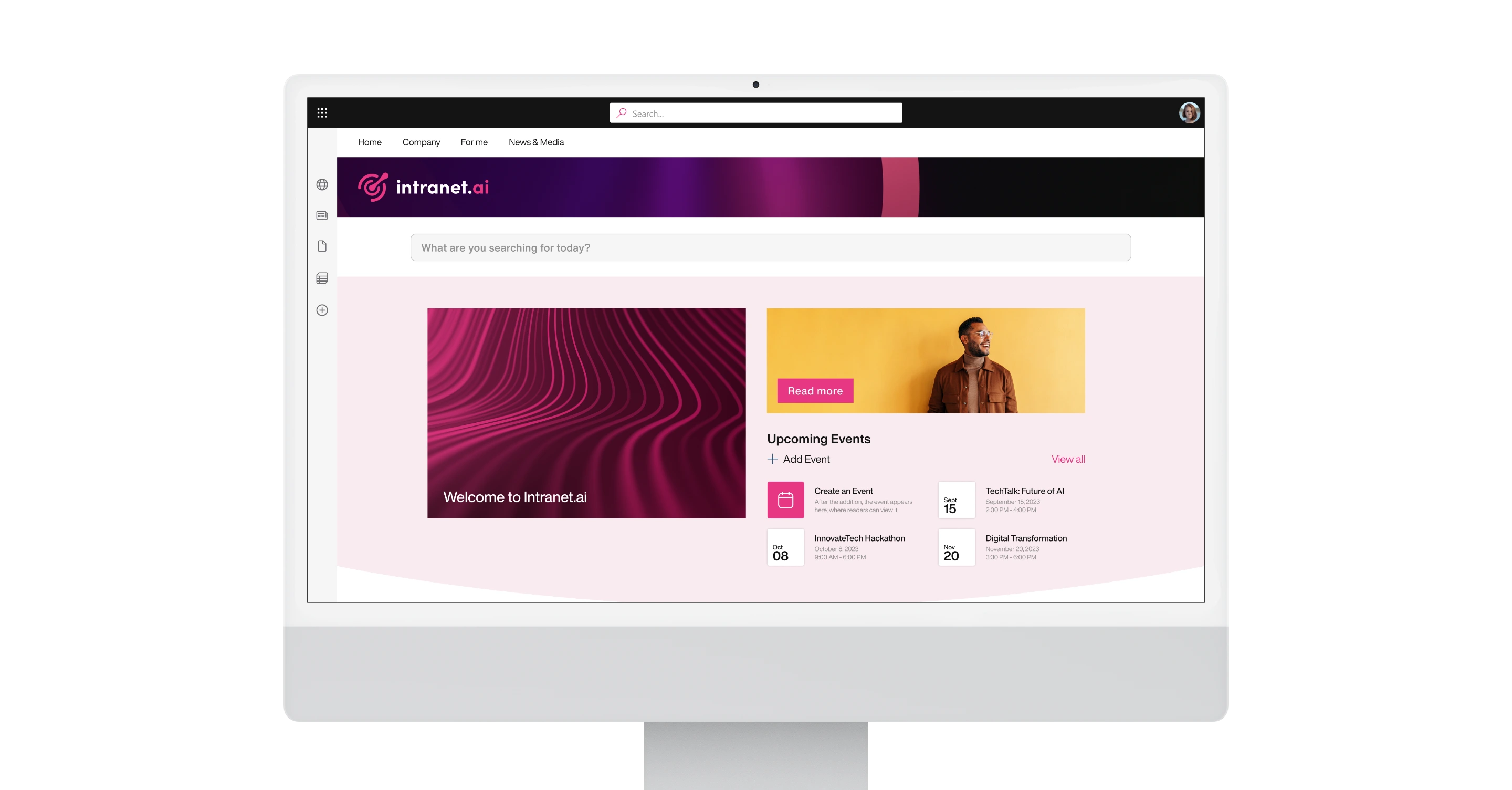
Advanced search for your Microsoft 365 digital workplace
Our intranet retrieves content stored in SharePoint sites and the entire Microsoft 365 ecosystem, making every document, person, and news instantly findable.
For productivity
The system for managing your shared documents
Organize your work documents in a scalable and intuitive digital archive. Our solution integrates with SharePoint Online to make every file accessible from any intranet page.
Fill out the form to receive our response within 24 hours.
- Smart and ready-to-use intranet, based on SharePoint Online, from 3,950 €/year.
- Integrated with Microsoft 365 and Microsoft Viva.
- With 80+ vertical features to enhance your company's communication and processes, with no additional development costs.
